Engineering
Notes on software engineering and personal projects.
The Server and the Browser Must Agree
Catherine posted 13 days ago
What two years of hydration bugs taught me about authentication, caching, and server-side rendering
When I started migrating Multiforum from Vue to Nuxt in August 2024, I expected the difficult work to be mechanical: replace the router, move pages into Nuxt's file-based structure, and make browser-only libraries behave on the server.
That work was real. It was not the hardest part.
The harder lesson was that server-side rendering changes the meaning of application state. In a client-rendered app, the browser can discover who the user is, fetch their data, and build the interface from there. In an SSR app, the server builds that interface first. A moment later, the browser builds it again and attaches behavior to the existing HTML. If those two renders use different facts, Vue cannot safely hydrate the page.
Over the next two years, I fixed dozens of SSR and hydration failures. Some were visual: a page flashed, a button disappeared, or a responsive navigation tree re-rendered. Others were production-only 500s. The most serious ones revealed that personalized HTML or authentication state could cross boundaries where it did not belong.
The eventual solution was not another
ClientOnlywrapper. It was making identity, data, and caching obey the same rule:The server and the browser must render from the same truth, and that truth must belong to exactly one request.
Why SSR was worth the trouble
Multiforum is a community platform built around public discussions, events, wikis, and downloads. Its content is meant to be searched, shared, and opened from links. Sending useful HTML on the first response matters for search engines, link previews, and perceived speed.
Nuxt was a natural fit, but migrating an existing Vue application exposed assumptions that a client-only runtime had allowed me to ignore:
- Some libraries accessed the DOM as soon as they were imported.
- Responsive components made rendering decisions from a viewport the server could not see.
- Dates could cross a time-zone or clock boundary between renders.
- Apollo queries could resolve in a different order on the server and client.
- Authentication lived in browser storage, which the server could not read.
Hydration turned all of those assumptions into observable failures.
The first phase: isolate the browser without giving up SSR
The early fixes were mostly about runtime boundaries. Three.js, an STL viewer, popovers, a code-diff package, maps, and DOM-dependent directives all needed deliberate treatment. A soft navigation could work perfectly because the code ran only in the browser, while a hard refresh of the same route could fail during server rendering.
ClientOnlywas useful, but it was easy to overuse. Wrapping an entire feature silenced the immediate error while also removing meaningful server-rendered content. I eventually removed an unnecessaryClientOnlyboundary from the Markdown renderer so public post content would once again appear in the initial HTML.Even the wrapper itself had edge cases. To understand one of them, it helps to think of hydration in React terms. The server sends completed HTML, and then the browser runs the component code to produce its first virtual-DOM tree. The framework expects that tree to have the same structure as the HTML already on the page. It is attaching event handlers and state to existing elements, not rendering the page from scratch.
In one layout, I gave
ClientOnlycustom fallback content to display during server rendering. Nuxt surrounded that fallback with invisible HTML comment nodes marking the beginning and end of a fragment. Those comments did not affect what a person saw, but they were still part of the server-rendered tree. When Vue ran in the browser, its first tree expected a single placeholder instead of the server's fragment markers and fallback nodes.That is roughly analogous to calling React's
hydrateRooton markup whose wrapper elements do not match the client's first render. Vue could no longer safely assume that each client node corresponded to the next server node, so it abandoned hydration for a large section of the layout and rendered that section again. Because the page content lived inside that section, users saw the page briefly disappear and reappear.The fix was not more fallback markup. I removed the custom fallback slots and let
ClientOnlyemit one predictable placeholder. The server and the browser then agreed on the surrounding structure, and Vue could hydrate the existing page without replacing it.The useful rule became: use
ClientOnlyas a scalpel around an intrinsically browser-only capability, not as a blanket cure for state you have not made deterministic.Auth was the real architectural problem
The original Auth0 integration used the SPA SDK. It stored its token in
localStorageand resolved the user after the application reached the browser. That is a reasonable client-side architecture, but it creates an impossible situation for personalized SSR: the server is always logged out while the browser may be logged in.At first, I worked around that asymmetry. The application would render a logged-out state on the server, deliberately reproduce it during the first client render, and reveal authenticated controls after mount. Later, I added lightweight
auth-hintandusername-hintcookies so the server could make a better guess.Those techniques reduced individual flashes, but they created a small shadow authentication system:
- an Auth0 token in browser storage,
- a cached username,
- hint cookies,
- mounted-state checks,
- watchers that synchronized several reactive variables,
- retry and token-refresh behavior,
- separate rules for ownership-gated UI.
The complexity showed up in bugs with names like “ghost login”: a stale username survived in
localStorageafter the real session had expired, so the UI believed in a user for whom it had no valid token. Fixing that bug required tighter cache invalidation. Fixing the next hydration flash required deferring username restoration until after mount.Both fixes were correct within that design. Neither changed the fact that the server and browser began with different sources of truth.
Replacing the workaround stack with server sessions
The turning point came when
@auth0/auth0-nuxtmade a server-session model practical. Instead of asking the browser to discover identity after SSR, Nuxt could resolve the Auth0 session before rendering.The resulting request flow became:
- Nitro reads the session cookie and resolves the Auth0 session.
- The server exchanges or refreshes the API access token as needed.
- It resolves the application's own username and profile from the GraphQL backend. Auth0 is trusted for verified identity; the application remains the source of truth for application data.
- A universal Nuxt plugin seeds auth state with
useState. - Nuxt serializes that state into the page payload.
- The browser restores the same values before hydration.
- Server-side Apollo queries receive the same access token that authenticated client queries use.
That last step mattered more than it first appeared. Rendering the correct logged-in navigation was not enough if Apollo still queried anonymously during SSR. Permission-sensitive GraphQL results—ownership controls, moderator data, vote state—would still differ when the browser repeated the query with a token.
Once auth and data used the same request-scoped identity on both sides, the authentication gate became dramatically simpler.
RequireAuth.vue, which had accumulated roughly 350 lines of SDK calls, mounted-state checks, token handling, and synchronization logic, fell to about 70 lines of mostly presentational code.Deleting that code was the architectural win. The component no longer had to manufacture consistency because the request lifecycle provided it.
The bug that looked like an SDK failure
The migration was not a clean library swap. At one point, the new SDK appeared unable to read or refresh the session it had just written. Instrumentation seemed to implicate token expiry units and the refresh-token location. It was a plausible explanation, and it was wrong.
Instead of filing an upstream issue, I built a minimal reproduction. The SDK worked in isolation. That changed the question from “What is wrong with this dependency?” to “What is different about this application?”
The answer was a broad Nitro route rule that cached
/api/**.The browser authenticated
/api/auth/tokenwith a session cookie, but Nitro's route cache treated the response as shared and cookie-independent. The token handler therefore ran without the user's cookie, found no session, and returned no token. The visible symptom was an authorization failure several layers downstream in a GraphQL mutation.A more specific rule—
/api/auth/**: { cache: false }—fixed the root cause. An upvote that had failed as unauthenticated completed end to end.That investigation also uncovered adjacent production requirements:
- A stateless cookie containing ID, access, and refresh tokens could exceed the browser's roughly 4 KB cookie limit, so sessions needed a server-side store.
- An in-memory store disappeared on server restart and could not be shared across serverless instances, so development used persistent filesystem storage and production used Upstash Redis.
- Secure-cookie behavior had to differ between HTTPS production and HTTP local development.
- The GraphQL backend had to recognize the dedicated API audience used by the new token.
- The Apollo module's actual token hook behavior differed from the configuration path I first expected it to use.
None of those problems lived entirely in “the auth component.” The working solution crossed identity provider configuration, cookies, Nitro middleware, Nuxt plugins, storage, Apollo, GraphQL authorization, and deployment infrastructure.
When a hydration bug is a security bug
Making SSR authentication-aware invalidated another earlier assumption: that detail pages were safe to cache because server rendering was anonymous.
They were no longer anonymous.
ISR stands for Incremental Static Regeneration. It is a compromise between generating a page on every request and building every page ahead of time. The first request causes the server to render the page, and the hosting platform saves that finished HTML at the edge—on servers geographically closer to users. Later visitors receive the saved response quickly. After a configured interval, the platform regenerates the page in the background and replaces the cached copy.
In Nuxt, I enabled that behavior with route rules such as
'/forums/*/discussions/*': { isr: 300 }. In plain English: cache each matching discussion page and refresh it approximately every five minutes. That was safe while SSR always rendered an anonymous version of the page, because every visitor could receive the same HTML.The server-session migration changed the premise without changing the cache rule. SSR now used the request's session cookie to include the current user's navigation state, username, voting state, and ownership controls. If the first request after cache expiry came from a logged-in user, the edge could save that personalized HTML as though it were a public page and serve it to later visitors.
That happened in production: an anonymous request received HTML from a logged-in render, including authenticated state and owner controls. The browser then loaded the anonymous visitor's real state, discovered that its first component tree did not match the cached HTML, and triggered a hydration failure. In that sense, hydration was acting like a smoke alarm. The browser corrected the visible page, but only after the server had already sent content generated for a different user.
Displaying an Edit button did not by itself bypass backend authorization; the API still had to enforce permissions. But personalized HTML and serialized state had crossed a user boundary, which made this a security and privacy problem rather than merely a rendering glitch.
The immediate fix was to remove shared ISR caching from personalized routes. Restoring that optimization in the future would require an explicit anonymous-only cache policy or a cache key that safely varies by identity—not the old blanket rule.
A related issue existed inside the server process. Some authentication values lived in module-level Vue refs: code roughly equivalent to
const username = ref('')declared at the top level of an imported file. In a normal SPA, that module is loaded once inside one person's browser tab. Using it as a shared singleton is often exactly what the application wants.SSR changes who shares that singleton. The module is loaded by the server process, and the same loaded module may render pages for many users. A serverless function does not necessarily start from a clean slate either; platforms keep instances warm and reuse them for later requests. If one request changes a top-level ref to
cluse, that value can still exist when the next request begins. Concurrent requests make the boundary even less reliable. This pattern is often called cross-request state pollution.Nuxt's
useStatelooks similar from a component's point of view, but it has SSR-aware ownership. CallinguseState('auth:username', () => '')during server rendering stores the value in the current Nuxt request context rather than in one process-wide variable. Request A and request B can use the same state key without sharing a value.useStatealso solves the handoff to the browser. Nuxt serializes the current request's state into that page's payload, and the browser restores it before running the first client render. The server might renderauth:usernameascluse, and the matching browser receivescluse; an anonymous request is explicitly seeded with an empty value and receives that empty value. Each request is isolated, and each browser hydrates from the exact state that produced its HTML.This was the point where my mental model of hydration changed. A mismatch is not merely Vue being fussy about DOM nodes. It can be evidence that two users, two requests, or two authorization contexts have been allowed to share state.
Data has to be deterministic too
Authentication was the largest source of mismatch, but not the only one.
One mismatch came from a datetime variable passed into a GraphQL query. The query needed a value representing the current hour, so the original code calculated it with
DateTime.local().startOf('hour').toISO(). That sounds stable, but “local” meant the server's time zone during SSR and the visitor's time zone in the browser. The same instant could therefore be serialized as12:00Zby the server and05:00-07:00by a browser in Arizona.GraphQL could interpret those strings as the same instant, but Apollo's cache identity includes the serialized query variables. Different strings meant different cache entries. The client could miss the query result restored from SSR, run the query again, and temporarily render different data while Vue was trying to hydrate the server's HTML.
I changed the value to
DateTime.utc().startOf('hour').toISO(), giving both environments one canonical time zone and one string representation. I also changed the variables argument from a plain object containing reactive refs to a function that returned plain values:const currentHour = () => DateTime.utc().startOf('hour').toISO(); useQuery(GET_CHANNEL, () => ({ uniqueName: channelId.value, now: currentHour(), }));The function lets Vue Apollo track
channelIdreactively while handing GraphQL an ordinary string rather than a Vue ref. Rounding to the start of the hour also keeps the server and browser from disagreeing merely because a few milliseconds passed between their renders. Together, those changes made the query variables structurally and textually identical on both sides, allowing the client to reuse the server's Apollo result during hydration.Apollo's normalized cache exposed a subtler problem. Multiple queries wrote the same
Channel.Moderatorsfield with different sub-selections. Depending on query completion order, a later write could replace data from an earlier one. SSR and client hydration did not always resolve those queries in the same order, so a “Forum Mod” badge could appear in one render and disappear in the other.The durable fix was a cache merge policy that unions moderators by stable identity and preserves fields across partial writes. Once the final cache state no longer depended on network timing, the rendered output stopped depending on it too.
The same principle applied elsewhere:
- Query variables must have the same shape, scalar values, and serialized representations on the server and client.
- SSR-fetched list data must not be cleared by an eager client watcher during hydration.
- Time-derived labels need a stable reference instant.
- Responsive libraries need an SSR mode with a consistent initial breakpoint.
- Browser-only behavior still needs a safe server-side definition when it appears in a server-rendered template. For example, I used a Vue directive called
v-click-outsideto close a dropdown when someone clicked elsewhere on the page. That event-listener behavior only makes sense in a browser, but Vue's server renderer still encountered the directive while generating the HTML. I had registered it in a client-only plugin, so the server did not know what it was and crashed with an HTTP 500 on a hard refresh. Navigating to the same page from inside the SPA worked because the browser had registered the directive. I changed the plugin from client-only to universal, then added Vue's server-rendering hook asgetSSRProps() { return {} }. The empty object told Vue that the directive was valid but had no attributes or other output to add to the server-rendered element. The existingbeforeMountandunmountedhooks continued to install and remove the real document click listener only in the browser.
Hydration correctness is deterministic systems work in miniature.
Debugging what only production could see
Several failures appeared only in the Vercel runtime, not in a local production build. One responsive-navigation mismatch came from Vuetify being created without
ssr: true; the server and client chose different breakpoint branches. Another required inspecting the precise comment and fragment nodes generated around layout fallbacks.The useful response was better observability, not random template edits. I temporarily enabled Vue's production hydration mismatch details and added a client-side probe to identify the subtree Vue replaced. I compared hard refreshes with soft navigation, inspected server HTML separately from the hydrated DOM, and used minimal reproductions to separate framework behavior from application integration.
Those tools were temporary. The knowledge became permanent documentation and tests.
What I would carry into the next SSR migration
After two years, these are the lessons I would apply on day one:
- Choose a server-readable authentication model before personalizing SSR. If identity exists only in browser storage, every server-rendered auth decision is a guess or a placeholder.
- Treat cache policy as part of the authorization model. A response authenticated by a cookie must never enter a shared cache accidentally. Personalized HTML needs the same scrutiny as personalized API data.
- Make all server state request-scoped. Module-level reactive state is convenient in the browser and dangerous on a server that handles more than one user.
- Authenticate server-side data fetching too. Matching the nav is insufficient when SSR and client GraphQL queries have different permissions.
- Use
ClientOnlynarrowly. Browser-only rendering is sometimes the correct boundary, but it should not hide public content or compensate for fixable state divergence. - Assume nondeterminism is a dependency. Clocks, viewport size, query order, cache merge behavior, and plugin registration order all influence the render unless explicitly controlled.
- Disprove your favorite diagnosis. Reading library source and building a minimal reproduction saved me from reporting the wrong upstream bug and redirected the investigation toward the real integration failure.
- Preserve the investigation. A fixed bug teaches the next engineer very little unless the invariant, failed hypotheses, and verification method are written down.
The migration did eventually deliver what I wanted: crawlable public content, fast server-rendered pages, and authenticated controls that are correct on first paint. But the more valuable outcome was learning to see hydration errors for what they often are: boundary failures between runtimes, requests, identities, caches, and data sources.
Once those boundaries are explicit, the browser console gets quieter. More importantly, the system becomes easier to reason about.
Designing a Plugin System That Can Fail Safely
Catherine posted 14 days ago
How Multiforum grew from loading extension code into running reliable plugin pipelines
When I first started working on plugins for Multiforum, the basic idea was simple: when something happens in the application, load an external module and call a function.
That was the easy part.
Multiforum plugins can scan uploaded files, apply forum-specific labels, respond through configurable bot profiles, and react to new discussions or comments. Once those plugins were affecting real content, successfully importing the module was no longer enough.
I needed to answer a much larger set of questions.
Where did the code come from? Which version was running? Was it compatible with this server? Had an administrator supplied its required settings and secrets? In what order should several plugins run? What should happen after one failed? If the backend restarted halfway through, how would the system know that the work had stopped? What information could I safely show the uploader without exposing private logs or credentials? And if I introduced a required security check today, what should happen to files uploaded before that policy existed?
Over time, most of the work shifted away from calling the plugin code. The harder part was managing everything around code that lives outside the main application:
registry
   ↓
discover → install a version → configure → enable
                                           ↓
event → pipeline policy → pipeline attempt → plugin jobs
                                           ↓
                            status, diagnostics, retries
The design kept coming back to a few distinctions:
Discovered is not installed. Installed is not configured. Configured is not enabled. A pipeline definition is not a pipeline attempt. Internal logs are not public diagnostics. “Not required” is not “passed.”
Those distinctions gave the application more states to handle, but they also made failures easier to explain and recover from.
Installation and enablement are different decisions
One of my first decisions was to separate installation from enablement.
Installing a plugin means selecting a particular version, verifying its artifact, reading its manifest, and recording it as available on the server. Enabling it means allowing that installed version to participate in runtime pipelines.
Combining those actions would save a step, but it would also let newly downloaded code start receiving events before an administrator had reviewed it or finished configuring it. A plugin that needs an API key, webhook URL, model name, or forum-specific profile should not become active just because its package downloaded successfully.
The separate states also make the system easier to operate. I can install a new version while the current version remains in use, inspect what changed, configure any new requirements, and decide when the replacement is ready. I can disable a broken plugin without deleting its package or settings.
This is more complicated than one enabled checkbox, but each state answers a different question:
- Discovered: Does a configured registry advertise this plugin?
- Installed: Has this exact artifact been verified and recorded locally?
- Configured: Are its required settings and secrets present and valid enough to run?
- Enabled: May it participate in event pipelines?
The frontend shows those states separately. An administrator can see the installed version, missing configuration, enablement state, available updates, release information, settings, secrets, manifest, and README.
The manifest became the contract
Every plugin includes a
plugin.jsonmanifest. It started as package metadata, but it eventually became the shared contract between the registry, installer, backend, and frontend.The manifest describes the plugin's identity and version, entry point, supported events, compatibility requirements, settings defaults, required secrets, documentation, and the schema used to build its configuration forms.
I did not want to add a custom Vue page every time I created a plugin with a new setting. Instead, the plugin declares fields such as text inputs, numbers, toggles, selections, and secrets. It can also specify required values, ranges, patterns, choices, defaults, labels, and descriptions. The frontend turns those declarations into a form using shared components.
The backend reads the same schema. Client-side validation gives administrators quick feedback, but the browser cannot have the final say. The GraphQL API checks the types and allowed values again, along with required settings and secrets, before it allows a plugin to be enabled.
The tradeoff is that a generated form cannot support every interaction that I could build by hand. In return, new plugins get consistent forms, validation, accessibility, and dark-mode support without adding plugin-specific components to the main frontend.
It also means that changing a manifest can affect saved data. It is not only a documentation change.
A plugin upgrade is a configuration migration
Suppose version 1 of a plugin declares a setting called
model, and an administrator selects a value. Version 2 might keep the setting, remove it, change its allowed values, introduce a new default, or replace it with a differently typed field. It might also require a new secret or stop using an old one.Copying everything could give the new version settings it no longer understands. Discarding everything would make upgrades unnecessarily destructive.
I added reconciliation logic that compares the saved settings with the new manifest and classifies each value:
- Carried over: the field still exists and the value remains compatible.
- Reset: the field exists, but its old value no longer passes the new schema.
- Removed: the new version no longer declares or defaults the field.
- New default: the new version introduces a value the administrator has not previously set.
Before an upgrade, the frontend shows that report and lets the administrator carry compatible settings or start fresh. It also shows whether the new version's required secrets are already present.
Secrets need different treatment from ordinary settings. The administration interface is write-only: after saving a value, the browser can see its status but cannot retrieve the plaintext. If a new version stops declaring a stored secret, the UI marks it as unused instead of silently deleting it. The administrator can then remove it deliberately.
Removing a password field from a form does not remove the saved credential. Without this cleanup step, old secrets could remain in storage indefinitely.
A registry is part of the supply chain
Multiforum can discover releases from several registries, including ordinary registry documents and GitHub releases. Supporting multiple sources introduced another problem: two registries could claim to offer the same plugin version while pointing to different packages.
The registry merger reports that as a conflict instead of quietly choosing whichever source loaded last.
During installation, the backend downloads the selected tarball and verifies its SHA-256 hash against the registry record. It then opens the package and checks that the embedded manifest's plugin ID and version match what the administrator requested. Compatibility metadata can reject a release that requires a newer server or a different plugin API version.
These checks protect against mismatched releases, corrupted downloads, and accidental substitution. The installed record also keeps the registry, source repository, source commit, release notes, hash, and exact version so I can trace where it came from.
They do not make arbitrary code safe.
Plugins currently run as dynamically imported JavaScript inside the backend's Node process. They are not isolated in a container, subprocess, worker, or restricted virtual machine. A matching hash proves that the package is the one listed by the registry. It does not prove that the code is trustworthy. This is a trusted-extension model: the server administrator must trust the registries and plugins they enable.
Runtime isolation would be a valuable future improvement, but it would also make the plugin API more complicated. File access, network requests, secrets, logging, and application operations would all need to cross that boundary. I started with the simpler in-process model and made the trust assumption explicit.
From event handlers to pipelines
The simplest runtime would loop over every enabled plugin. That stops being sufficient once order and failure behavior matter.
Imagine an uploaded file that needs a malware scan and then a metadata extractor. Should the extractor run if the security scan fails? Should a notification plugin run only after a failure? If the second step fails, should a later cleanup step still run?
I introduced configurable pipelines for events such as file creation, discussion submission, and comment creation. Each pipeline has ordered steps. A step can always run, run only after success, or run only after failure. It can allow later steps to continue after it fails, while the pipeline can also stop after the first unhandled failure.
Server administrators configure server-wide events such as uploaded-file processing. Forum administrators configure forum-scoped events using only plugins that the server has already installed and allowed. Defaults, server settings, and forum overrides are merged into the context passed to the plugin.
The frontend offers both a visual editor and a YAML editor for the same pipeline. The visual editor makes ordering and conditions easier to understand. YAML is more convenient for inspecting, copying, and reviewing larger configurations. Keeping the two formats in sync takes extra work, but administrators can use whichever representation fits the task.
For now, pipelines run sequentially. This keeps ordering and previous-step conditions predictable. The cost is speed: a five-step pipeline waits for every earlier step, even when two plugins could run at the same time. Parallel branches could improve throughput, but they would make configuration, status calculation, retries, and the UI much more complicated.
A pipeline definition is not an execution
At first, individual plugin runs shared a pipeline ID. That grouped related records, but there was no record for the pipeline as a whole. I could not easily answer questions such as:
- Who or what started it?
- Was this the first attempt or a retry?
- Which policy and plugin versions did it use?
- Did the pipeline fail, time out, or finish with skipped jobs?
- If the current configuration has changed, what configuration explains this historical result?
I added a
PluginPipelineRunrecord for every attempt. It stores what triggered the run, who started it, which content it applies to, whether it is a retry, its overall status, its timing, and a snapshot of the exact configuration it used.Each expected step also gets its own
PluginRunrecord. I create all of those records as pending before execution starts. The interface can then show the complete plan immediately, including jobs that may later be skipped because an earlier condition was not met.This is similar to a CI service. A workflow says what should happen. A workflow run records one attempt. Jobs record the individual steps. Editing the workflow tomorrow should not change the meaning of yesterday's run.
A retry creates a new attempt instead of changing the failed one. It links back to the previous attempt and records whether the uploader, a moderator, an administrator, or an automatic process started it. The history still shows the original failure and what happened next.
A running badge needs a recovery story
Saving a
RUNNINGstatus creates a new problem. If the backend crashes after writing it, the database can keep saying that the work is active forever.I implemented execution leases and heartbeats.
A lease works a little like checking out a library book with a very short due date. A worker claims a pending job and receives a unique lease ID. While the plugin runs, the worker periodically extends the deadline. Only the worker holding that lease can complete the job. This also keeps two workers from claiming the same job and writing conflicting results.
A watchdog looks for pending or running jobs whose deadlines have expired. It marks them as timed out, recalculates the pipeline's status, and can notify the uploader. After a process restart, abandoned work becomes an explicit timeout instead of an endless spinner.
The lease detects a lost worker, but it is not a hard execution limit. A worker that stays alive and keeps sending heartbeats can still run a plugin indefinitely. A plugin that blocks Node's event loop can affect the rest of the backend. Enforcing CPU, memory, and wall-clock limits would require moving plugin execution outside the main process.
The current system can recover from a lost worker. It does not fully contain a badly behaved plugin.
Public logs need different rules
Once pipeline history was durable, I wanted uploaders to see why their checks failed and moderators to help resolve them. Returning the internal logs would have been simple, but unsafe.
Internal records can contain payloads, stack traces, storage URLs, prompts, credentials, provider responses, and server configuration. That can help an administrator debug a problem, but it does not belong on a public status page.
I created a separate format for public diagnostics. A plugin can publish a level, stable code, readable message, optional details, and a help link. The backend limits the number and size of those entries and redacts secret values, bearer tokens, sensitive object keys, and credential-like URL parameters.
The public GraphQL API returns only those cleaned diagnostics, and only when the download itself is visible. Authorized administrators can still access the full internal execution record.
The frontend turns that data into a checks page. It shows which policies apply, previous attempts, each step's status and duration, safe diagnostics, and links to individual attempts. It checks for updates while work is active and stops when the attempt finishes. Uploaders and authorized forum moderators can start missing checks or retry failed pipelines.
The result is more useful than a generic failure message without treating every user like a server administrator.
A new policy cannot change the past
The attachment scanner created one more difficult question. If I make a security pipeline required today, what status should the system show for an older file that has never been scanned?
Calling it “passed” would be false. Calling it “failed” would also be false. Immediately blocking every historical file might be safe in one deployment and unacceptably disruptive in another.
I modeled applicability as part of the pipeline policy:
- New files only: enforce the pipeline for new and replaced files.
- Gradual rollout: enforce it for new files now and process historical files over time.
- Immediate rollout: require it for all files and hold older files until they pass.
An older file excluded by the policy is shown as not required, not passed. That is the most accurate statement the system can make.
For policies that include historical files, an administrator can preview a campaign before starting it. The preview reports how many files are affected, how many are still accessible, how many cannot be processed, and how many external provider runs the campaign is expected to require.
Campaigns have concurrency and per-minute rate limits. They can be paused and resumed, and each failure links back to the exact pipeline attempt. This matters when plugins call paid or rate-limited services. Saving a policy is instant, but applying it to years of files may be expensive and slow.
I kept the policy separate from the campaign for that reason. Deciding what should be true is not the same action as launching the work needed to update old data.
What I would carry into the next plugin system
The plugin system now does much more than the dynamic loader I started with. These are the lessons I would reuse:
- Treat installation, configuration, and enablement as different decisions. Code should not begin receiving production events merely because its package downloaded successfully.
- Make the manifest executable as a contract. Use the same declarations to drive installation, compatibility, forms, validation, defaults, and upgrade behavior.
- Treat upgrades as data migrations. Settings and secrets have a lifecycle that continues across versions.
- Record attempts, not just logs. A durable execution needs an initiator, configuration snapshot, jobs, timing, outcome, and retry history.
- Plan for recovery as soon as work can be marked running. Without leases or another ownership mechanism, a crash can leave work stuck in progress forever.
- Separate public explanations from private diagnostics. Give people enough information to act without exposing sensitive internal details.
- Represent uncertainty honestly. Not checked, not required, skipped, failed, and passed are different claims.
- Make the trust model explicit. Integrity verification is valuable, but it is not a sandbox.
I began with a way to call extension code. Most of the design work ended up around that call: how the code enters the system, which version runs, what it needs, who can activate it, how several plugins work together, what happens after a crash, what users can see, and how a new rule applies to old data.
That lifecycle is the real plugin system. The function call is only one part of it.
One Post, Many Forums: Modeling Context Without Duplicating Content
Catherine posted 15 days ago
How I separated canonical content from community-specific context in Neo4j
One of Multiforum's defining features sounds simple when described from the user's point of view: write one post and publish it in several forums.
The difficult question is what “one post” means after that happens.
Should every forum receive its own copy? If I edit the title later, should all of those copies change? Do votes and comments belong to the shared post or to the forum where someone encountered it? What happens when one forum removes the post but another leaves it up? And what if two forums require completely different metadata before accepting the same content?
Those questions led me to a distinction that now shapes much of Multiforum's graph model:
A post is the canonical content. A submission is that post's presence in one particular forum.
I often describe the feature as cross-posting, but that term can also mean creating a second post that links back to an original. The design in this article is more precisely multi-forum publishing: one underlying post connected to several forum-specific submissions.
The distinction added indirection to the database, API, and frontend. It also gave me a place to put each forum's votes, comments, moderation state, labels, subscriptions, and, most recently, post flairs without duplicating the underlying post.
The obvious model was not the right model
The simplest implementation would have created a separate post in every selected forum. Each copy could have its own comments, votes, and metadata, and every forum query would be straightforward.
It would also create several new problems.
If I published a typo to five forums, editing it would require finding and updating five posts. A failure in the middle could leave them with different text. Revision history would fragment. Attachments and albums could diverge. A bookmark might refer to one copy rather than to the work as a whole. Features that operate on canonical content would have to decide which copy was authoritative.
The opposite approach—one post with direct relationships to several forums—would preserve a canonical identity, but it would leave nowhere natural for forum-specific state. Neo4j relationships can store properties, so I could have put values such as
archivedorcreatedAton aPOSTED_INrelationship. That works while the connection is only a connection.In Multiforum, it quickly became more than that.
A post's presence in a forum can be voted on, commented on, archived, locked, reported, marked as answered, subscribed to, labeled, and processed by forum-specific plugin pipelines. Those behaviors have their own relationships and histories. Once other entities need to point at the connection, treating it as an anonymous edge becomes awkward.
I modeled the connection as a node instead.
┌──────────────────────┐ │ Discussion │ │ title, body, author │ │ revisions, files │ └──────────▲───────────┘ │ POSTED_IN_CHANNEL │ ┌───────────┴──────────┐ │ DiscussionChannel │ │ votes, comments, │ │ moderation, flairs │ └───────────┬──────────┘ │ POSTED_IN_CHANNEL │ ┌───────────▼──────────┐ │ Channel │ │ forum configuration │ └──────────────────────┘Discussionis the canonical post.Channelis a forum.DiscussionChannelis one submission of that post to that forum.In a relational database,
DiscussionChannelwould look like a join table that had grown into a domain object. In Neo4j, making it a node means users, comments, moderation issues, notification subscriptions, and other nodes can connect directly to the submission they concern.The model makes ownership explicit. Editing the title or body changes the canonical discussion everywhere. Archiving the submission in one forum changes only that
DiscussionChannel. Comments made in a forum remain attached to the forum-specific conversation rather than becoming a sitewide thread detached from its context.Identity required deliberate duplication
The connector node introduced an invariant: a discussion should have at most one submission in a given forum.
Conceptually, the pair of relationships identifies it. A
DiscussionChannelpoints to oneDiscussionand oneChannel. Neo4j cannot enforce a uniqueness constraint based on the endpoints of those relationships, however. Constraints operate on node properties.I therefore store two deliberately denormalized values on every connector:
discussionId
channelUniqueName
A composite node-key constraint guarantees that the pair is unique.
That decision is a tradeoff. The IDs repeat information that is already present in the graph, and I have to keep the properties consistent with the relationships. In exchange, the database—not just application code—can reject duplicate submissions. The same properties also make it possible to find a connector efficiently without first traversing from both endpoints.
The constraint affected the API design too. Multiforum uses Neo4j GraphQL to generate much of its routine CRUD API, but the generated create mutation could not perform this workflow cleanly. I do not know the discussion ID until after the discussion exists, and I need that ID to create the uniquely constrained connector nodes.
I wrote a custom resolver that creates the canonical discussion first and then creates one
DiscussionChannelfor each selected forum. That resolver also creates the author's initial upvote, applies notification preferences, attaches forum metadata, and triggers forum-specific plugin pipelines.This is one of the recurring costs of a richer domain model: operations that look like one action in the interface may cross several nodes and invariants in the database. The benefit is that the complexity lives in an explicit application service instead of being distributed across clients.
Flairs tested the boundary
The recently added flair system gave the model a useful stress test.
A flair is a forum-defined category such as “Question,” “Showcase,” or “Needs Help.” A forum owns its flair vocabulary, chooses the display order and colors, and decides whether selecting at least one flair is required.
That metadata cannot belong directly to the canonical discussion. The same post might be a “Question” in a technical support forum and a “Project” in a hobby forum. Neither category is globally true. Each describes how the post participates in one community.
The graph represents the two kinds of ownership separately:
Channel ──owns──▶ DiscussionFlair

DiscussionChannel ──selects──▶ DiscussionFlair
The forum owns the available category. The submission owns the selection.
This meant I could add flairs without splitting a discussion into copies or changing what a discussion fundamentally represented. The connector node already described the exact scope where the new data belonged.
It also revealed that “add a flair field” was not an accurate description of the work. A valid flair selection depends on several entities and rules:
- Every selection must refer to a forum receiving the discussion.
- The selected flair must belong to that forum.
- It must still be active when the mutation reaches the backend.
- A forum that requires flair must receive at least one selection.
- The request must not contain duplicate forums or duplicate flair IDs.
I enforce those rules on the server before creating the discussion. The frontend performs the same user-facing checks so it can explain what is missing immediately, but the backend remains authoritative. A client can be stale, buggy, or bypassed entirely. It is not enough for an ID to exist; it must be valid in the context where it is being used.
The distinction matters when two forums are selected at once. A flair ID from the first forum must not be accepted for the second, even if someone manually constructs the GraphQL request. Validation loads the active flair configuration for all selected forums, groups the submitted IDs by forum, and checks every group against its owner.
Configuration needs a history too
Forum owners can rename, reorder, add, and retire flairs. I chose to archive removed flairs rather than delete them.
Deleting a flair would erase the meaning of old submissions or leave dangling references. Archiving it removes the option from new-post forms while allowing existing assignments to continue rendering. An archived name also no longer prevents a forum owner from creating a new active flair with the same display name.
That choice creates additional edit semantics. When an existing discussion is opened for editing, the form presents active selections and active choices. It should not silently overwrite untouched metadata merely because an old option is no longer available. The edit flow therefore distinguishes between a required selection, a selection the author changed, and an optional selection the author left alone.
This is a small example of a broader lesson: configuration data becomes historical data as soon as user-created records refer to it. “Delete” often means “stop offering this in the future,” not “pretend this never existed.”
One post created a dynamic form problem
Supporting flairs in a form scoped to one forum was relatively direct. The page loads that forum's configuration, displays its choices, and blocks submission if a required selection is missing.
Sitewide creation was more complicated. A person can select and deselect several forums while composing one post, and every selection can introduce a different set of requirements.
The frontend has to:
- Watch the current set of selected forums.
- Load each forum's flair configuration independently.
- Track loading and error state by forum rather than with one global boolean.
- Render one picker for every forum that offers or requires flairs.
- Prevent submission while any required configuration is unresolved.
- Remove stored flair selections when their forum is deselected.
- Produce a GraphQL input grouped by forum.
A single flat
selectedFlairIdsarray would lose the ownership information. I store the form state as a map instead:selectedFlairIdsByChannel: { gardening: ['question'], woodworking: ['showcase', 'beginner'] }The shape mirrors the domain model. That makes the final mutation almost mechanical: transform each map entry into a forum name and its selected IDs.
Asynchronous loading introduced another edge case. A configuration request can finish after its forum has been deselected. If I accepted that late result unconditionally, stale configuration could reappear in the form. The composable checks that the forum is still selected before storing either the result or its error, and it prunes state whenever the selected set changes.
This is the frontend version of the same ownership rule. State is not valid merely because it was fetched successfully. It is valid only while the form context that requested it still exists.
What the design made easy—and what it made harder
The connector-node model has paid for itself as Multiforum has grown.
It gives me one canonical post, one edit history, and one set of attachments. It also gives each forum an independent conversation, voting state, moderation lifecycle, notification subscriptions, labels, and flairs. Adding forum-scoped metadata usually means attaching another property or relationship to
DiscussionChannel, not inventing a synchronization system between duplicate posts.The cost is visible throughout the application.
Queries need an extra traversal. GraphQL responses have an additional nesting level. Cache updates must locate the correct submission instead of treating a discussion as the list item. Routes contain both a forum context and a discussion ID. Create and edit mutations need custom coordination. The UI must repeatedly answer whether an action concerns the canonical work or one forum's submission.
There is also a transactional limitation in the current creation flow. I validate all flair requirements before inserting the discussion, which prevents invalid metadata from leaving behind a canonical post. But creating the discussion and attaching each forum submission are still separate database operations rather than one explicit transaction. A failure partway through a multi-forum publish could leave a discussion connected to only some of the selected forums.
The uniqueness constraint makes retrying safer, and the resolver already handles duplicate connector attempts, but full atomicity would be a worthwhile improvement. I would rather describe that boundary honestly than imply that a good model automatically solves every operational concern.
The lesson I would reuse
The most valuable decision was not choosing a graph database. It was separating content from context.
When one object appears in several places, it is tempting either to copy it or to treat every appearance as a thin pointer. Neither extreme was right for Multiforum. The content needed one identity, while each appearance accumulated enough behavior to deserve an identity of its own.
The flair system validated that decision. Years after I introduced
DiscussionChannel, I was able to give every forum its own required taxonomy without duplicating posts or making local categories globally authoritative. The original abstraction did not make the feature free—the backend validation and multi-forum form were substantial—but it gave the complexity one coherent place to live.That is the tradeoff I would make again: accept an extra domain object and the indirection it creates when the alternative is putting data at the wrong scope.
One post can belong to many communities. Its words can remain singular while its meaning, conversation, and obligations change with the context in which it appears.
Bardwall: turning revision history into a storytelling game
Catherine posted 18 days ago
Beta-bot is an AI beta reader and writing application that I have been building for fiction writers. Most of the application is deliberately practical: you organize books into chapters, write in an editor, maintain wiki pages, generate summaries, and ask different AI reviewer profiles for feedback.
Recently I added something much less practical to it. There is now a button labeled Enter Bardwall.
Bardwall is a town nestled in haunted woods. The ghosts outside the town once fed on human life force, but the townspeople discovered that the energy of a story can satisfy them instead. There is always a line of bards waiting to perform in a stone amphitheater in the forest. The town has only one rule: the story must go on.
The longer a bard tells stories, the more coin they can earn. Coin pays for a room at the inn, food at the market, coffee and pastries, and entry into storytelling challenges. A bard without enough coin can sleep in a tent outside the walls, although a night in the forest is not as restorative.
The idea is intentionally a little ridiculous. Writing a book is a noble and unreasonable undertaking, so I wanted the application to contain a place that treats it that way.
The revision system came first
Bardwall grew out of a more conventional feature: chapter revision history.
Beta-bot now creates a revision whenever a writer saves an edited chapter. This is not a snapshot for every changed word or keystroke. A save is treated as a meaningful checkpoint.
The chapter page shows those saved versions in chronological order. A writer can open a revision to see a GitHub-style diff, switch between unified and side-by-side views, and compare what was added and removed. Revisions can also be deliberately discarded without erasing the fact that they once existed.
The same history powers an activity heat map for the book. Clicking a day reveals which chapters changed, how many words were added or removed, and whether a chapter was deleted. From there, the writer can open the relevant revision and inspect the actual diff.
Revision history is useful on its own. It makes progress more legible, provides a way to recover earlier language, and records the substantial rewriting that a simple current word count can hide. A chapter can become shorter while representing a tremendous amount of work.
It also gave Bardwall something important: a trustworthy record of what the writer had actually written.
Feeding real work to the ghosts
When you visit the stone amphitheater, Bardwall does not ask you to type disposable words into a separate productivity box. Instead, it looks at your recent chapter revisions.
You choose a recent save and select passages from its diff—the words you added or substantially revised during your normal work on the book. Those are the passages your bard tells to the assembled ghosts.
In other words, progress made in the ordinary, non-gamified part of Beta-bot becomes food for the ghosts in the game.
I like this connection because the game is downstream from the writing rather than competing with it. You do not advance by clicking repeatedly, checking off an unrelated habit, or producing filler solely to satisfy a counter. You edit the real chapter. You save it. The revision system records what changed. Then Bardwall gives that work a second life inside the fiction of the town.
At the beginning of each day in Bardwall, the player chooses a daily word-count goal. Reaching that goal through eligible revision passages earns enough coin for one night at the inn. Exceeding it can earn more. Falling short does not doom the town—another bard will always step forward to keep the ghosts fed—but it may mean sleeping in the tent and spending carefully at the market.
The game adds stakes without pretending that missing a writing goal is a moral failure.
A town built around storytelling
Once I had the amphitheater, the rest of Bardwall began accumulating around it.
The Crooked Lantern Inn offers a warm bed, rumors, and advice. The night market sells food and flowers. The Moth & Mortar apothecary treats illnesses acquired through extremely inadvisable cave games. An inventory tracks provisions, while hunger and energy affect how the bard feels the following day.
In the town square there is a shrine to Heliconia, goddess of lost causes and unwinnable games. If the bard places a flower on the shrine, Heliconia appears in person and reveals a hidden cave in the woods. She warns that some games can be played there, but none can be won.
One cave game is The Wyrm's Courtesy. A courteous dragonlike creature promises its hoard to anyone who drinks the correct potion. Every potion makes the player ill. Another is The Game of the Last Word, a collaborative story that the cave will always continue after the player's contribution. The stories persist between visits and can become long, but the cave can never allow the bard to finish one.
There is also the Ink & Ember Coffeehouse, where bards buy coffee and pastries and wager coin or food in short storytelling contests. Players choose a word-count class, draft three symbolic cards as prompts, and write against another bard. The judge values concrete scenes, character agency, narrative movement, craft, and meaningful prompt integration. Both competitors have to stay within the same word-count range.
These activities are more overtly playful than the amphitheater, but they orbit the same basic idea: stories are not decoration in Bardwall. They are labor, nourishment, currency, danger, hospitality, and magic.
Why connect revision history to a game?
Writing progress is difficult to represent honestly.
A rising word count is satisfying, but it leaves out revision. Cutting 1,000 words from a chapter may be more valuable than adding 1,000. Rewriting the same scene several times can produce only a modest change in final length. Some of the hardest days end with a shorter manuscript.
The revision system records that hidden work. The heat map makes it visible over time. Bardwall then takes the next step and gives it an imaginative meaning.
I do not want the game to replace the writing application or turn every creative decision into points. The editor, chapter history, diffs, and heat map all remain useful without entering Bardwall at all. The game is an optional layer for writers who find it delightful to imagine that the passage they revised today might keep a haunted town alive tonight.
That is the relationship I want between the two sides of Beta-bot. The practical side respects the manuscript as work. Bardwall respects the same manuscript as magic.
Why I migrated Beta-bot from localStorage to IndexedDB
Catherine posted last month
Beta-bot is a local-first AI beta reader for fiction writers. It stores books, chapters, summaries, reviews, wiki pages, and other project data on the user's device instead of sending the manuscript to an application server.
The browser version has always used SQLite through sql.js, which compiles SQLite to WebAssembly. SQLite runs in memory, and the app exports its database when it needs to persist changes.
Originally, I saved that exported database in
localStorage. That was simple and worked well while projects were mostly text. It stopped being a good fit when I wanted the browser version to support the same image features as the Electron desktop app.Why localStorage became a problem
localStorageis useful for small preferences, but it has several limitations for application data:- It only stores strings.
- Browsers usually give it a relatively small quota.
- Binary data has to be converted to text, usually base64, which makes it larger.
- Its API is synchronous, so large reads and writes can block the interface.
- Saving an exported SQLite database means rewriting the entire string whenever the database changes.
A manuscript database can fit within those limits for a while. Images cannot. A few chapter illustrations—especially after base64 encoding adds roughly one-third to their size—can use the available space very quickly.
This created an awkward platform difference. Electron could store image files on disk, but the browser could not safely persist them. A browser user could restore a backup containing images and view them, but full image management was not practical.
Why IndexedDB was a better fit
IndexedDB is an asynchronous browser storage API designed for larger, structured data. More importantly for Beta-bot, it can store binary values directly.
The migration uses IndexedDB in two ways:
- The exported SQLite database is stored as a
Uint8Arrayinstead of being encoded as a string. - Image content is stored as native
Blobrecords, keyed by image ID.
SQLite still owns the relational data: books, chapters, wiki pages, image metadata, ordering, and relationships. IndexedDB is the persistence layer around it. This let me keep the existing schema and database queries rather than rewriting the application around IndexedDB object stores.
The image metadata stays in SQLite while the larger binary content lives separately. That is similar to the Electron build, where SQLite stores metadata and the image itself lives in the app-data filesystem.
Migrating without risking manuscripts
The hardest part was not writing to IndexedDB. It was making sure an upgrade could not silently lose someone's work.
On startup, the browser now:
- Looks for an IndexedDB database snapshot.
- Falls back to the old
localStoragevalue when no IndexedDB snapshot exists. - Opens the legacy SQLite data before attempting to migrate it.
- Writes the exported bytes to IndexedDB.
- Reads the new copy back and opens it with SQLite to verify it.
- Retains the legacy copy as a recovery path instead of immediately deleting it.
Database writes are also serialized so that an older, slower save cannot finish after a newer one and overwrite it. Errors are surfaced instead of replacing an unreadable database with an empty one.
Those details matter more than the happy-path write call. Local-first software makes the browser responsible for data that would normally be protected by a server-side database and backups.
What the migration unlocked
With IndexedDB in place, the browser can now support the same core image workflow as Electron:
- Add chapter illustrations
- Use images as book, part, or chapter covers
- View, download, and delete images
- Associate images with wiki pages
- Include image data in user-initiated encrypted Google Drive backups
The change also gives larger text-only projects more room to grow and moves database persistence off the synchronous
localStorageAPI.What did not change
IndexedDB did not introduce a backend. Beta-bot is still one local-first codebase for the browser, Electron, and Android. AI requests go directly to OpenAI using the API key configured by the user, and Google Drive is only contacted when the user chooses to back up or restore an encrypted snapshot.
It also did not replace SQLite. Keeping sql.js meant preserving the same relational model and most of the existing application logic. The migration changed where browser data is persisted, not how the rest of the app thinks about that data.
The main lesson
localStoragewas not a bad initial choice. It helped the browser version get working quickly, and it was adequate for early text-focused projects. The mistake would have been forcing it to keep doing a job it was not designed for.IndexedDB became the right choice when the data changed: larger projects, binary images, cross-platform backups, and a need for closer feature parity between the web and desktop builds. By putting it behind the existing SQLite layer, I could make that change without turning it into a rewrite.
New feature September 2025 - Downloads and custom filters for each forum
Catherine posted 11 months ago
Although these features are still in progress, I wanted to share a status update about what I've been working on recently because I am pleased with the progress so far.
I've been picturing this platform as a place that sparks creativity. Forums will have files available to download in a niche subject matter area, such as ebooks or video game mods - and right next to that, in the same forum, will be a wiki in which super-beginners can learn the technical details on how to get started making such creations themselves. Ideally, in the future, Multiforum will inspire people not just to be consumers of creative works, but to provide active financial support to creators and learn how to be creators themselves.
But allowing a bunch of files to be shared on this platform has created the need for additional features to be added for navigation, organization and security. For this blog post, the feature I want to focus on is the newly added ability to add forum-specific filters for downloads.
In this example forum,
sims4_builds, you can see how there are several lots that can be downloaded there. In the Sims 4, the most common lot type isResidential. You can see how this forum has specific filters to allow users to find the kind of lots they are looking for: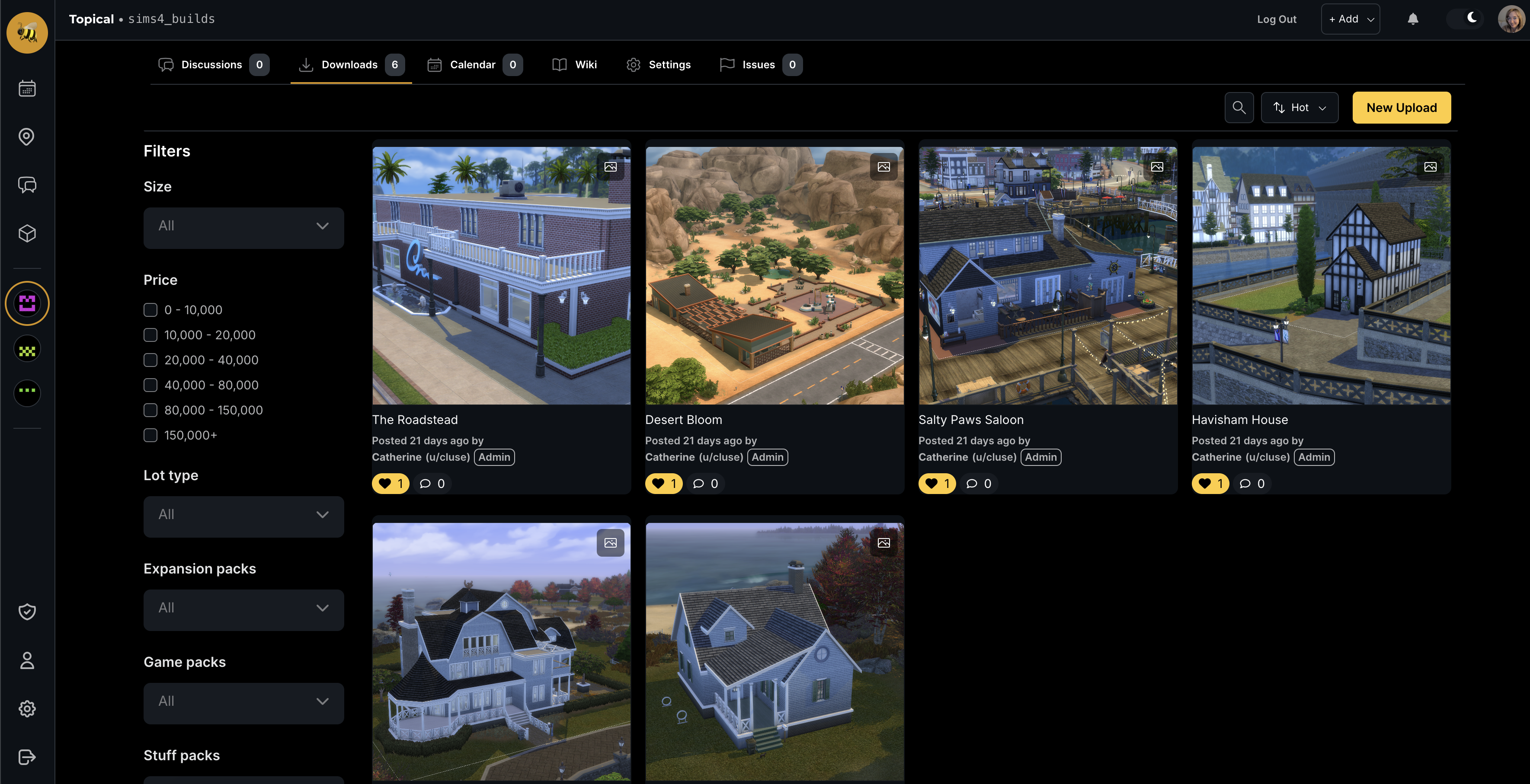
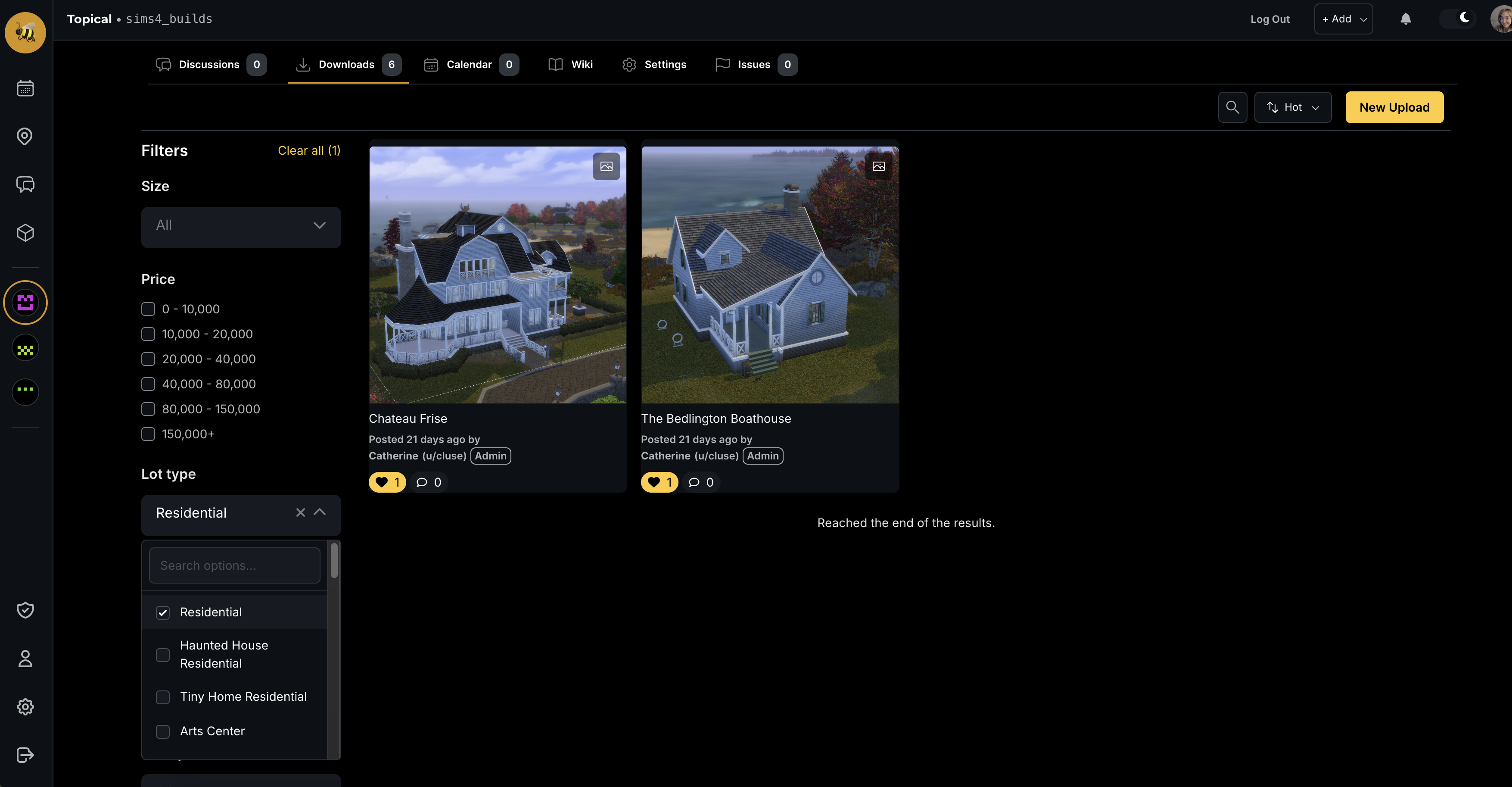
If you apply a filter such as 'Residential' in the left side bar, the results are filtered in-place, and the commercial lots disappear:
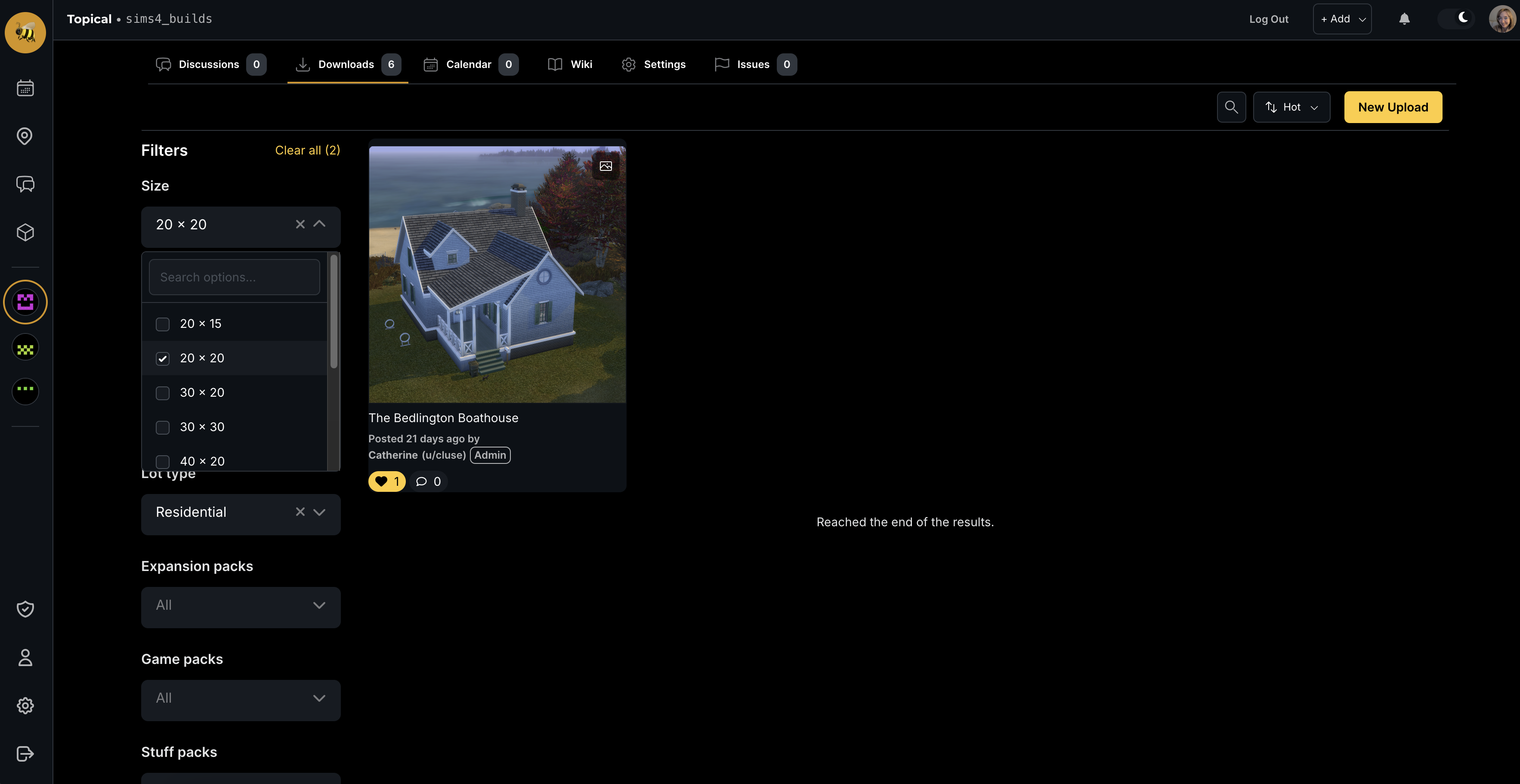
If you apply two filters, the results are filtered further. In this case we are looking at only residential lots of size 20 by 20:
These filters correspond to labels that can be seen on the download detail page. In this case, we can see the lot size and lot type in the sidebar on the right:
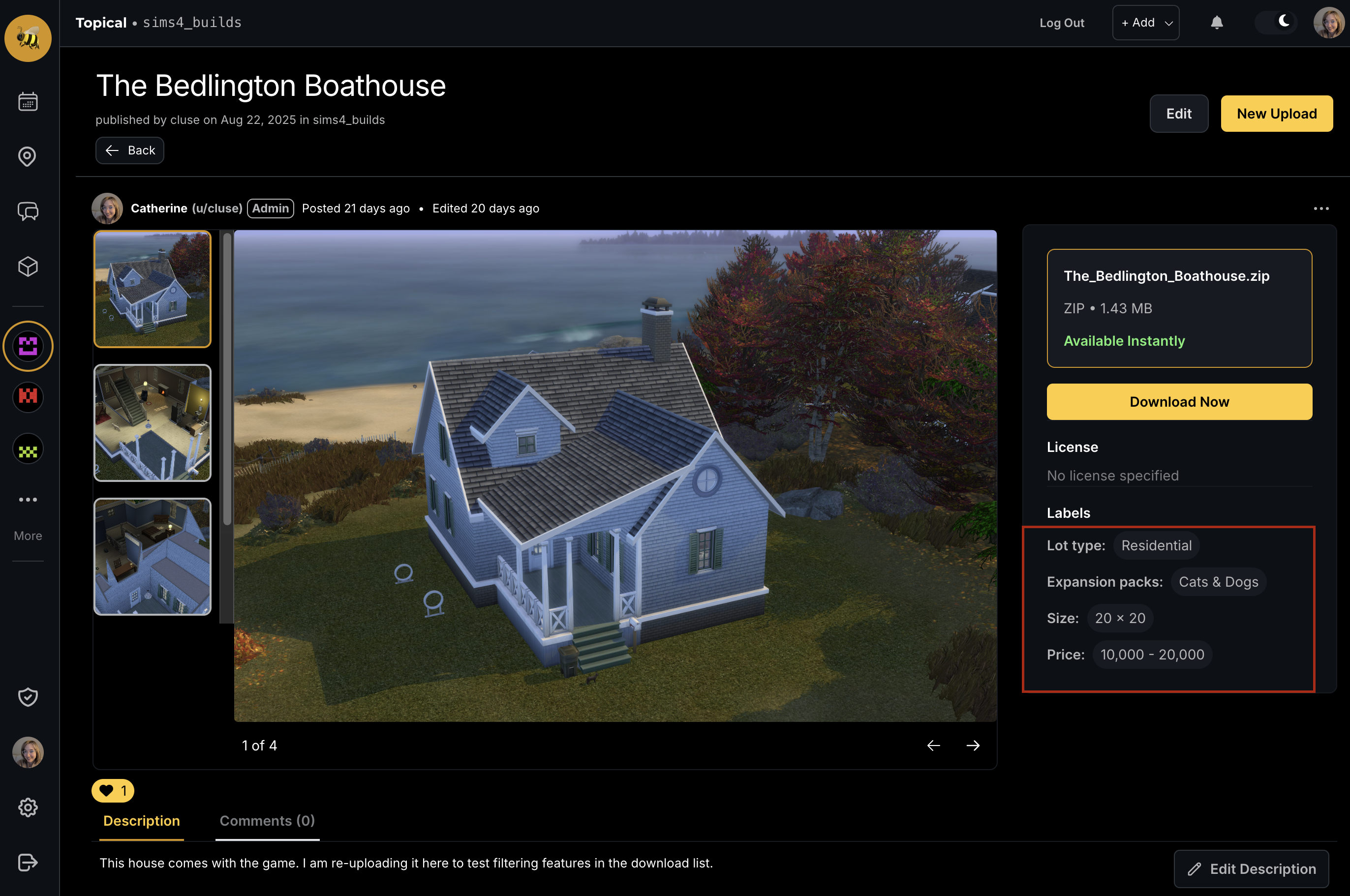
You might be thinking, those filters are oddly specific to a more general platform like Multiforum. That's because they are configured at the individual forum scope, and you can edit the available filters in the settings. At the moment, the form is kind of dense; I'm thinking of how to make it more streamlined, but here it is:
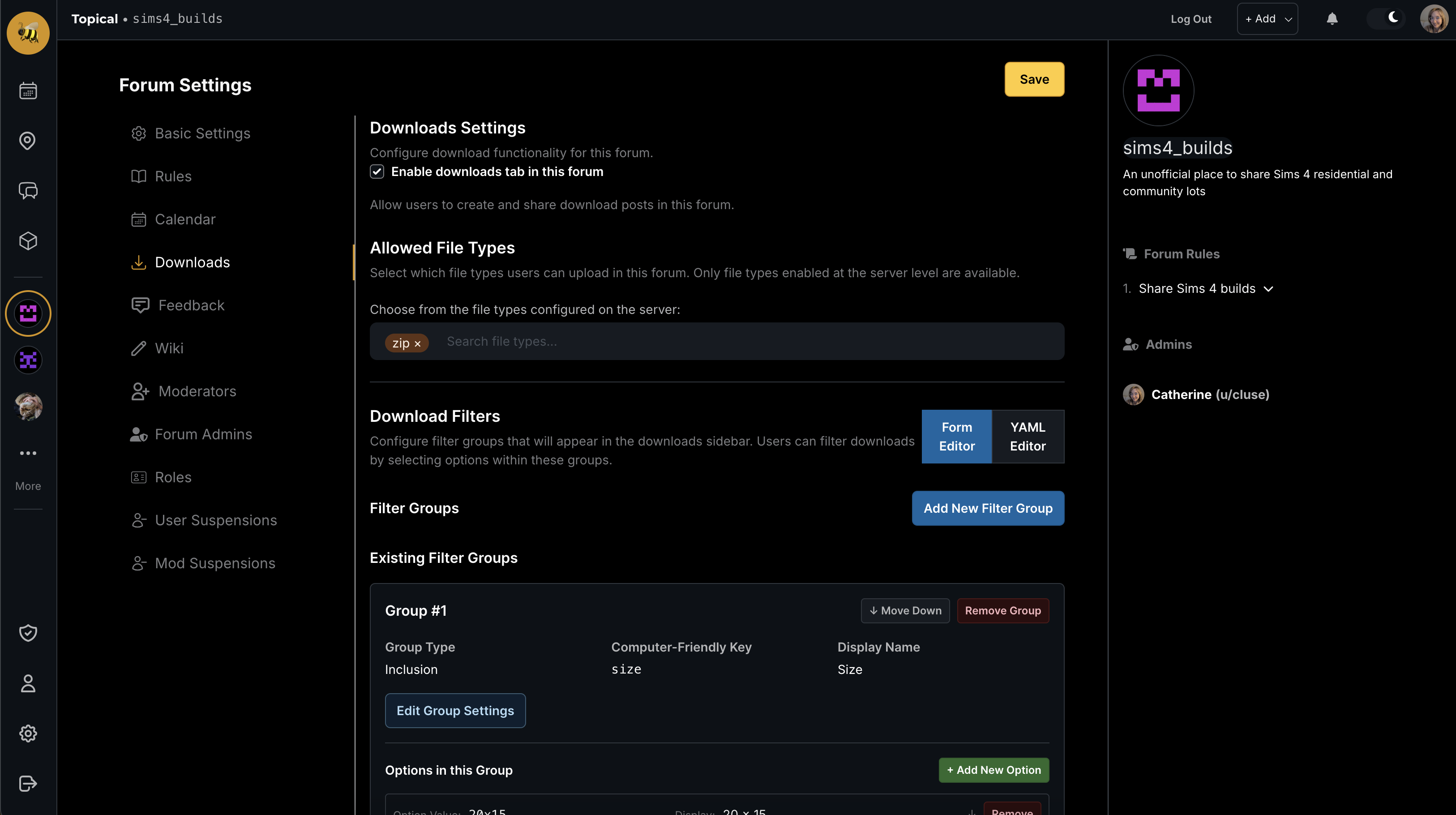
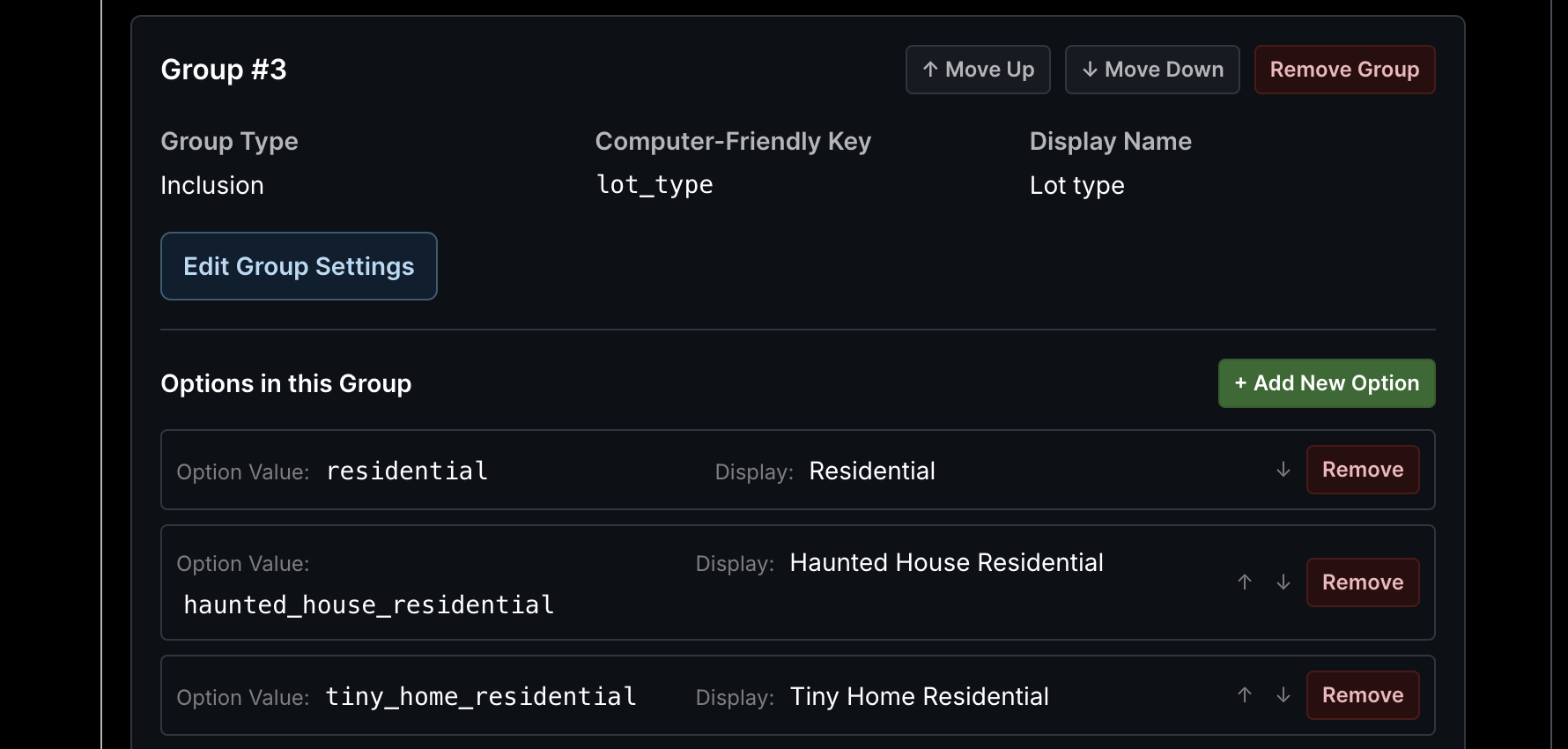
Another look at the editable filters:
Currently, the labels have to be applied to individual downloads manually, by filling out a form. I think that is not ideal because it can be laborious or tiresome to manually label things, especially if you don't know off the top of your head what type of lot you have, or other details like that. That is why I am currently working on an auto-labeler - something that is enabled by an admin and configured at the forum scope, which will automatically apply forum specific labels to allow the results to be filtered properly. More on that next.
New feature August 2025 - Map marker clustering
Catherine posted last year
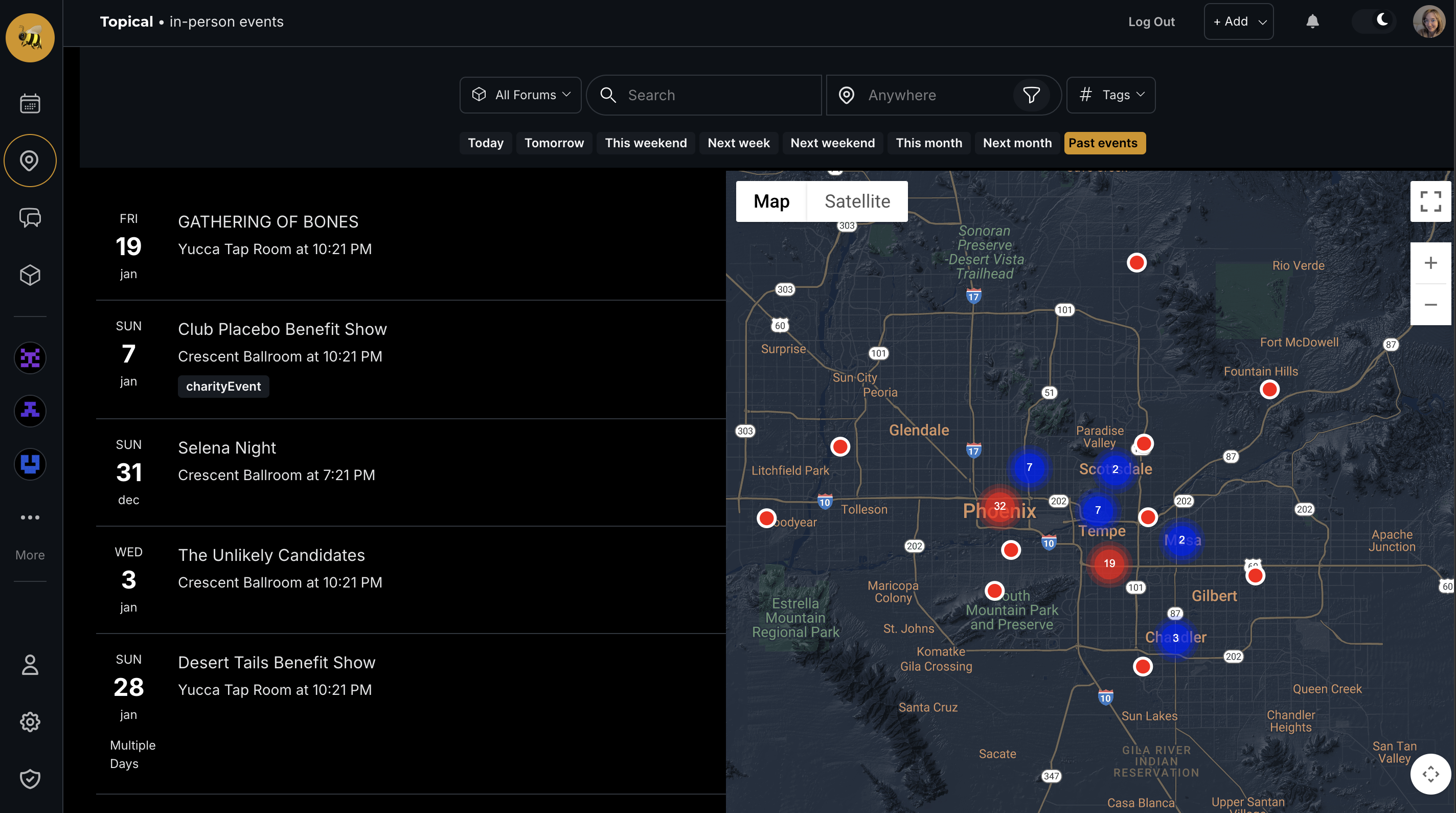
I have installed the marker clusterer tool (https://developers.google.com/maps/documentation/javascript/marker-clustering) to make the event search map look much cleaner. Here's the before and after.
Before:
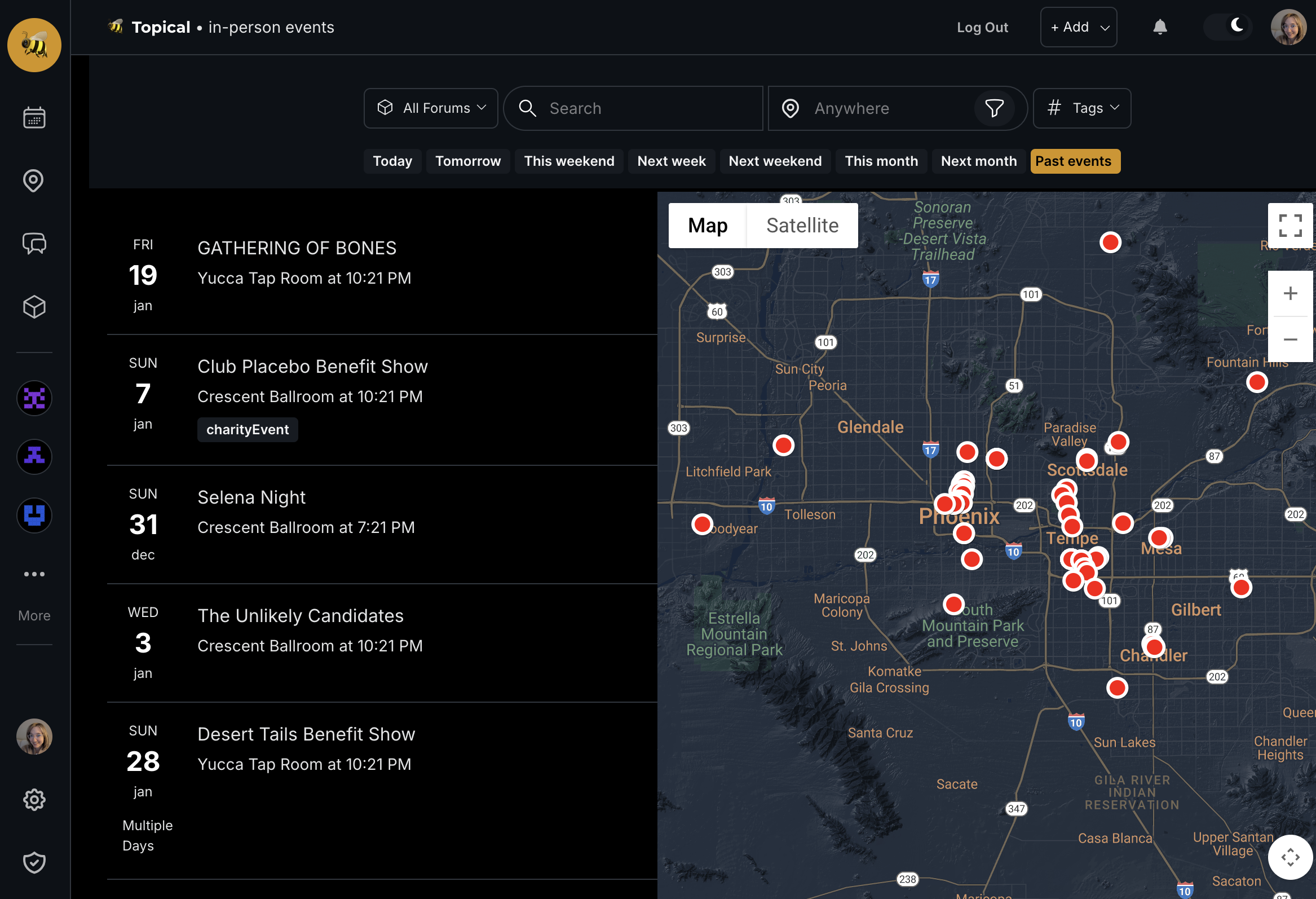
After:
Real-Time Notifications with Neo4j GraphQL
Catherine posted last year
I recently built a notification system using Neo4j's GraphQL library and Change Data Capture. It turned out way cleaner than expected, so sharing what I learned.
The Problem
Users want instant notifications when someone comments on their posts. My first approach was handling notifications directly in the API handler. There were some downsides to this approach:
- Slow API responses waiting for notification processing
- Brittle - email failures broke comment creation
- Messy coupling of business and notification logic
The Solution
Neo4j's GraphQL subscriptions with Change Data Capture. Instead of blocking the API, let the database emit events and handle notifications separately.
How It Works
Schema Setup
extend schema @subscription

type Notification {
  id: ID! @id
  createdAt: DateTime! @timestamp(operations: [CREATE])
  read: Boolean
  text: String
}

type User {
  Notifications: [Notification!]! @relationship(type: "HAS_NOTIFICATION", direction: OUT)
}

type DiscussionChannel {
  SubscribedToNotifications: [User!]!
    @relationship(type: "SUBSCRIBED_TO_NOTIFICATIONS", direction: IN)
}
Event Processing
private async processCommentNotification(commentId: string) {
  const fullComment = await CommentModel.find({
    where: { id: commentId },
    selectionSet: `{
      id text
      DiscussionChannel { SubscribedToNotifications { username } Discussion { title } }
      Event { SubscribedToNotifications { username } title }
      ParentComment { SubscribedToNotifications { username } }
    }`
  });

  // Generate appropriate email content
  let emailContent;
  if (fullComment.DiscussionChannel) {
    emailContent = createCommentNotificationEmail(
      fullComment.text, fullComment.DiscussionChannel.Discussion.title,
      commenterUsername, channelName, discussionId, commentId
    );
    await this.processDiscussionCommentNotification(fullComment, emailContent);
  } else if (fullComment.Event) {
    emailContent = createEventCommentNotificationEmail(
      fullComment.text, fullComment.Event.title,
      commenterUsername, channelName, eventId, commentId
    );
    await this.processEventCommentNotification(fullComment, emailContent);
  } else if (fullComment.ParentComment) {
    emailContent = createCommentReplyNotificationEmail(
      fullComment.text, contentTitle, commenterUsername, contentUrl
    );
    await this.processCommentReplyNotification(fullComment, emailContent);
  }
}
Bulk Notifications + Email
The system handles both in-app notifications and emails in a single batch operation:
private async createBatchNotifications(entityType, entityId, notificationText, commenterUsername, emailContent?) {
  // 1. Get subscribers with email addresses
  const entity = await EntityModel.find({
    where: { id: entityId },
    selectionSet: `{
      SubscribedToNotifications {
        username
        Email { address }
      }
    }`
  });

  const usersToNotify = entity.SubscribedToNotifications
    .filter(user => user.username !== commenterUsername);

  // 2. Send batch emails first
  if (emailContent) {
    await this.sendBatchEmails(usersToNotify, emailContent);
  }

  // 3. Create in-app notifications
  const cypherQuery = `
    MATCH (entity:${entityType} {id: $entityId})
    MATCH (entity)<-[:SUBSCRIBED_TO_NOTIFICATIONS]-(user:User)
    WHERE user.username <> $commenterUsername
    CREATE (notification:Notification {
      id: randomUUID(),
      createdAt: datetime(),
      read: false,
      text: $notificationText
    })
    CREATE (user)-[:HAS_NOTIFICATION]->(notification)
  `;

  await session.run(cypherQuery, { entityId, commenterUsername, notificationText });
}

private async sendBatchEmails(usersToNotify, emailContent) {
  try {
    const emailsToSend = usersToNotify
      .filter(user => user.email)
      .map(user => ({
        to: user.email,
        from: process.env.SENDGRID_FROM_EMAIL,
        subject: emailContent.subject,
        text: emailContent.plainText,
        html: emailContent.html
      }));

    await sgMail.send(emailsToSend);
  } catch (error) {
    console.error('Email sending failed:', error);
    // Continue with in-app notifications even if emails fail
  }
}
Why This Works
Your APIs stay fast because notifications happen asynchronously in the background. Bulk operations make it efficient because creating 100 notifications takes about the same time as creating one.
CDC guarantees you won't lose events since they're captured at the database level. If email sending fails, in-app notifications still work because they're handled separately.
The architecture stays clean with notification logic isolated in its own service. TypeScript provides type safety, and each component can be tested independently.
The Complete Flow
- Comment created → Neo4j CDC automatically triggers a
commentCreatedevent when someone adds a comment - Event received → The notification service receives this event, fetches the comment details, and generates the appropriate email content
- Batch processing → The system processes everything in batches, using a single operation to send emails and create in-app notifications simultaneously
- Graceful failures → When email problems occur, they don't affect the in-app notifications because these are handled as separate operations
The key advantage is batching - one SendGrid API call can notify hundreds of users at once, and email failures stay isolated from your core notification system.
New Multiforum Feature - Wikis
Catherine posted last year
I'm excited to announce a new collaborative feature for Multiforum: community wikis. This addition allows forum owners to create shared knowledge bases where community members can contribute and maintain information together.
Getting Started with Wikis
Forum owners can enable the wiki feature by navigating to their forum settings and checking the "Enable Wiki" option. Once activated, a new Wiki tab will appear in the forum navigation, giving members easy access to the collaborative documentation space.
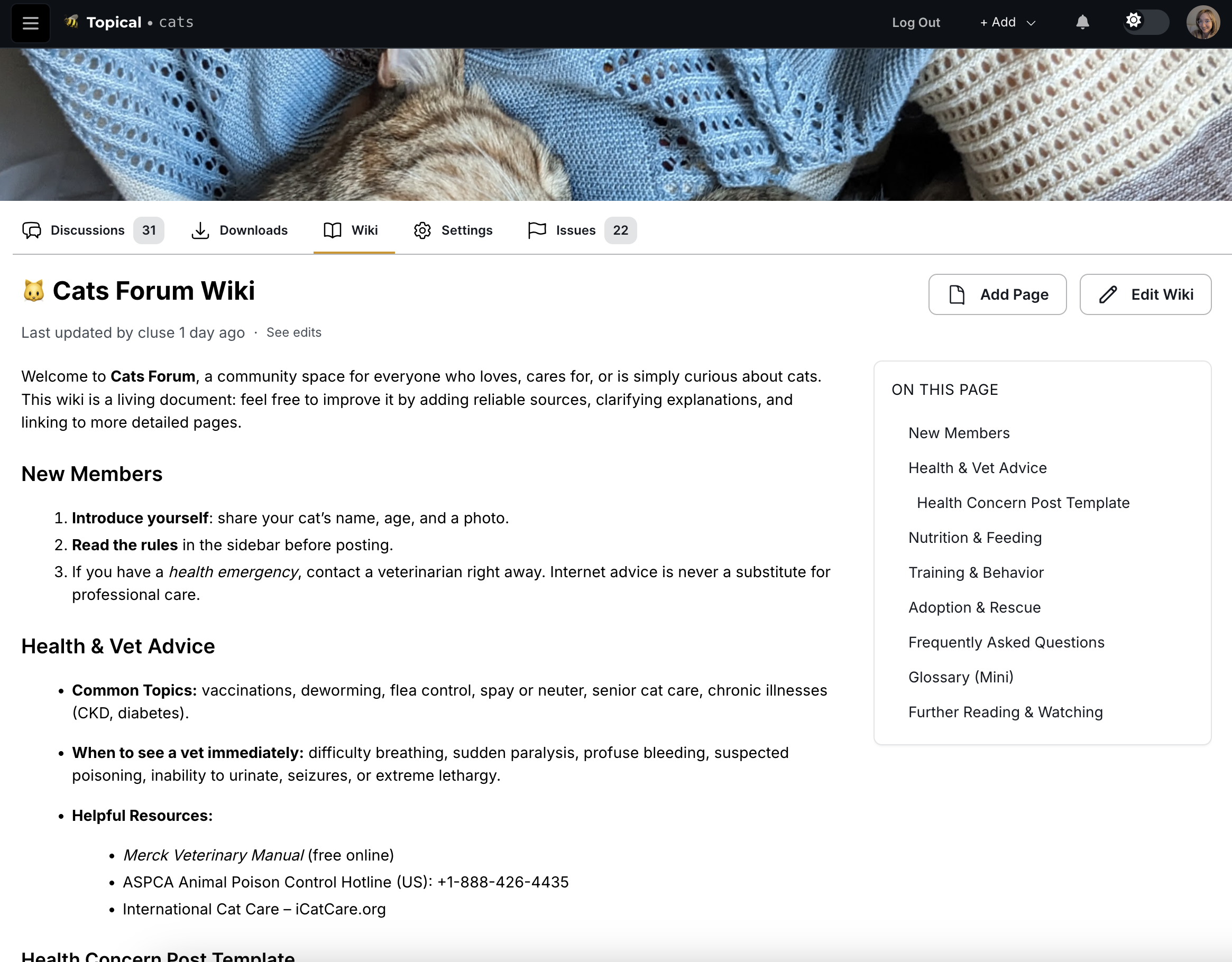
Single Page Wikis
For simpler use cases, wikis can consist of a single page that serves as a centralized information hub:
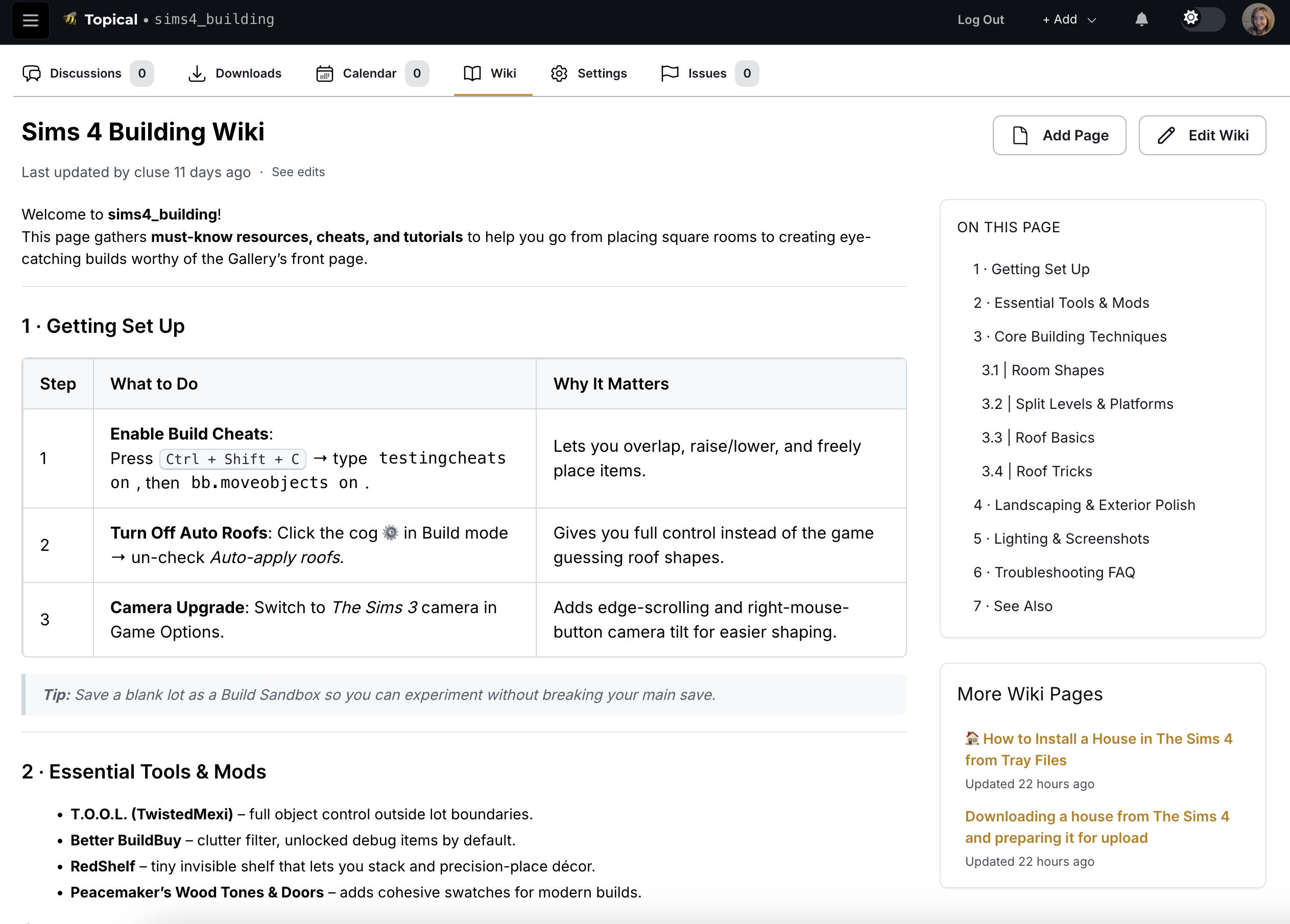
Multi-Page Wiki Structure
More complex wikis can be organized into multiple interconnected pages. The interface includes a helpful sidebar that lists all available pages for easy navigation:
Editing Experience
The wiki editing interface provides a clean, intuitive environment for content creation and modification:
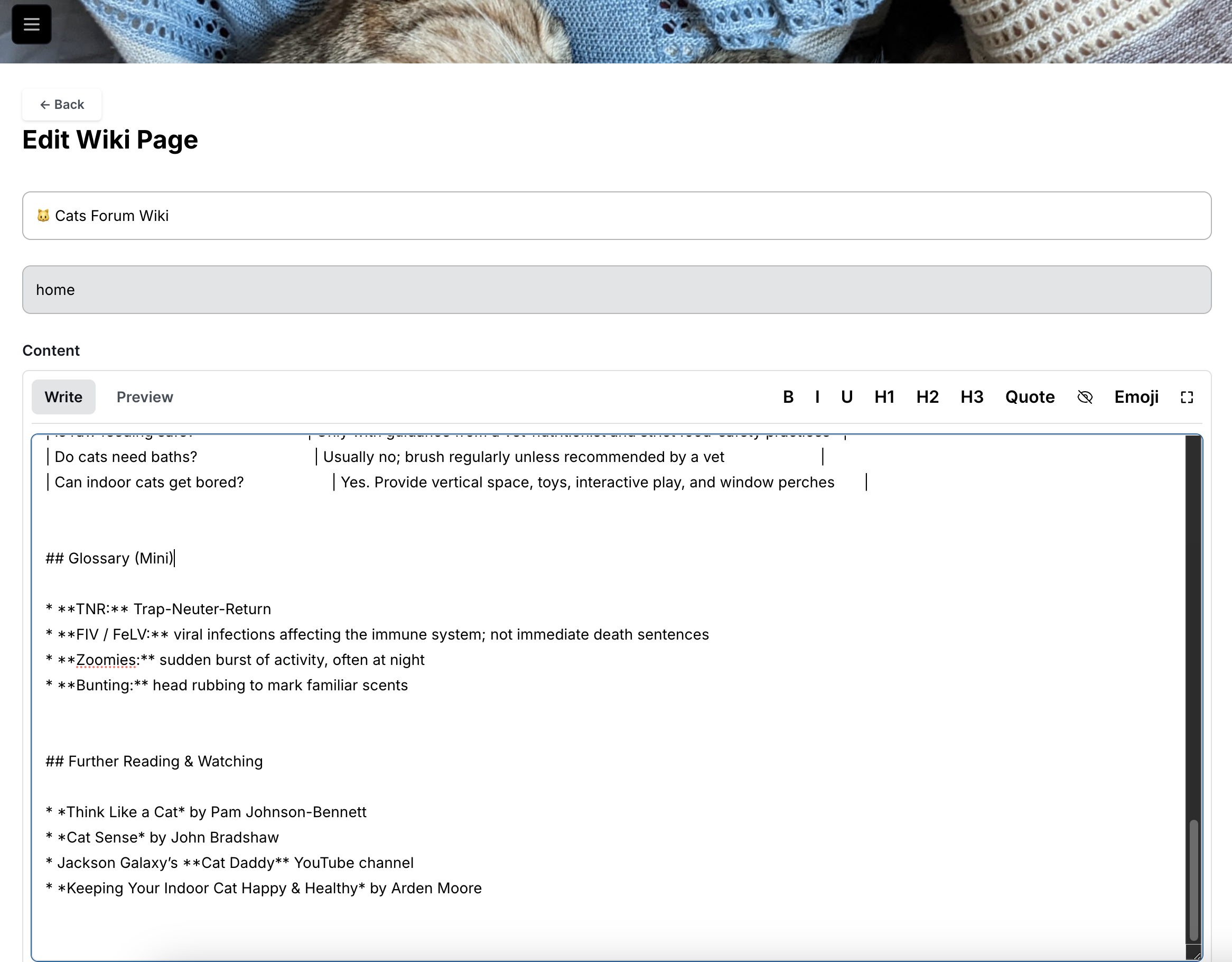
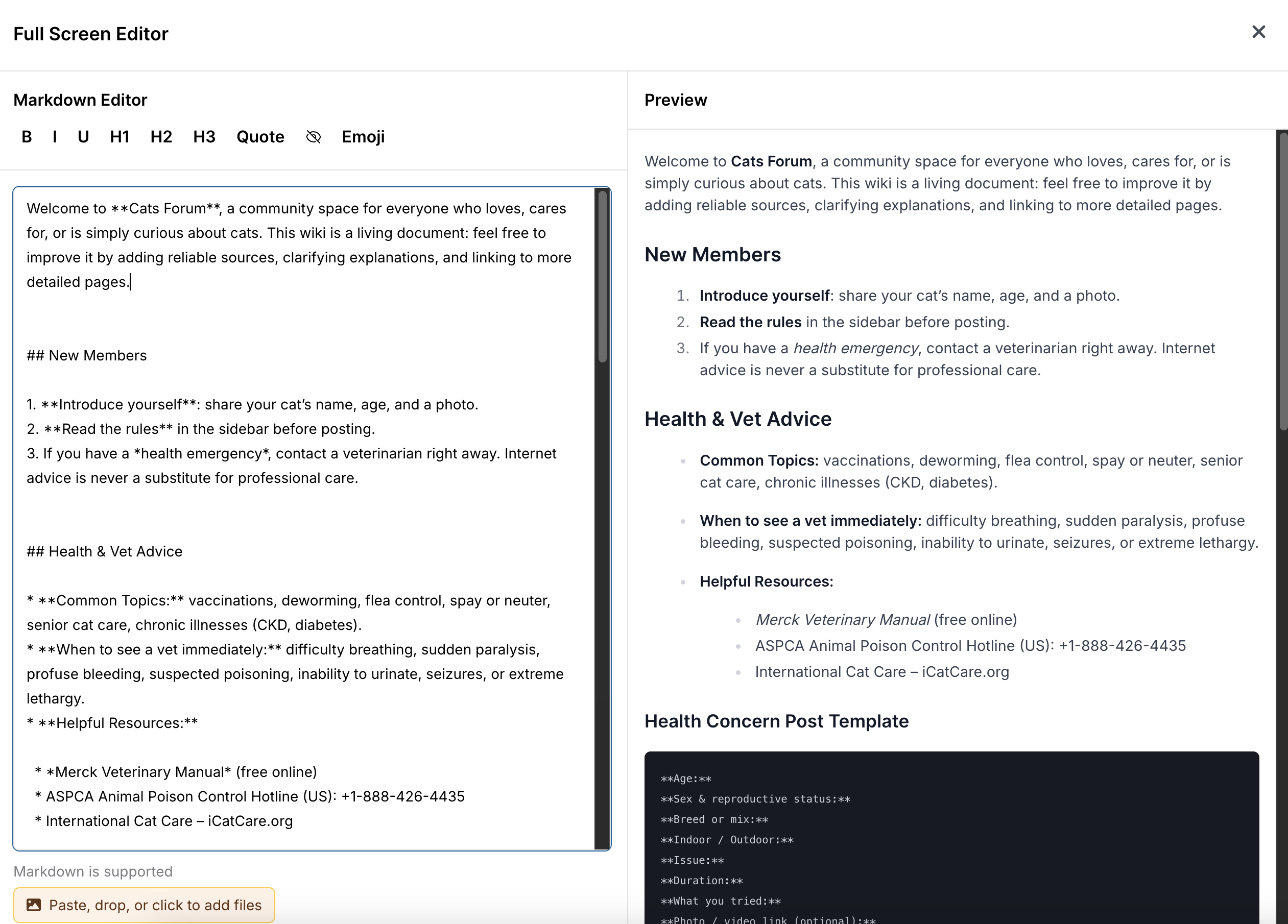
For users who prefer more screen real estate, the editor includes a full-screen mode accessible via the expand button in the top-right corner:
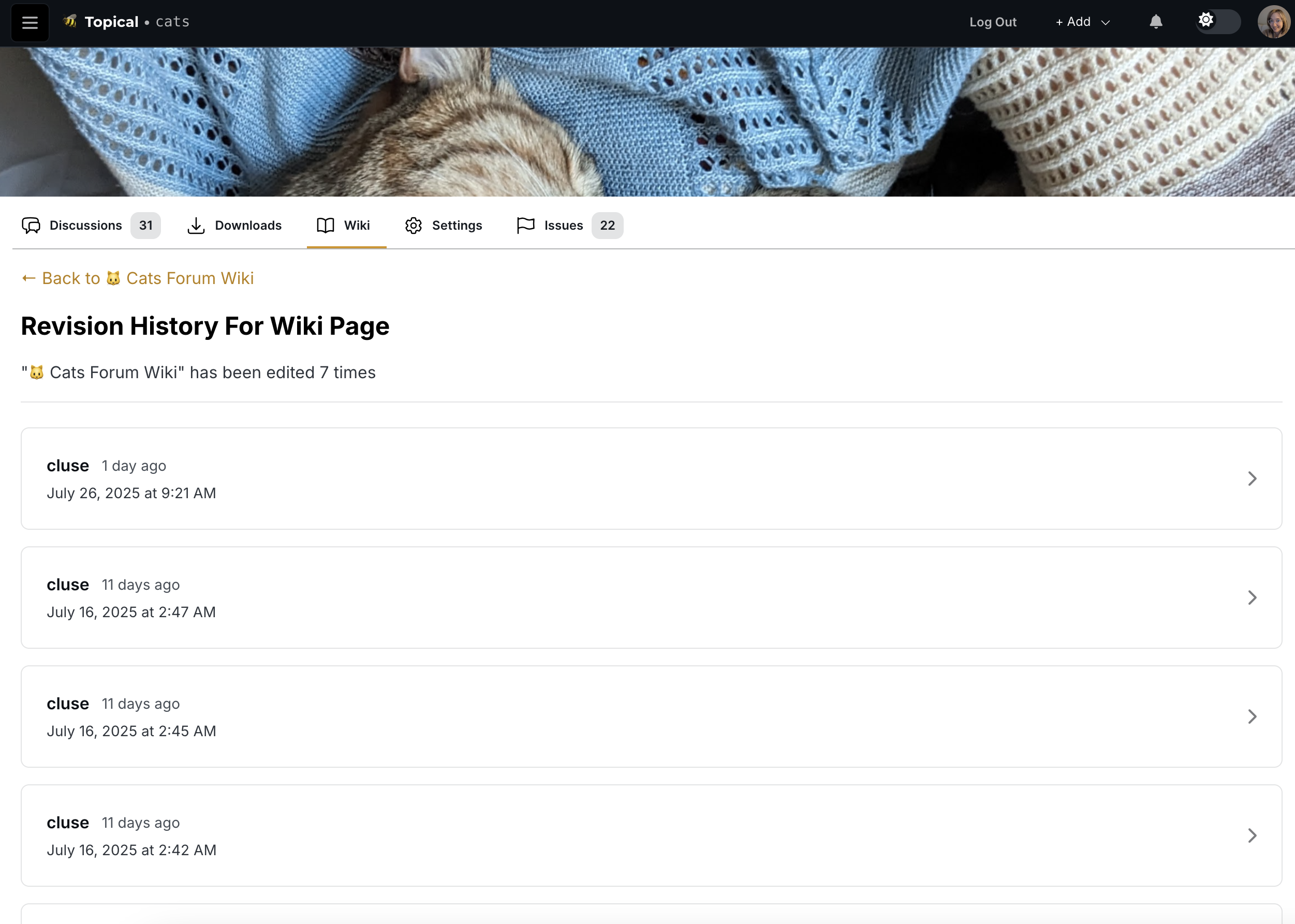
Version Control and History
One of the most powerful aspects of the wiki system is its built-in revision tracking. Users can view the complete edit history of any page by clicking "see edits":
Each revision can be examined in detail, with a diff view that clearly highlights what content was added, modified, or removed:
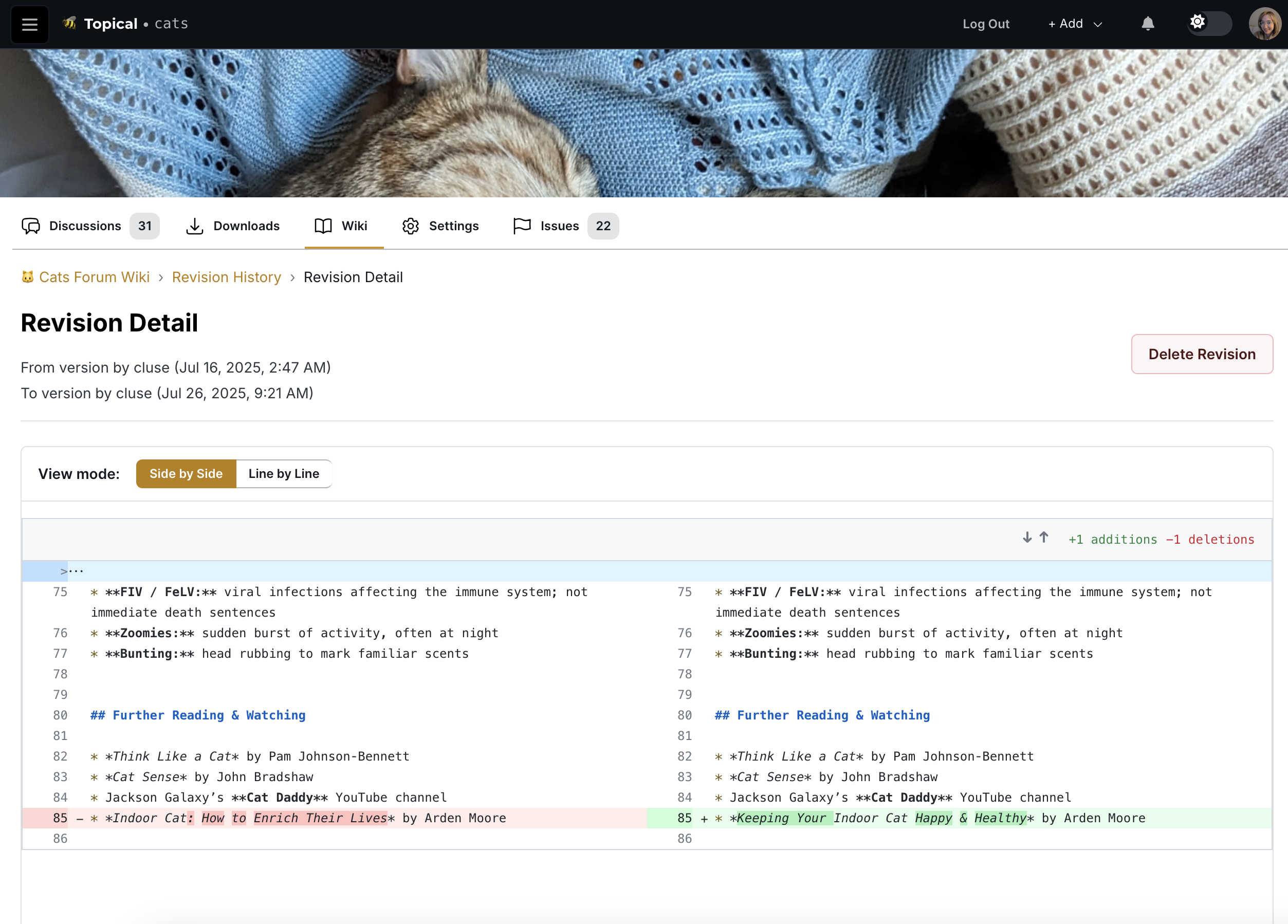
This tool can be used to help trace back to the source of an error if needed.
I added a basic content filter and learned something nifty
Catherine posted 2 years ago
Introduction
Recently I thought to myself, "Since my side project is linked on my resume and LinkedIn profile, it would probably be bad if somebody uploaded porn to it."
Content filtering is not a serious concern to me at this time because my app has no users other than myself. But with that said, it's still technically possible for a random stranger to log into topical.space, make an account and upload pictures of... whatever. So I felt a little bit nervous about tying my professional reputation to a website that allows user-generated content without a filter.
I decided to write this post because I found a solution that I think is pretty cool, since it filters content on the Google Cloud Platform side without actually requiring any code changes to my app.
Current Image Upload Process
For context, here's how image uploads currently work in topical.space:
- A user clicks Add Image or pastes an image into the text editor.
- The client calls a backend resolver called createSignedStorageURL. The backend uses its Google Cloud credentials to call the Google Cloud Storage API to create a special URL. This special URL, called the "signed storage URL", is the URL where the image will be available after it is uploaded to GCS by the client. It comes with permissions for the client to upload an image to that URL for a limited amount of time.
- The client calls the GCS API to upload the image to the signed storage URL.
Implementing the Content Filter
So I started researching automated image scanners, with the intent of trying to make it difficult for any potentially explicit user-generated content to see the light of day. I figured that since I already hosted images on GCS (Google Cloud Storage), I may as well try another Google service, SafeSearch, for image scanning.
Initial Considerations
At first I thought that when the client calls createSignedStorageURL, that should trigger an event that causes my backend app to poll the signed storage URL on GCS to see if an image was uploaded there. If it existed, then the backend would order a scan on the image at that URL. If it didn't exist, the polling would eventually time out.
But then my question was "How long should the backend poll GCS until it times out?" I didn't like the idea of setting the time to an arbitrary limit like 30 seconds or a minute, because then an image could bypass the content filter if the user had a slow connection and it took a long time to upload the picture.
The GCS Event-Based Solution
So then I asked another question: "How hard would it be to make GCS itself trigger the scan as soon as an image is uploaded?"
And the answer is, it's easy! With a few commands, it's possible to make an event get emitted to Google's event bus system when a file is uploaded to GCS. And it is also easy to use a Google Cloud Function that listens for that event and executes when that event happens.
Setting Up the Cloud Function
Since I already had the gcloud CLI installed, I set up the content filter with gcloud commands, which is a better user experience than clicking around in the cloud console.
Creating the Event Pipeline
First I created a pub/sub topic like this:
gcloud pubsub topics create image-uploads-topicThen I linked the pub/sub topic to my GCS bucket:
gcloud storage buckets notifications create gs://listical-dev \
  --topic=image-uploads-topic \
  --event-types=OBJECT_FINALIZE
Then I made a cloud function called
scanImageget triggered byimage-uploads-topic:gcloud functions deploy scanImage \ --runtime nodejs20 \ --trigger-topic=image-uploads-topic \ --allow-unauthenticatedImplementing the Cloud Function
Then I made the cloud function in a local directory. This cloud function is what scans the newly uploaded file and will delete the image if it doesn't pass the content filter. The Google SafeSearch scanner responds in this format:
{
  "responses": [
    {
      "safeSearchAnnotation": {
        "adult": "UNLIKELY",
        "spoof": "VERY_UNLIKELY",
        "medical": "VERY_UNLIKELY",
        "violence": "LIKELY",
        "racy": "POSSIBLE"
      }
    }
  ]
}
Therefore, the cloud function checks the
safeSearchAnnotationin the SafeSearch response to decide whether to delete the file or not. I set up the file structure of my cloud function like this:scanImage - index.js - package.jsonPackage Configuration
The package.json adds the Google Cloud Storage and Vision SDKs as dependencies:
{
    "dependencies": {
      "@google-cloud/storage": "^6.9.0",
      "@google-cloud/vision": "^3.0.0"
    }
  }
Cloud Function Code
And the index.js of the cloud function is as follows (with a note to remind my future self what I'm looking at):
// This file is used for setting up a cloud function via the gcloud CLI.
// I used it to set up the function to be triggered by a Pub/Sub message,
// specifically the message that is triggered by a new file being uploaded to
// a GCS bucket.
const { Storage } = require('@google-cloud/storage');
const vision = require('@google-cloud/vision');
const storage = new Storage();
const client = new vision.ImageAnnotatorClient();

exports.scanImage = async (event, context) => {
  const data = JSON.parse(Buffer.from(event.data, 'base64').toString());
  const bucketName = data.bucket;
  const fileName = data.name;

  try {
    // This is where we have the newly uploaded image scanned by Google SafeSearch.
    const [result] = await client.safeSearchDetection(`gs://${bucketName}/${fileName}`);
    const safeSearch = result.safeSearchAnnotation;

    if (
        safeSearch.adult === 'VERY_LIKELY' ||
        safeSearch.adult === 'LIKELY' ||
        safeSearch.racy === 'VERY_LIKELY' ||
        safeSearch.medical === 'VERY_LIKELY' ||
        safeSearch.violence === 'VERY_LIKELY' ||
        safeSearch.violence === 'LIKELY'
    ) {
      // And this is where we delete an image that doesn't pass the check.
      await storage.bucket(bucketName).file(fileName).delete();

      // These logs show in the Google cloud console whenever the cloud function
      // is triggered.
      // In the future I will also update this area of the code so that it triggers a
      // notification, which will tell the user that their image was deleted because it didn't
      // pass the content filter.
      console.log(`Deleted unsafe image: ${fileName}`);
    } else {
      console.log(`Image passed moderation: ${fileName}`);
    }
  } catch (error) {
    console.error(`Error scanning image: ${fileName}`, error);
  }
};
Deploying the Function
Then, with my terminal in the same directory as my new cloud function code, I deployed the cloud function with this command:
gcloud functions deploy scanImage \
  --runtime nodejs20 \
  --trigger-topic=image-uploads-topic \
  --entry-point=scanImage \
  --allow-unauthenticated
Testing the Content Filter
I was glad to learn that this approach was possible, because from a technical or architectural perspective, it's nifty. With only four commands and a few lines of code, my app already has a basic level of protection from vandalism. The best thing about it is that I never had to change a single line of code in my app, because the content filter is handled entirely on the GCP side.
Then there was only one thing left to do: test it to make sure that it works.
Understanding SafeSearch Labels
Now, if you're like me, when you see that SafeSearch returns a response like this, you have questions:
{
  "responses": [
    {
      "safeSearchAnnotation": {
        "adult": "UNLIKELY",
        "spoof": "VERY_UNLIKELY",
        "medical": "VERY_UNLIKELY",
        "violence": "LIKELY",
        "racy": "POSSIBLE"
      }
    }
  ]
}
The top question on my mind was, "Where does it draw the line? What's the difference between 'LIKELY' and 'VERY_LIKELY' racy?"
I checked the reference documentation for SafeSearchAnnotation, which is located here. As you can see, the reference material is fairly sparse. It defines "racy" as the following:
Likelihood that the request image contains racy content. Racy content may include (but is not limited to) skimpy or sheer clothing, strategically covered nudity, lewd or provocative poses, or close-ups of sensitive body areas.
(Almost) Real-World Testing
These reference materials did not contain what I was really looking for, which was a helpful chart with three columns - POSSIBLE, LIKELY and VERY_LIKELY - with rows for adult, spoof, medical, violence and racy content, with an example picture in each table cell.
I wonder why they did not include that???
Jokes aside, it became clear that the only way to really understand those labels is to test it with our own images. So in the following test, I wanted to both a) check if the new filter could successfully remove images and b) get an idea of where the dividing line is between different levels of raciness.
So I decided to test the filter with racy content. I felt uncomfortable about using pictures of real people for the purpose of testing my content filter, so I decided this would be a good time to use Grok to generate racy images of fake people as test data.
After requesting these AI images from Grok, I had two pictures in my test data. Test picture 1 is somewhat of a milder level of raciness, while test picture 2 is more explicit.
Test picture 1:

Test picture 2:
The second test picture was of a similar photo, in which a woman is also wearing lingerie, while her hand was implied to be doing a sexual act outside of the frame.
To test it, I ran my database locally, created a forum
image_testand a test post calledImage test.In Multiforum, the text editor is similar to the text editor in GitHub, which lets you drag and drop images into the text editor to upload them, so that you can easily interleave images in text. So to do this, I dragged the test pictures 1 and 2 into the text editor, and you can see here that they were uploaded because the new image URLs are included there in the markdown: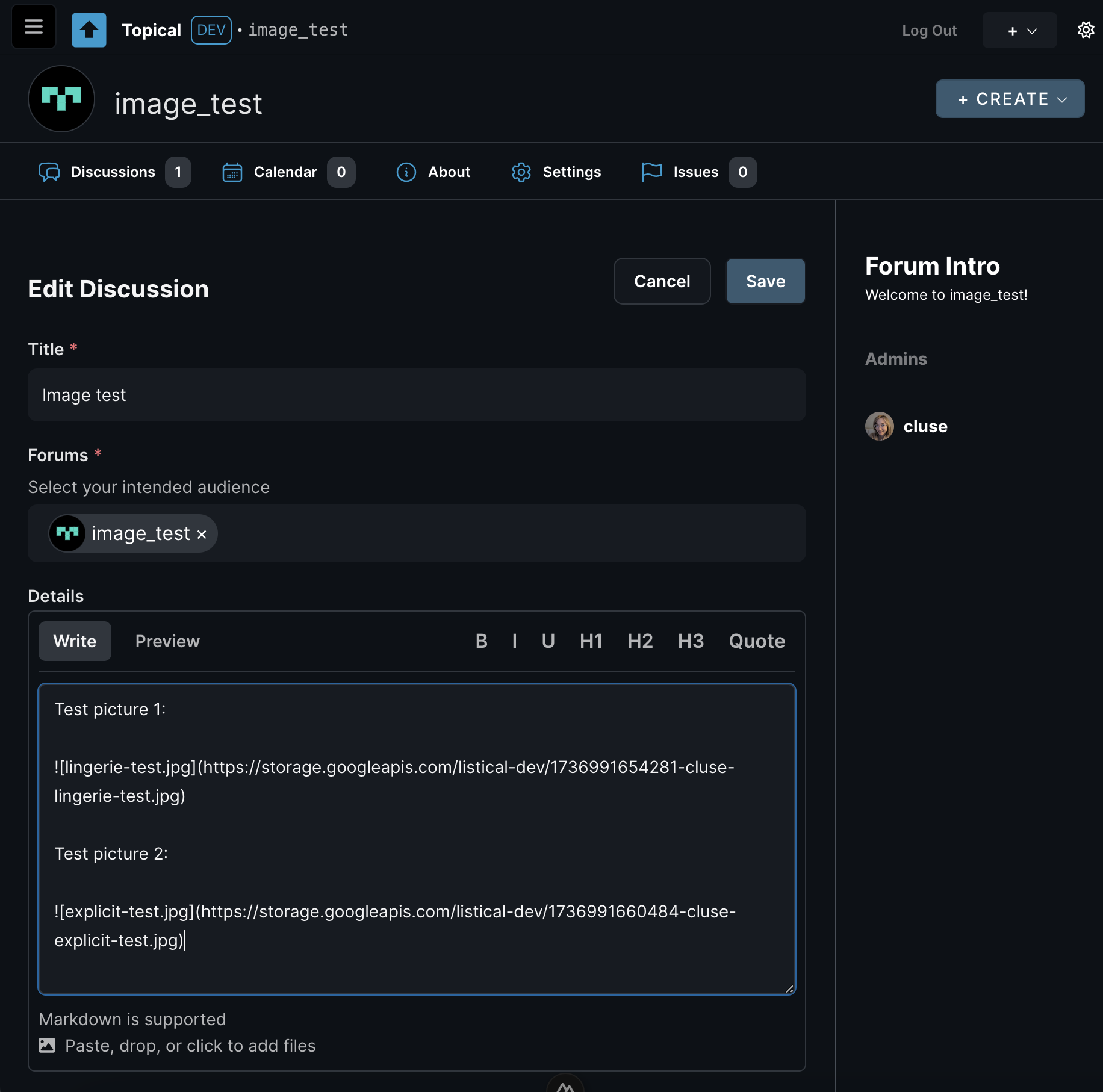
Results and Conclusion
Then I saved the post, and voilà! Test picture 1 passed the filter, while test picture 2 failed the content check, and it got automatically deleted even before I clicked the save button:
On top of that, I can confirm that it worked by checking the logs in the Google Cloud Platform console, in which I can see that the
scanImagecloud function loggedDeleted unsafe image: 1736991660484-cluse-explicit-test.jpg.And that's it. Huge success. In the future, when an image is deleted because of this automated check, I'll send a notification to the user who uploaded it, saying "This image was automatically removed by an AI content filter. AI makes mistakes, so if you think this decision was made in error, please open a support ticket" or something along those lines.
For now, I'm okay with the line being drawn somewhere in between those two test pictures. At least now the line is being drawn somewhere.
Multiforum Demo Part 4: Voting and Feedback
Catherine posted 2 years ago
I’m excited to share a new feature in Multiforum: the voting and feedback system. Multiforum is a reddit-like platform where you can create and participate in multiple forums. You can submit posts, vote on them, and now, leave meaningful feedback. Here’s how it works.
The Voting System
The voting system in Multiforum is designed to surface the most relevant and engaging content. Posts and comments can be upvoted, and their ranking depends on a few factors:
- Hot: A balance of upvotes and recency determines the ranking.
- New: Posts sorted in chronological order.
- Top: Posts with the highest weighted upvotes, where votes from older accounts with more reputation carry more weight.
Let's say we have an example forum with posts about ChatGPT. In this screenshot, you can see how the post "ChatGPT just yassified me..." comes first because it has two votes (instead of one, like the post below it). In this picture, the upvote button is blue because the logged-in user voted.
This system ensures that quality content is highlighted while giving weight to the contributions of trusted, long-time users.
The Feedback System
This feature addresses some of the common issues with downvotes on platforms like Reddit. Downvotes can feel ambiguous and discouraging. They’re often misused to express disagreement or worse, to attack specific users. To solve this, Multiforum replaces downvotes with a feedback system.
How Feedback Works
On the detail page of a post, you can see that next to the upvote button, there’s a thumbs-down button:
This thumbs-down button is not a downvote. Clicking it opens a modal where you can type constructive feedback into a text box. You can’t leave the box blank.
In the actual app, if you click on an image that is embedded in the body of a post like in this example, it will open in an overlay with the full-size image. But some people find it annoying when they find pictures of text, especially if they are vision impaired or blind. So in this example, let's say you don't like the submission and you want to give feedback to that effect. So you click the thumbs-down button and the feedback modal appears:
After the feedback is submitted, anyone can see the feedback by clicking the action menu on that post, then clicking View Feedback:
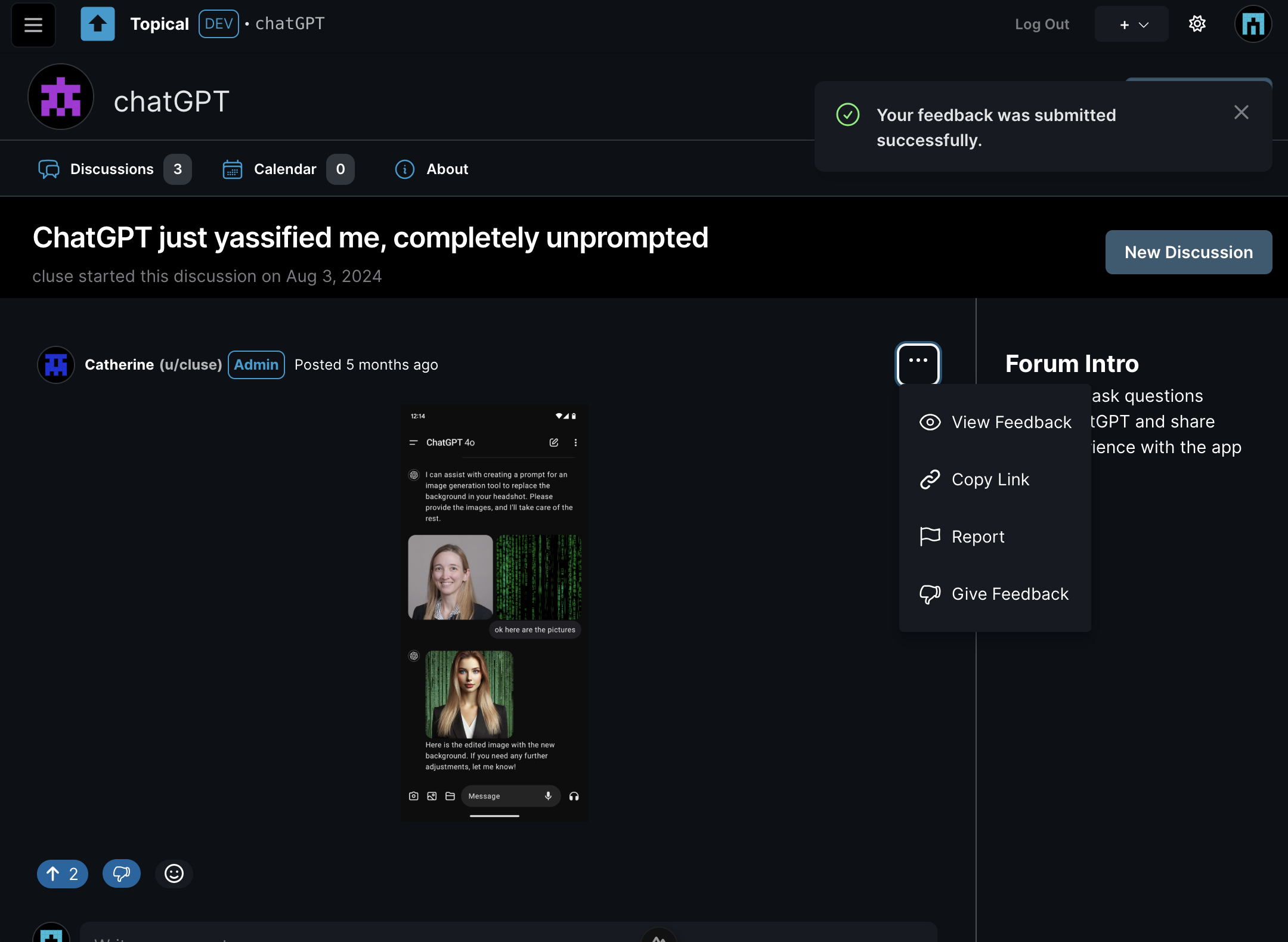
When View Feedback is clicked, you go to the feedback page, where you can see all feedback on the post in the context of the original post:
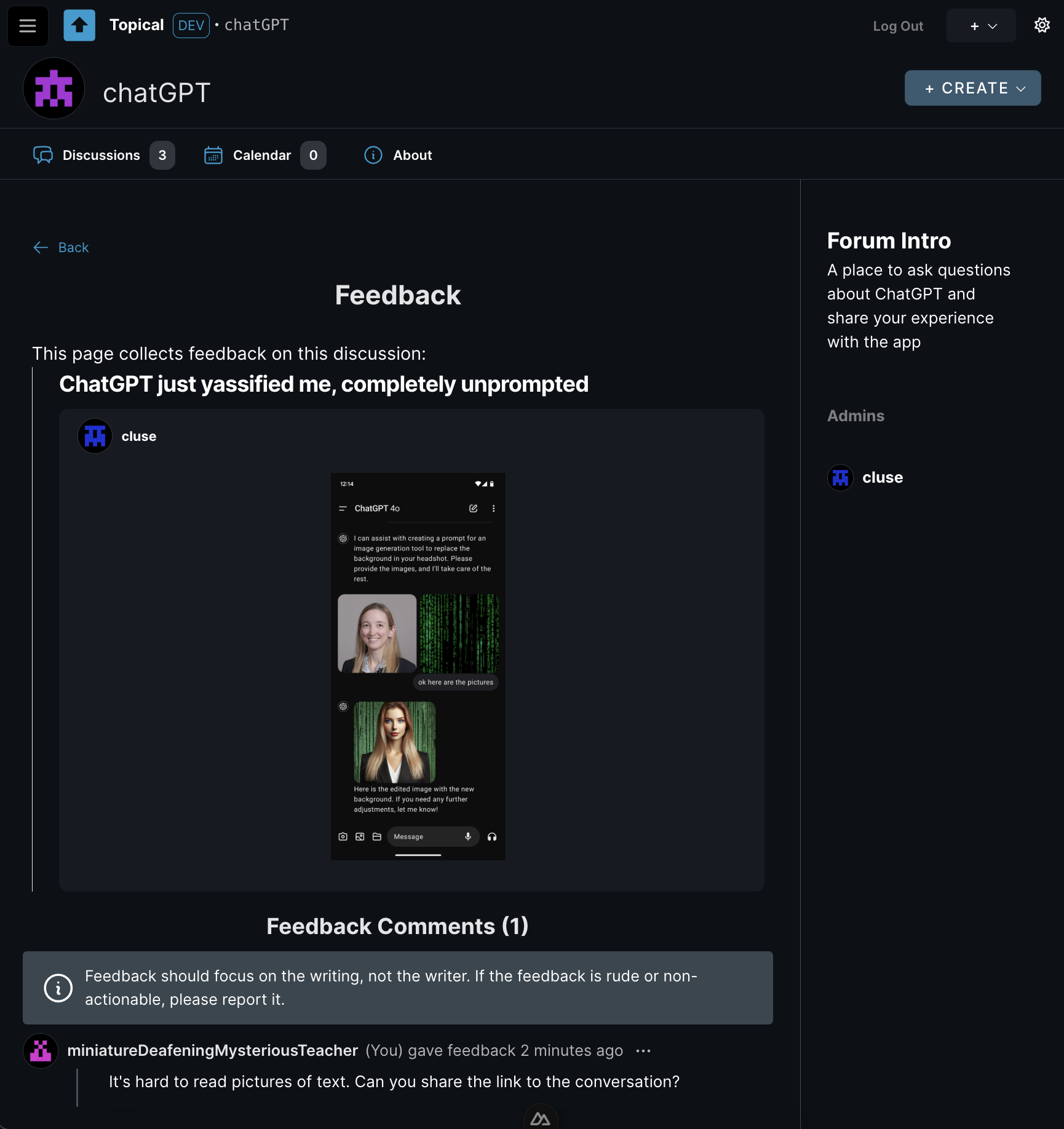
This way, if someone doesn’t like your post or comment, at least you’ll know why. The goal is to turn negative reactions into actionable advice.
This feedback is also public for increased accountability for the person who gave the feedback. Someone who is new to the forum might also benefit from seeing feedback on other people's posts because then they could learn from another person's good-faith mistake.
There are some aspects of this feature that are still unfinished:
- I haven't added any notifications yet, but the idea is that if someone gives feedback on your post, you will get a notification that says you got feedback, and it will link to the feedback page for your post. At that point you will be able to read the feedback or just ignore it.
- If feedback is rude or inflammatory, it will be able to be reported just like any other comment.
- Individual forums will be able to turn off the feature completely.
If the author made the mistake in good faith, the idea is that they'd edit their post based on the feedback, as opposed to just being left to wonder why people don't like their post.
Mod Profiles
To make feedback less personal and reduce the potential for conflict, feedback is attributed to a semi-anonymous mod profile. (It's semi-anonymous because you can recognize the same person posting multiple times; fully anonymous would mean you can't tell if it's the same person or a different person every time.) Every user has two identities:
- Regular Username: Used for normal participation.
- Mod Profile: A randomly generated identifier (e.g., “miniatureDeafeningMysteriousTeacher”) used for moderation actions, including giving feedback.
This serves two purposes:
- It allows the person receiving feedback to save face, as they won’t know who gave the feedback.
- It ensures accountability, as mod profiles have histories showing all feedback given and other moderation actions.
In the above example, a user named
aliceleft feedback. But because feedback is considered a moderation action, the feedback was tracked under her mod profile,miniatureDeafeningMysteriousTeacher. Here you can see all of alice's activity on her mod profile. From here it should be easy to detect any pattern of abuse. The mod profile is still in progress and it's still not perfect, but the idea is that each of these list items will link to the original context of her actions:
Feedback vs. Votes
Feedback is not tied to ranking or visibility. It’s a separate tool meant to help authors improve their contributions.
Why It Matters
This system is intended to encourage constructive communication. By replacing ambiguous downvotes with clear feedback, it's designed to to:
- Provide clarity and helpfulness.
- Reduce the misuse of negative interactions.
- Support authors in improving their posts and comments.
Multiforum - October Update
Catherine posted 2 years ago
I decided to migrate Multiforum from Vue to Nuxt so that I could learn more about server-side rendering while also making it easier to take advantage of the SEO features of Nuxt down the road. The migration took most of October but it's nearly done.
I took a break from the migration at some points to improve the UI. There are enhancements to the layout for event search and for filtering by forums.
Here's the new event search layout with the filters on top instead of on the left:
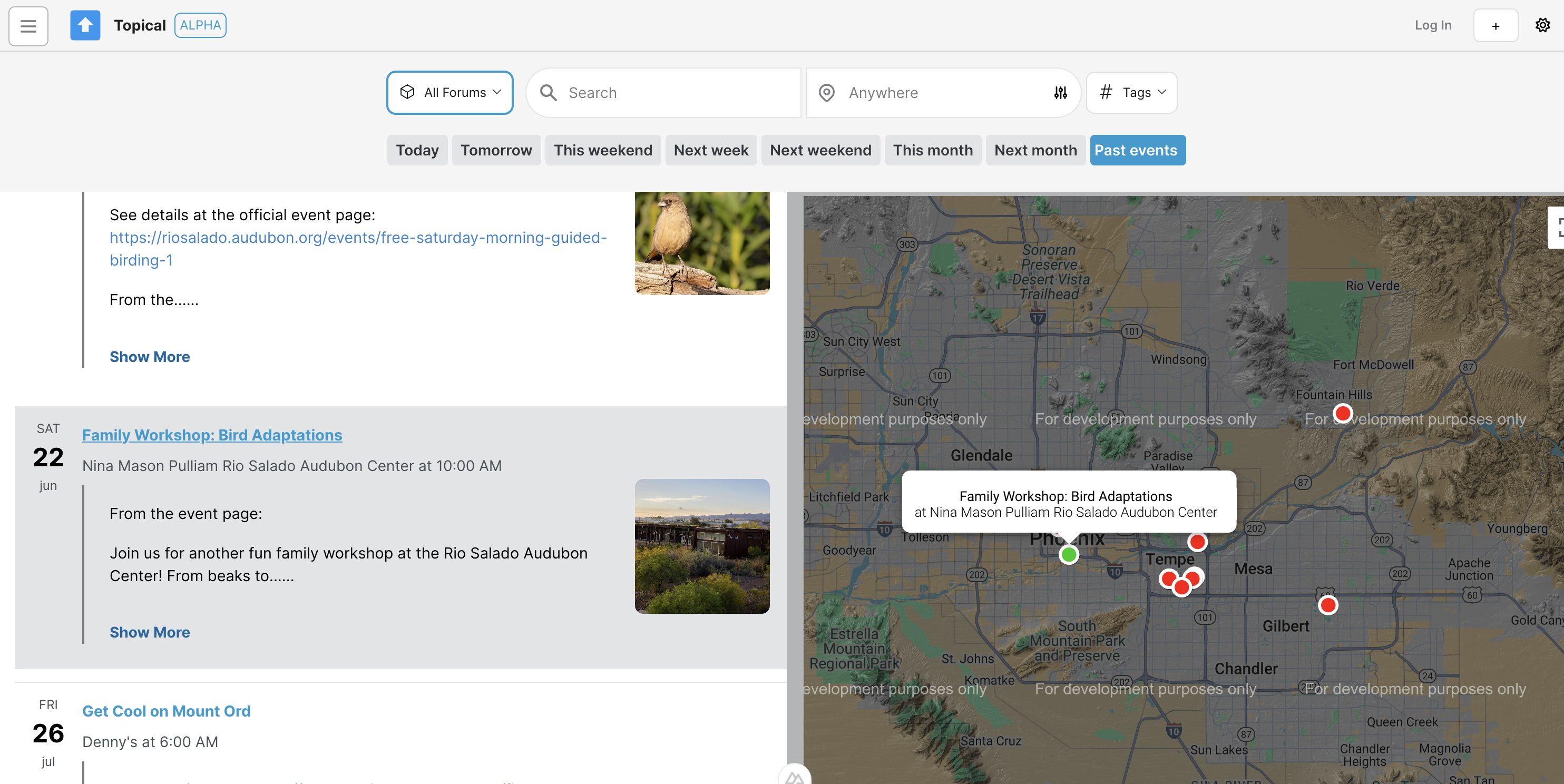
I like this arrangement more as it looks more symmetrical, so it's more aesthetically pleasing and has better glanceability; I think this makes it easier to understand the search and filtering functionality at first glance. Putting the forum picker on the left of the search bar helps it become more prominent, which is important because on this platform, everything is organized into forums.
I also improved the forum picker. Before, you couldn't search it and if there were many forums in the platforms, it looked too disorganized and huge.
Before
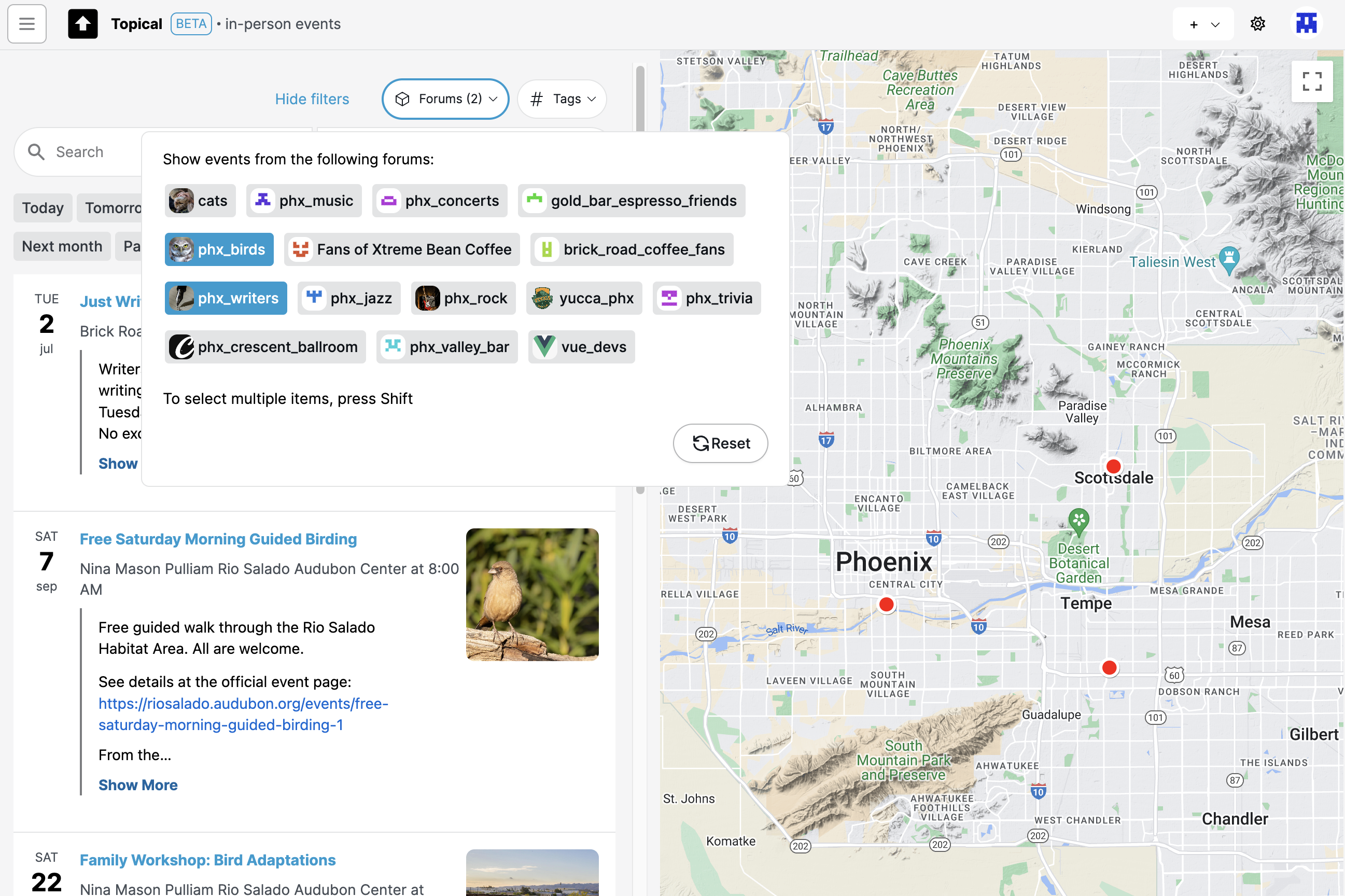
After
The new version lets you search the forum picker to filter down the options and select one or multiple forums with check boxes:
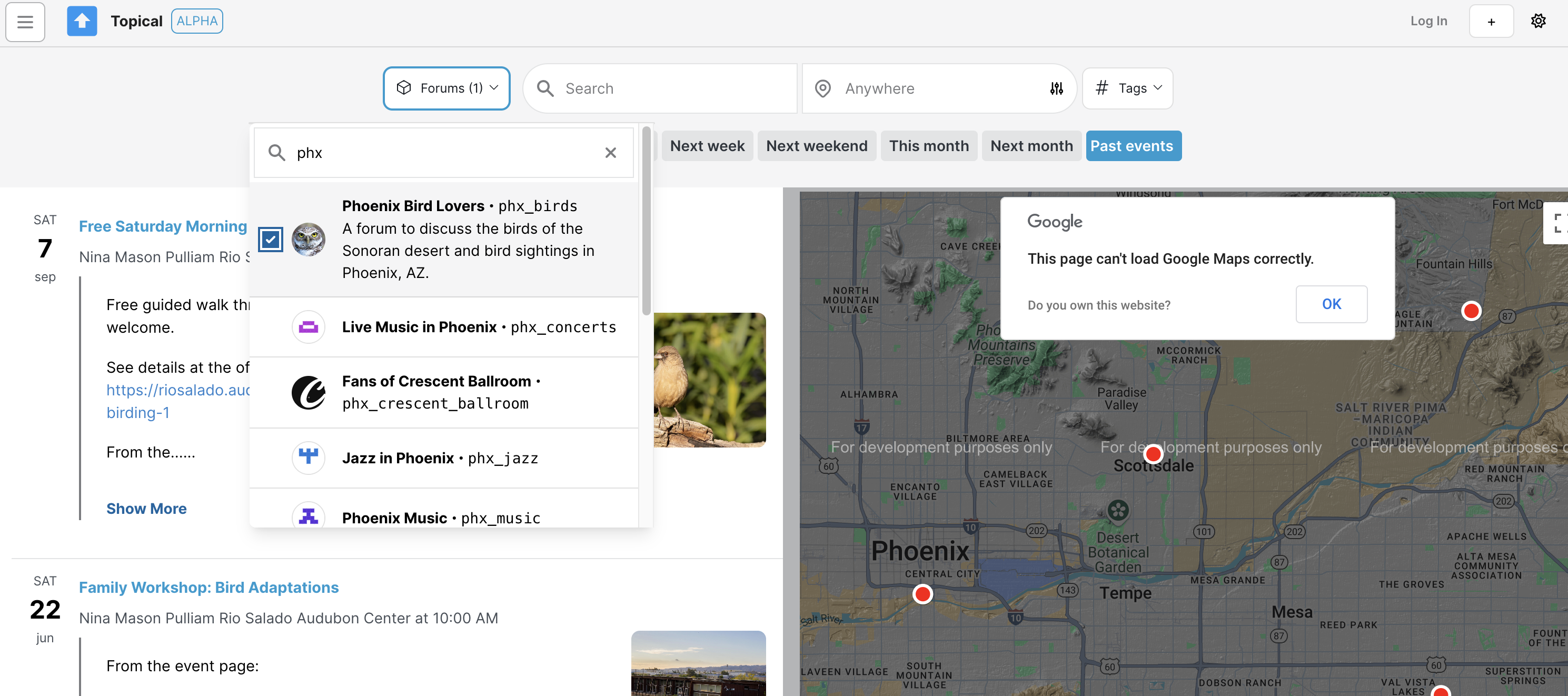
As soon as I finish the Nuxt migration these changes will be live.
About Multiforum
Catherine posted 2 years ago
This is a work in progress that intended to be an open-source, self-hosted platform that lets you host multiple forums.
Each forum has two sections, a discussion section and a calendar. In the discussion section, content can be upvoted so that the best content rises to the top. In the event section, anyone can post an event that participants in the community may be interested in.
Events can be submitted to multiple forums to increase visibility of them and help promote them. The same can be done with text-based discussion posts.
To solve the problem where you're bored on the weekend but you don't know what to do in your area, events can be searched across multiple forums based on location, tags and keyword. Screenshots are below.
When the project is finished, I will add documentation so that anyone can deploy their own Multiforum with custom branding.
Technology Stack
On the backend (https://github.com/gennit-project/multiforum-backend), an Apollo server fetches data from the database (a graph database, Neo4j). Some resolvers are auto-generated using the Neo4j graphql library, while more complex resolvers are implemented using a combination of the OGM and custom Cypher queries.
The frontend is a Vue application that makes GraphQL queries to the Apollo server.
Video Demo of Multiforum
Catherine posted 2 years ago
I made a video walkthrough of Multiforum to explain the project in a problem-and-solution format.

(I originally recorded this for a job application, but I think it explains the project well.)
Multiforum Demo Part 2: Discussions
Catherine posted 2 years ago
Welcome back! In this second part of my post, I'm diving into the discussion features within forums. Forums can host both events and discussions, making them ideal for communities that would like to have one foot in the real world and one foot in the online world.
Let's take a look at how these discussion features work. Below, you'll find some screenshots that show the discussion detail pages, discussion lists, and forums that might focus solely on discussions without any events.
A birdwatching forum is an example of a forum that could make use of both in-person events and online discussions with people who may never attend any events. For example, someone who takes a picture of an unfamiliar bird in Phoenix might ask the Phoenix birdwatchers what it is. That's when the Discussions tab within a forum would come in handy:
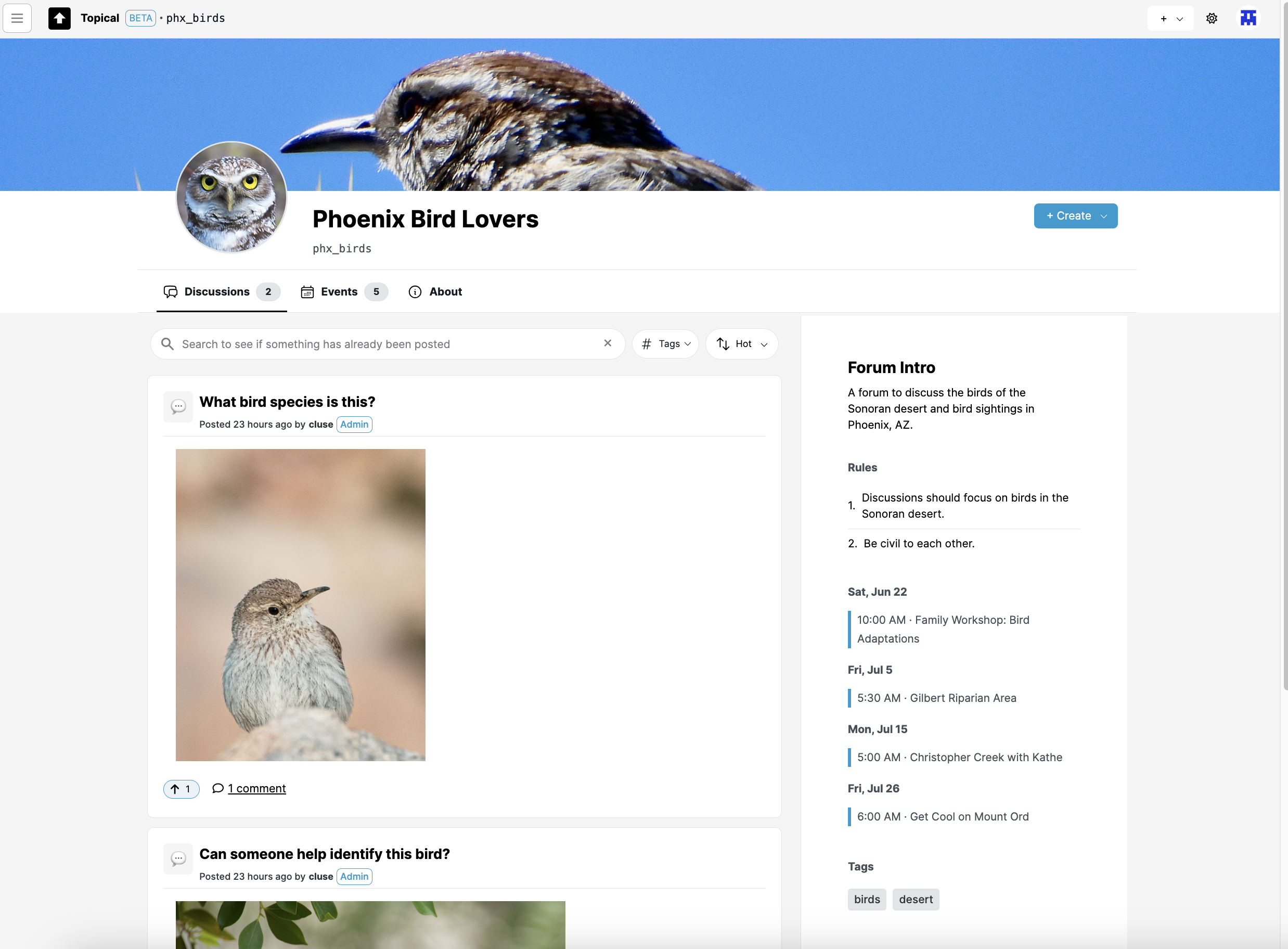
If you click an item in the discussion list, it goes to the discussion detail view, which contains the comments. In the case of a birdwatching group, maybe there's a comment identifying the bird:
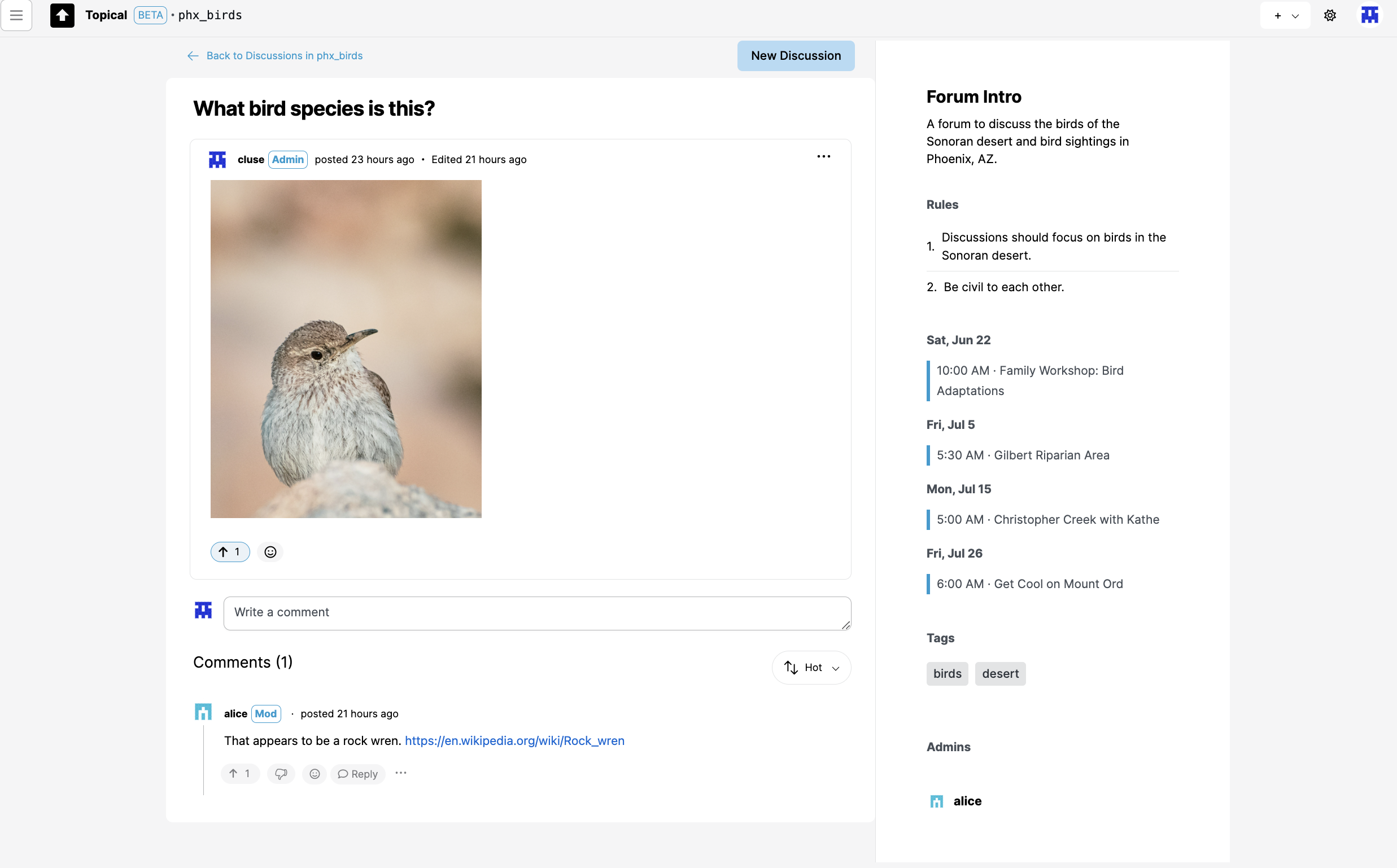
Forum without any events
Events are optional for forums. I intend to make it possible for a forum to turn off the events tab. The Discussions tab is the main landing page, especially for forums that could be focused on technical questions and answers, which would have no need for events:
Discussion list views within a forum
Here's the discussion list within a single forum, at mobile width:
Here's another example of a discussion list view at mobile width:
This screenshot shows how a discussion detail page looks at mobile width:
Multiforum Demo Part 3: Event Search
Catherine posted 2 years ago
Anyone can post events on the platform, with a title, description, and address. If you include an address, the event will show up on a map so you can see what's happening nearby. There are also features for filtering events by time and forum, highlighting events on the map, and viewing detailed information about each event. My goal was to make it simple and effective for everyone to find and share local events.
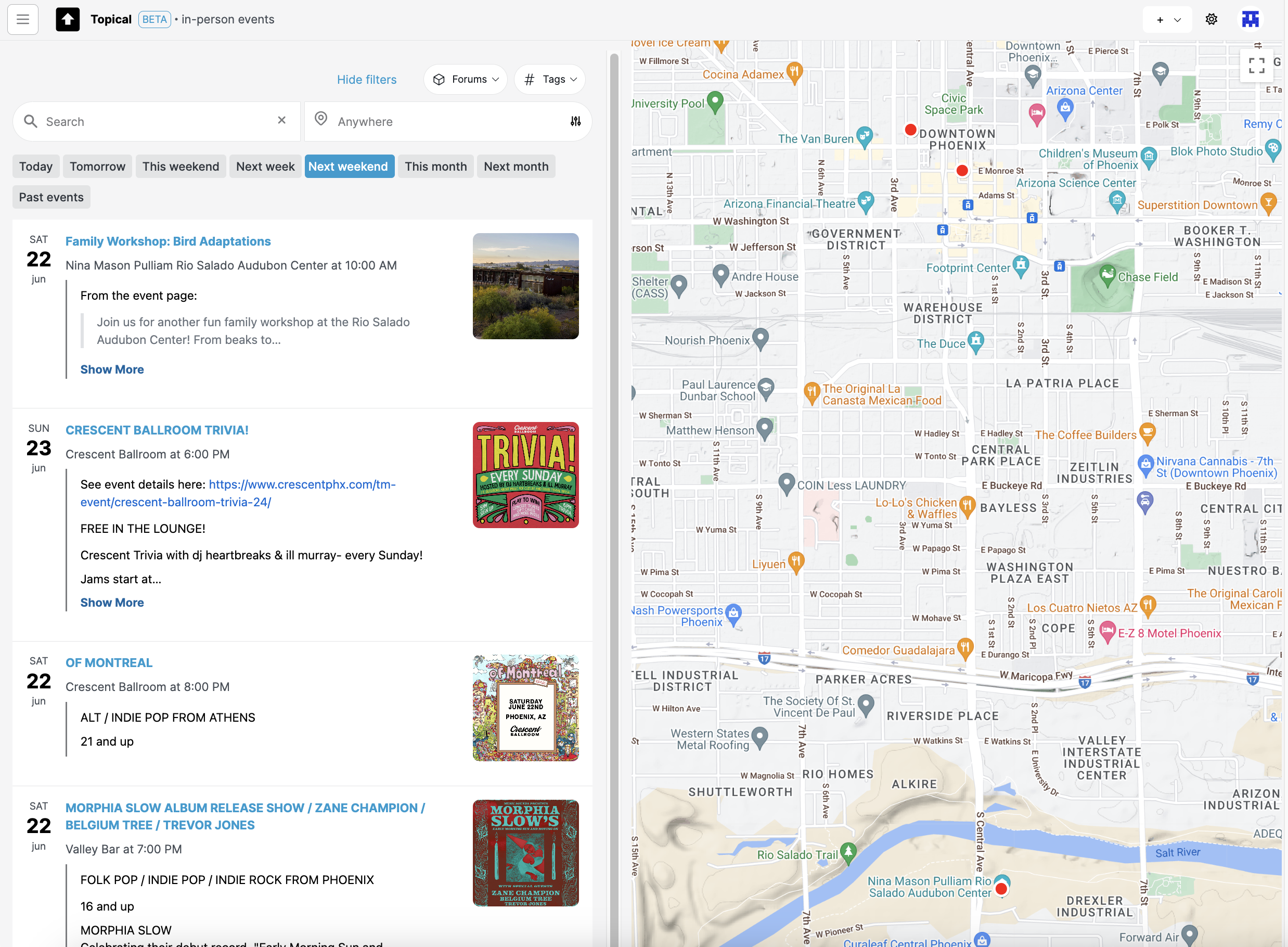
Note: The above screenshot shows how it looks if you filter all in-person events by 'next weekend.' If today is during the week of Monday, June 17, then the events are filtered to show events on Saturday the 22nd and Sunday the 23rd:
In this blog post, I'll show you the different features of the tool with some screenshots. It's still a work on progress, but I plan to host it soon. Until it's hosted, hopefully this walkthrough can give you a good idea of how my project can be used to discover and share events.
Highlighting events on the map
If you mouse over an event list item or map marker, an info window pops up on the map and the list item is also highlighted. This is supposed to make it easier to draw a connection between the two:
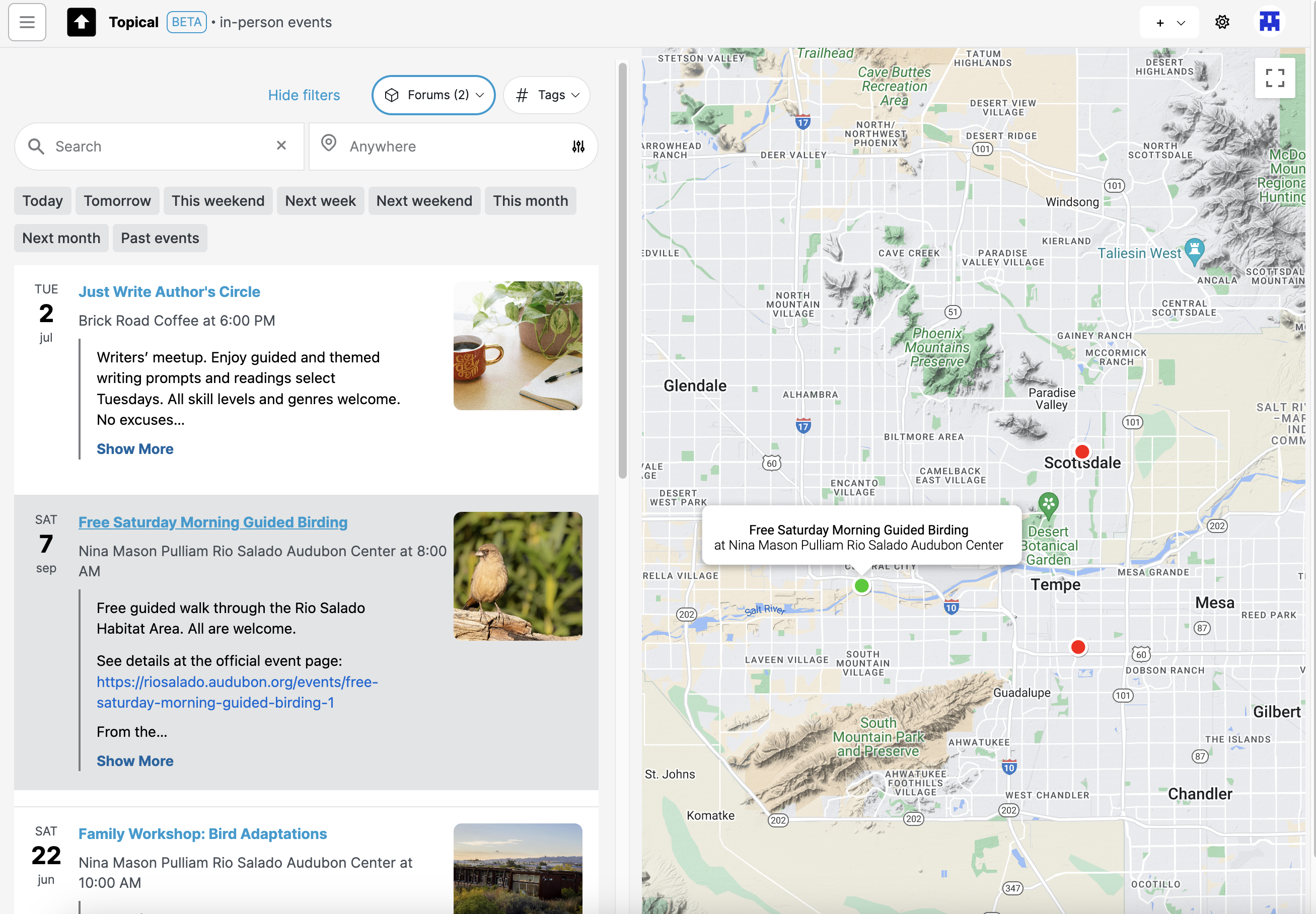
Here's another example showing what happens if you hover over an event in the map view:
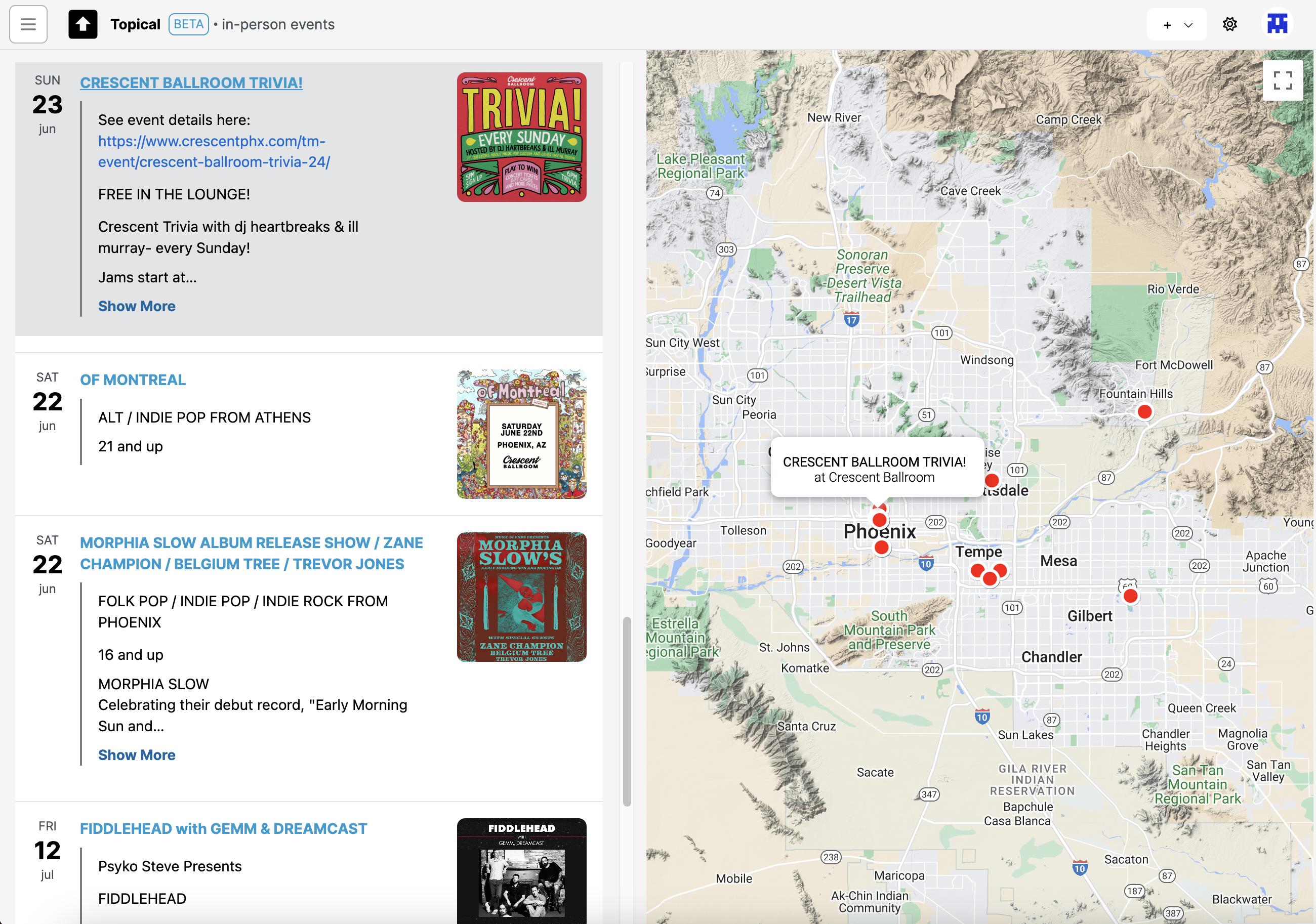
Filtering the map by forums
If I'm only interested in events from a few specific forums, I filter the map by those forums:
Note: The above component for selecting forums is unwieldy and I'll be replacing it with something more compact.
The resulting event list is now filtered by the two forums I selected - the writers group and the birdwatching one. All of the concerts are no longer in the list and their map markers are no longer on the map:
Clicking forum name in event drawer
If you're looking at events from the map view, and you click on one, the details will show up in a drawer:

In that drawer you can see what forums that event was submitted to. If you click the forum name it will take you to the event page in the context of that forum:
Screenshots of event detail pages within a forum are below.
Multiple events at the same location
Some map markers indicate that there are multiple events at the same location. If you click that, you can see the list of events that are taking place there at different times:
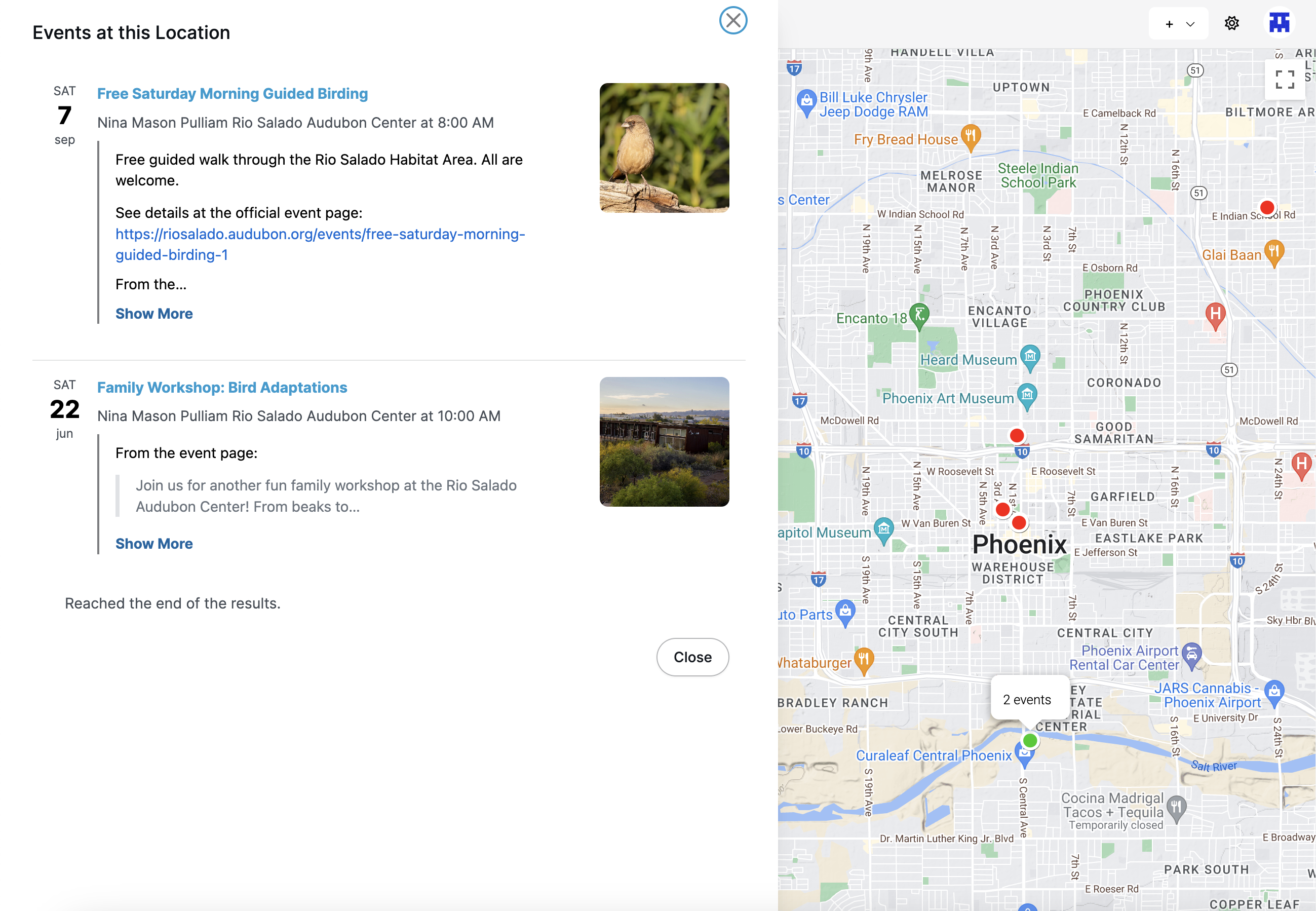
Here's another example of how it looks when you click on a location with multiple events. In this case, the events are both at the same concert venue, Crescent Ballroom:
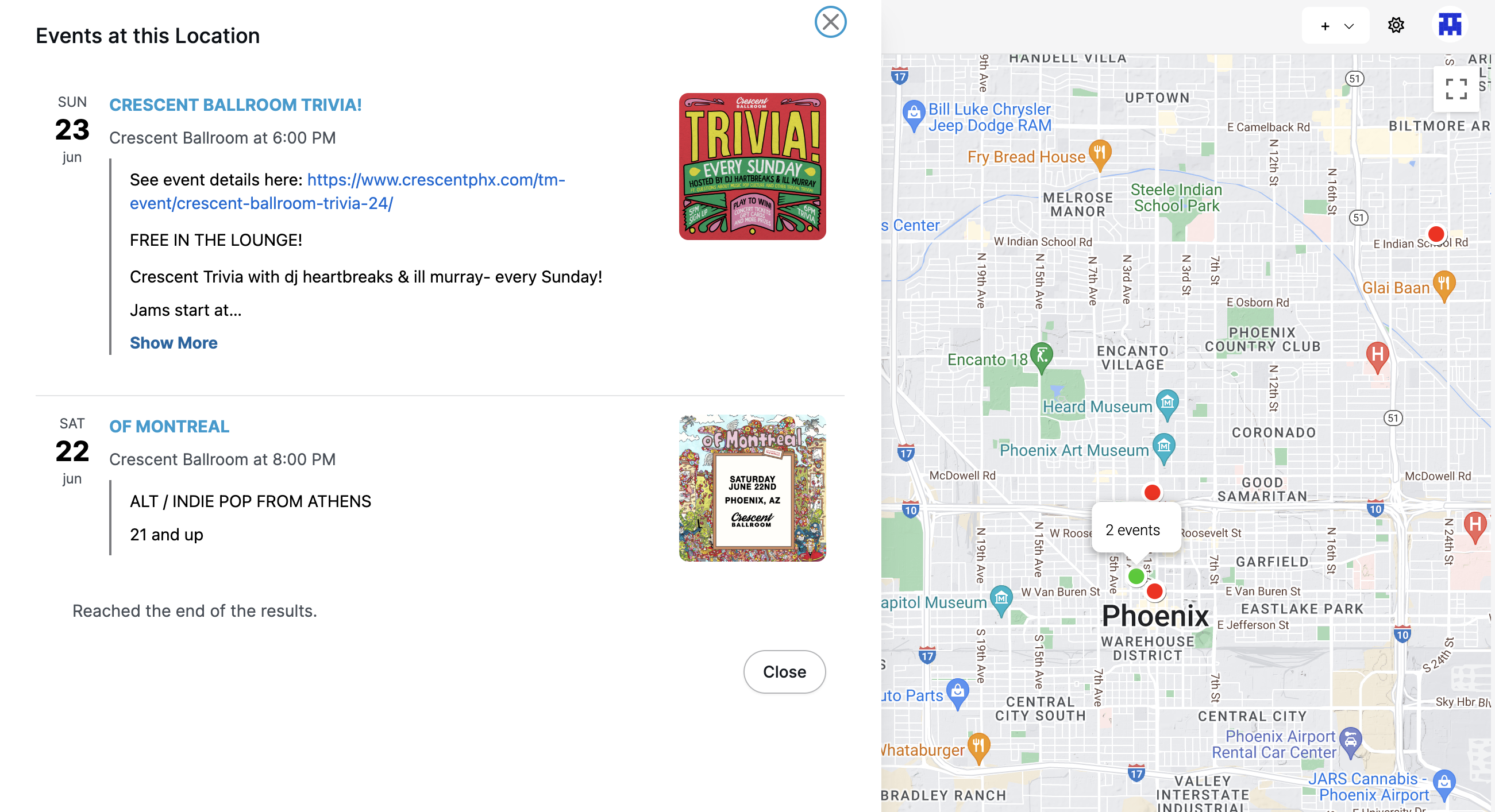
Clicking a single event
If you click on an event list item or map marker for a single event, the details of that event show in a drawer (the drawer also contains permanent links to the event's detail page, useful for sharing event details):
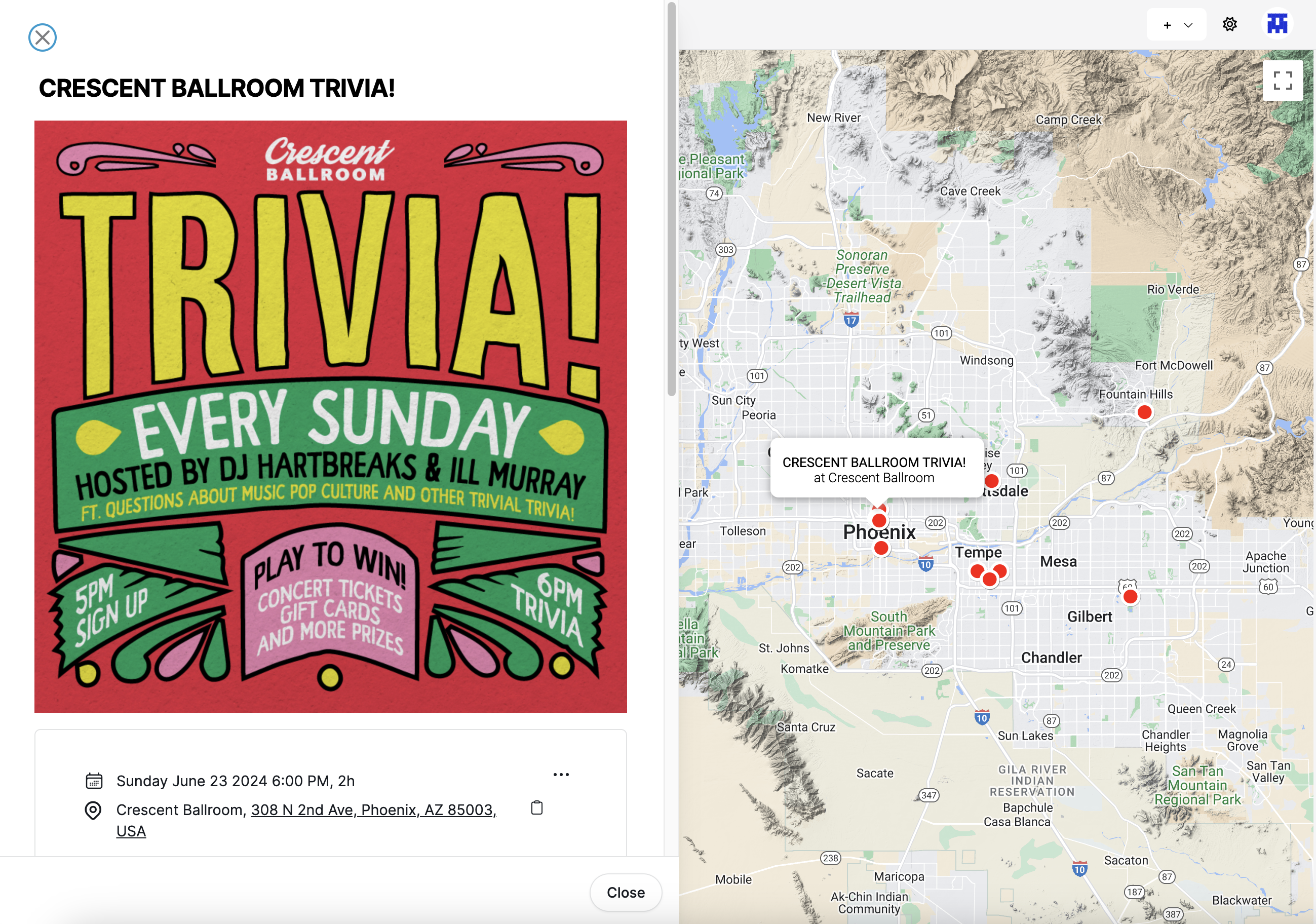
Event list within a forum
Each forum can have its own list of upcoming events. In this example, a forum about rock music in Phoenix is promoting events at multiple venues. Meanwhile, the forum sidebar shows the handful of events which are coming up the soonest, so that they are visible even when the Discussions tab is active:
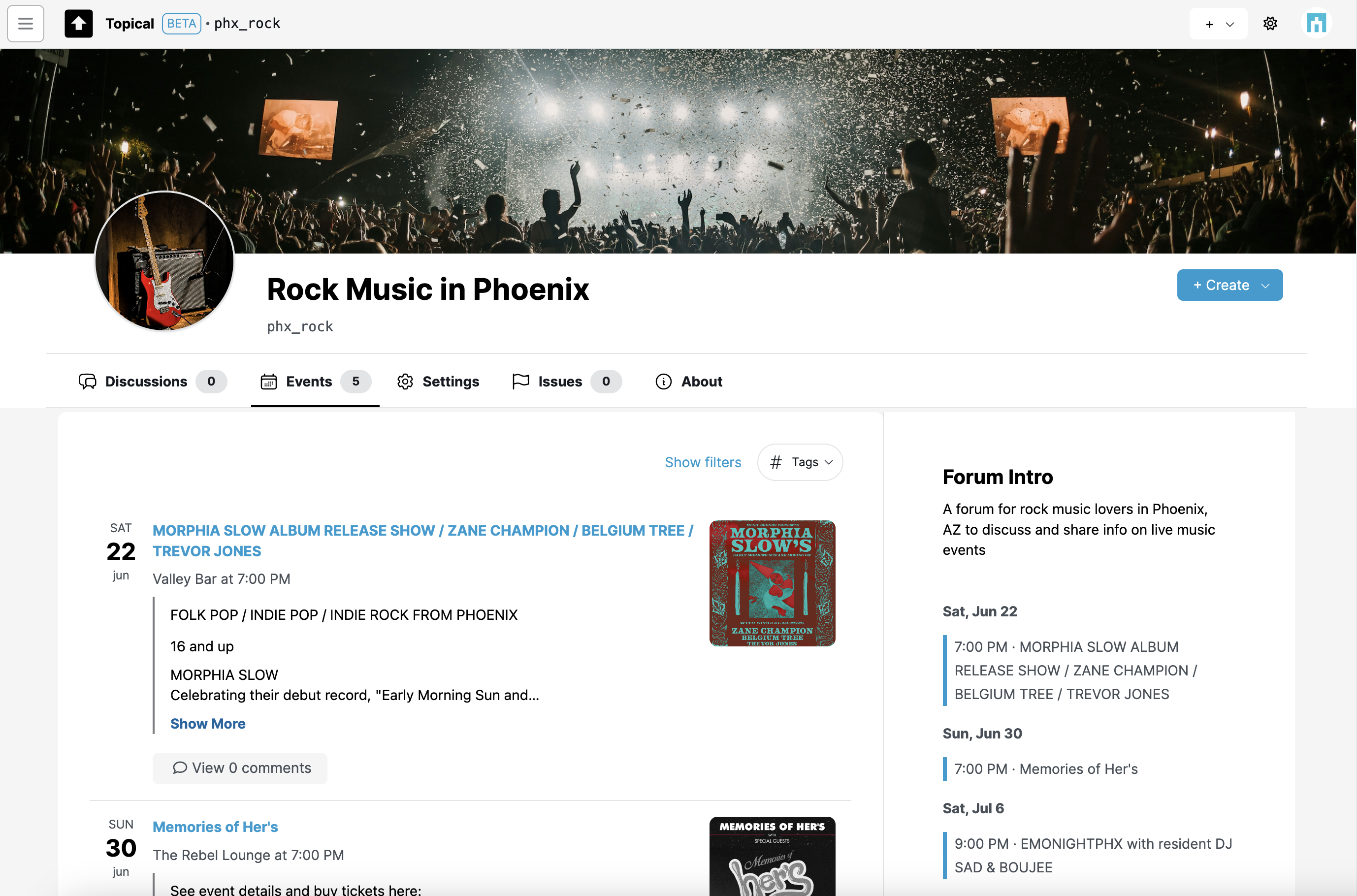
In this particular example, hypothetically, the venues may host a variety of events in multiple musical genres but these particular ones would be of interest to people who like rock music. So in that way, the forum can be used as a way to organize public information about events and promote them to the people who find them most relevant.
(The screenshots may not show the best examples. Morphia Slow categorizes herself as "Folk-Murder-Pop", but you get the idea.)
Events can be filtered within a forum. This screenshot shows how it looks when events in "Phoenix Bird Lovers" are filtered to show only events next weekend:
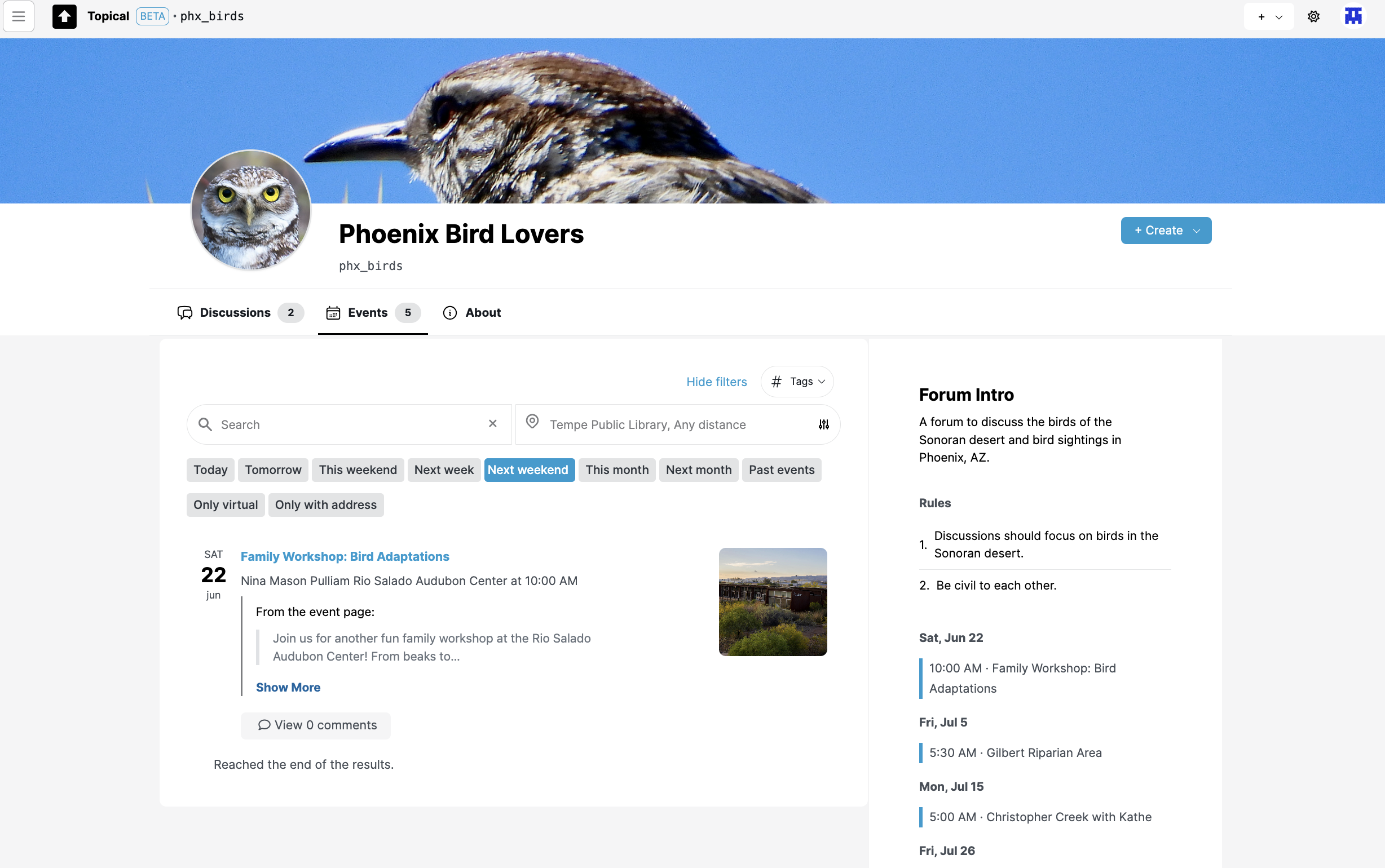
Here are the events filtered by location. In this case they are filtered to show events within 10 miles of Tempe:
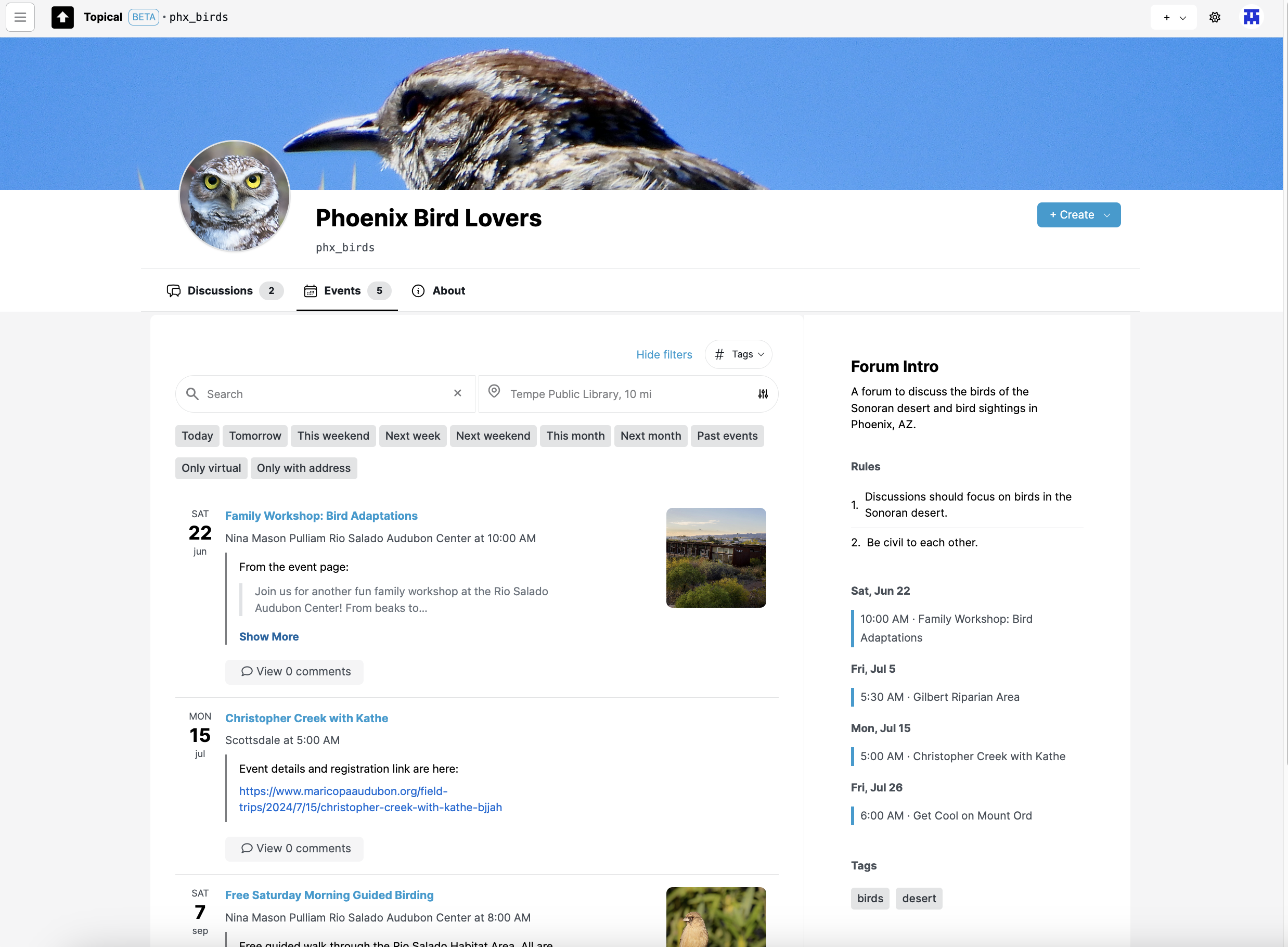
Submitting an event to forums
You can share an event to one or more forums. In a typical use case, you would link to an official event page with the full details and information about how to buy tickets, if applicable.
Submitting an event to multiple forums is a good way to increase the visibility of the event. This one will now be visible in the context of both of the selected forums:
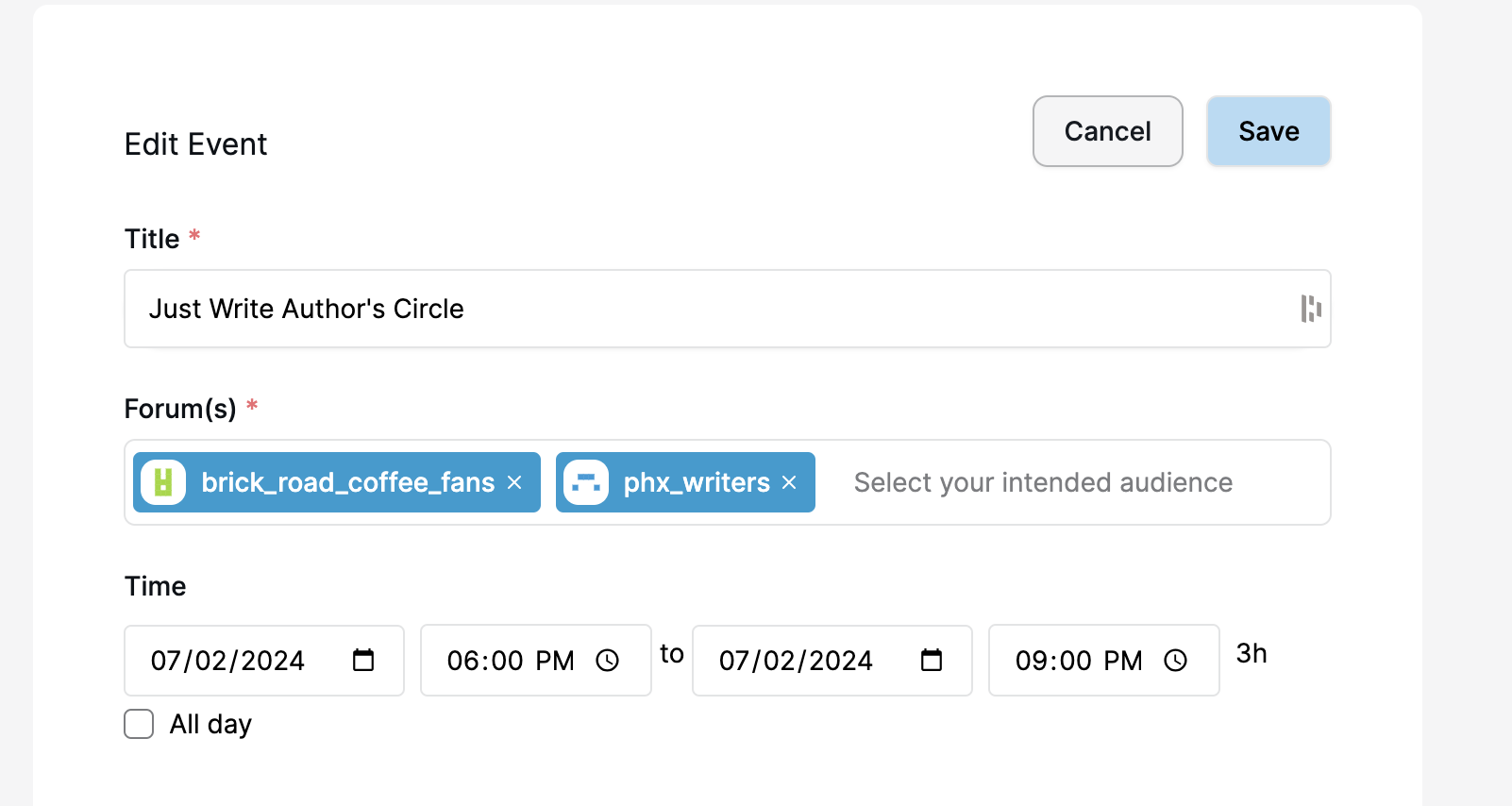
If you add an address, the event will be discoverable from the sitewide event search page (the map view):
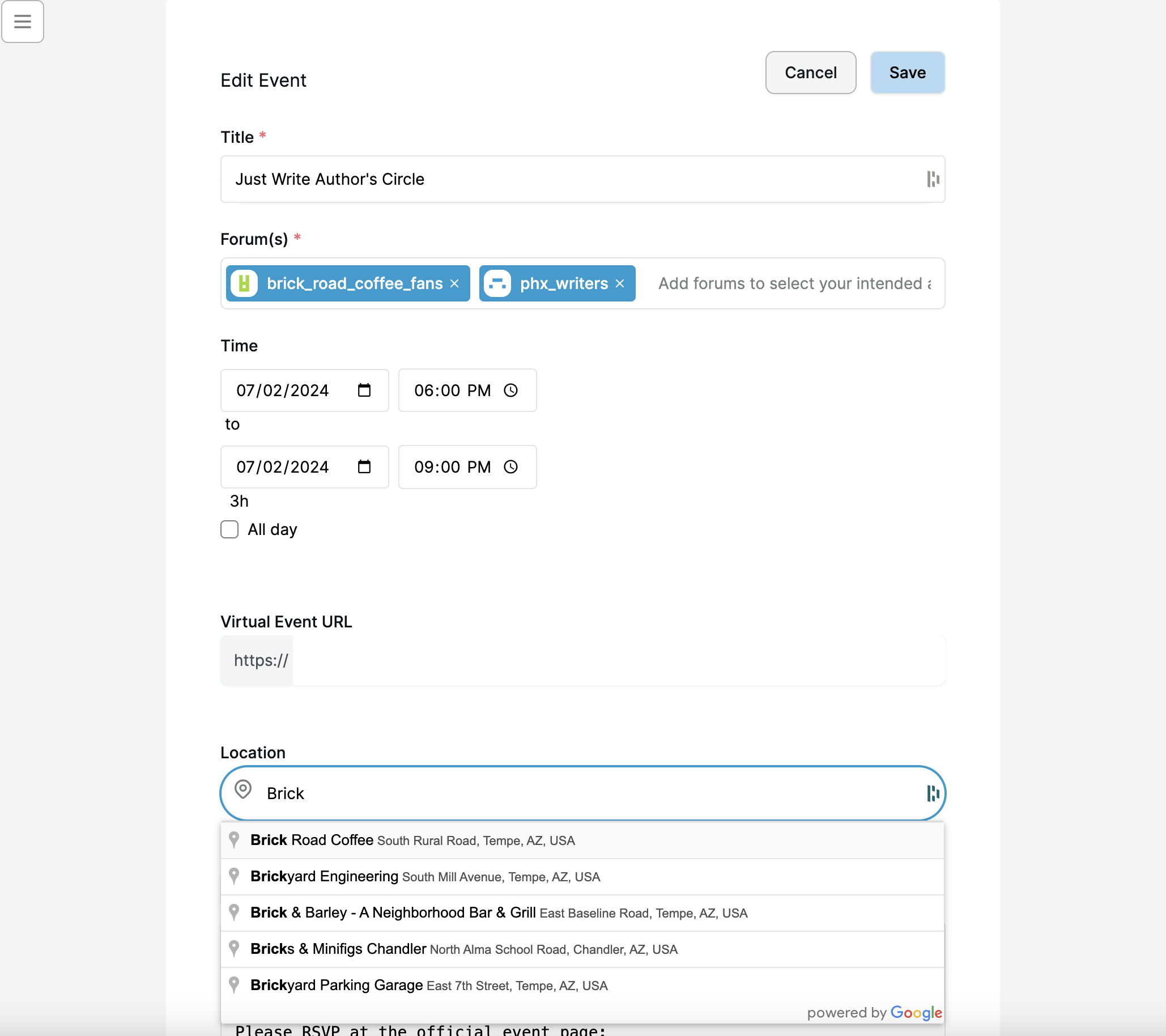
Screenshots - Mobile width
Event list view within a forum
Here's the list of events within a specific forum:
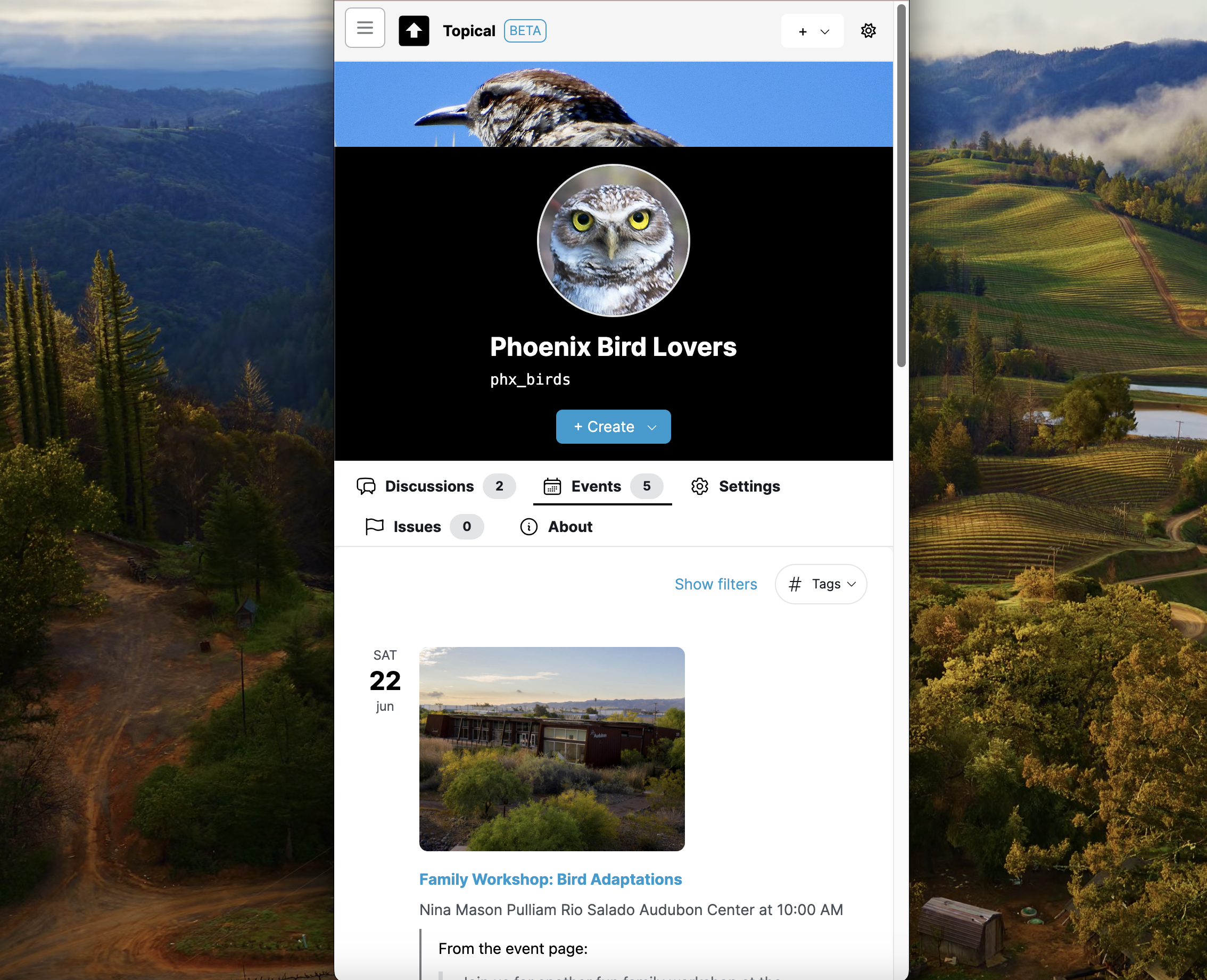
Event detail page
This screenshot shows how an event detail page looks at mobile width, if you come to it from within the context of an individual forum:
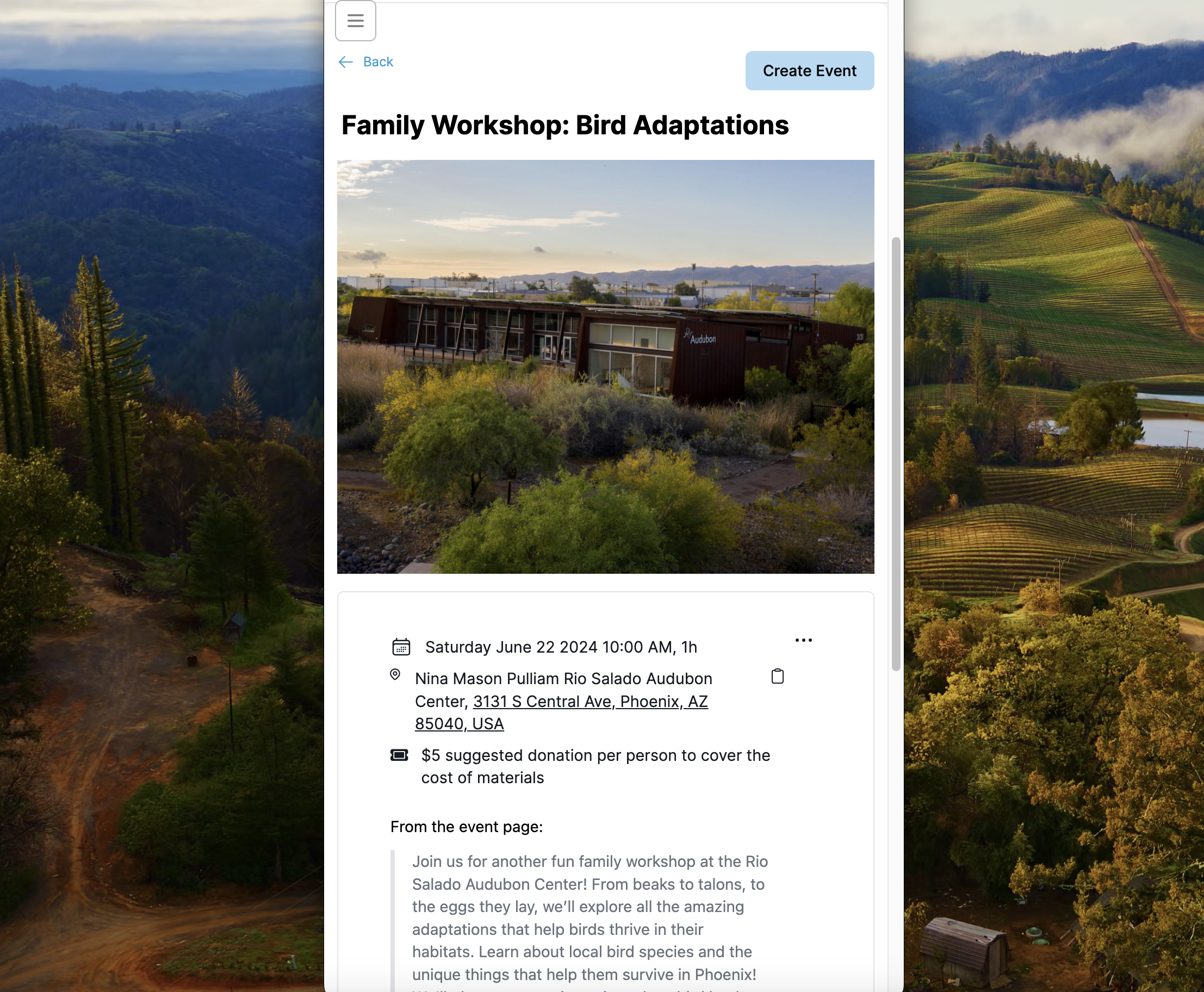
Sitewide event list
Here's the sitewide in-person event list with an active filter, shown here at mobile width. All the same filtering features work at mobile width as well. Here, the events are filtered by the birdwatching forum, so not all of the map markers are displayed.
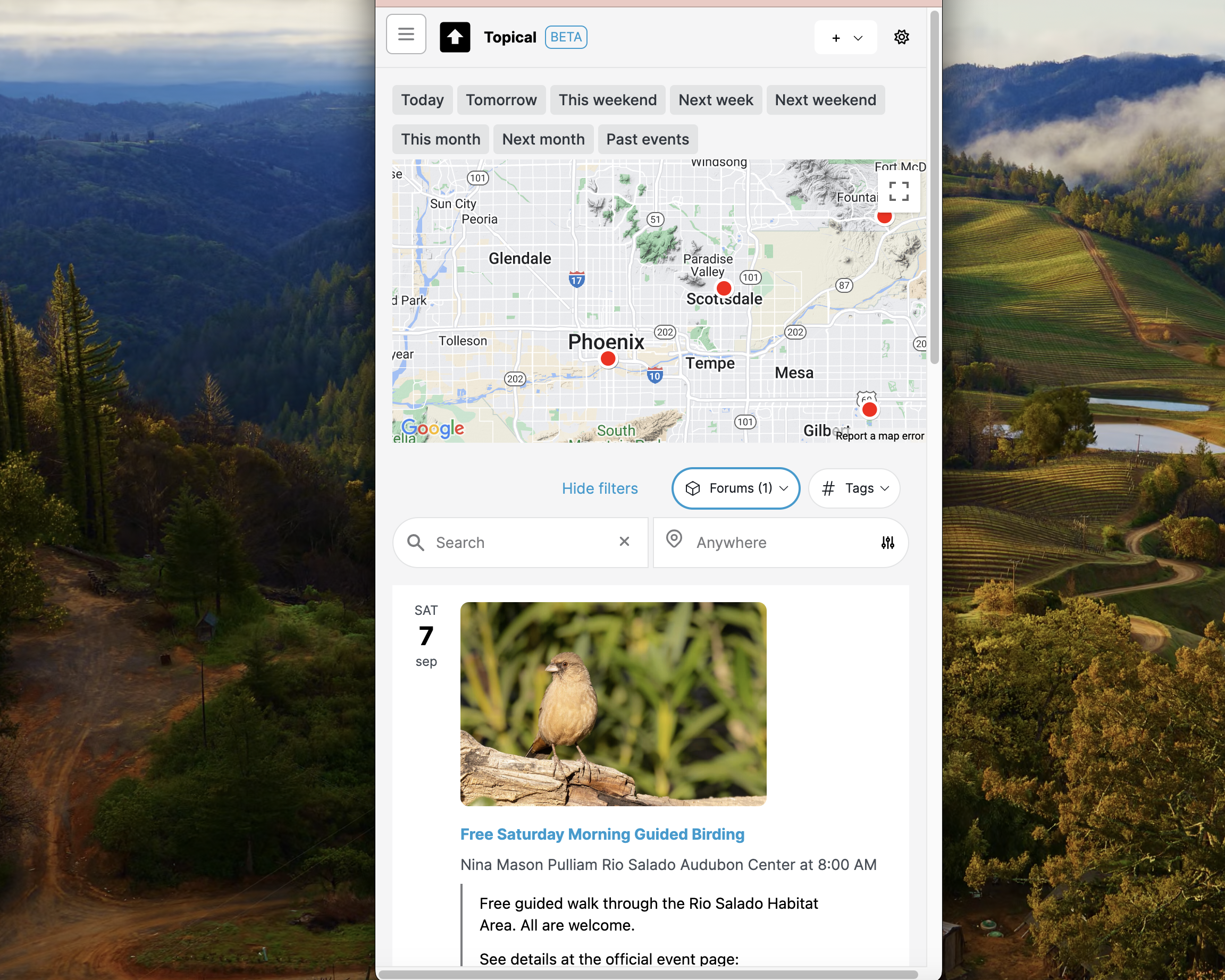
Multiforum Demo Part 1: Finding forums
Catherine posted 2 years ago
Hey everyone! I'm excited to share my latest side project with you - a local event finder tool that I've been working on. It's designed to help people find and promote events happening around them. Whether you're a local business owner wanting to attract more customers to your bar or coffee shop, or just someone who wants to share your love for rock music, trivia, or bird watching, this tool should make it easier.
I'll break this into multiple posts, but in this part, we'll explore the forum list features. These allow you to find and navigate forums easily, especially on mobile devices.
Here is the list of forums at mobile width:
The list of forums can be filtered by tag:
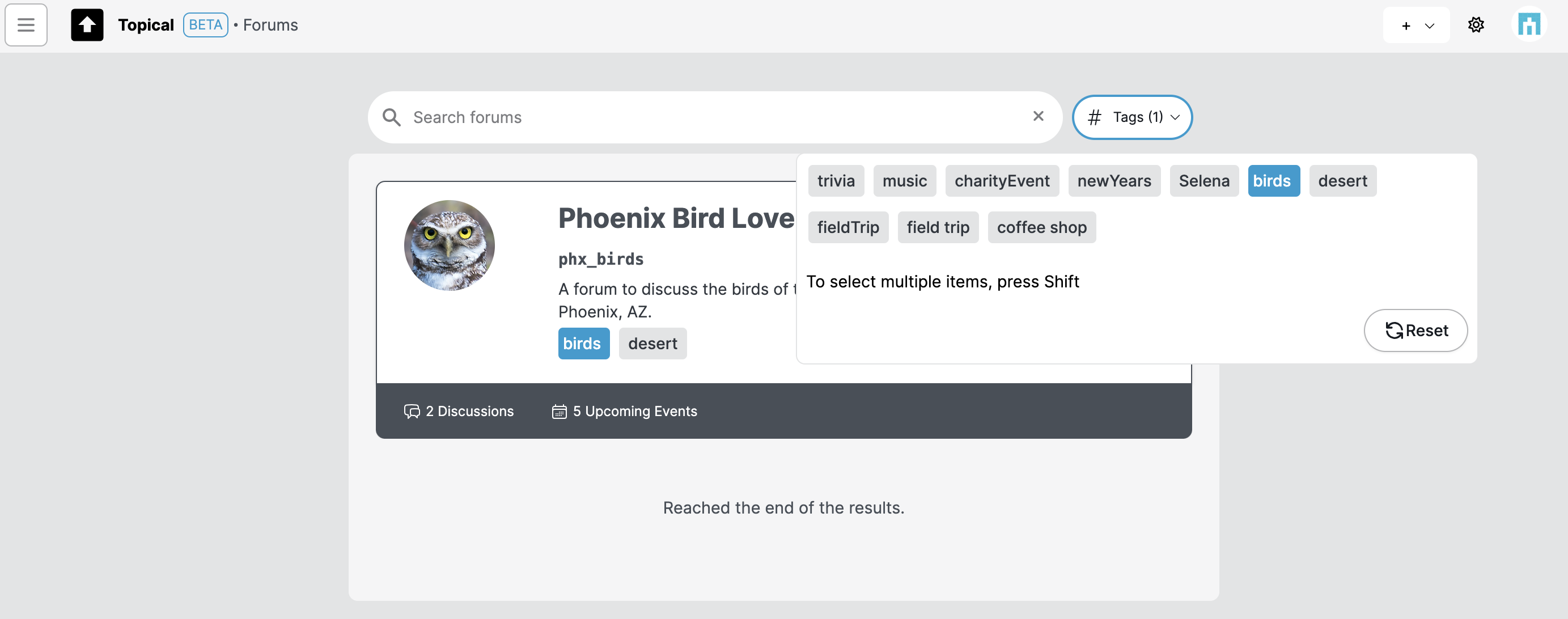
The forum list can be filtered by search terms as well:
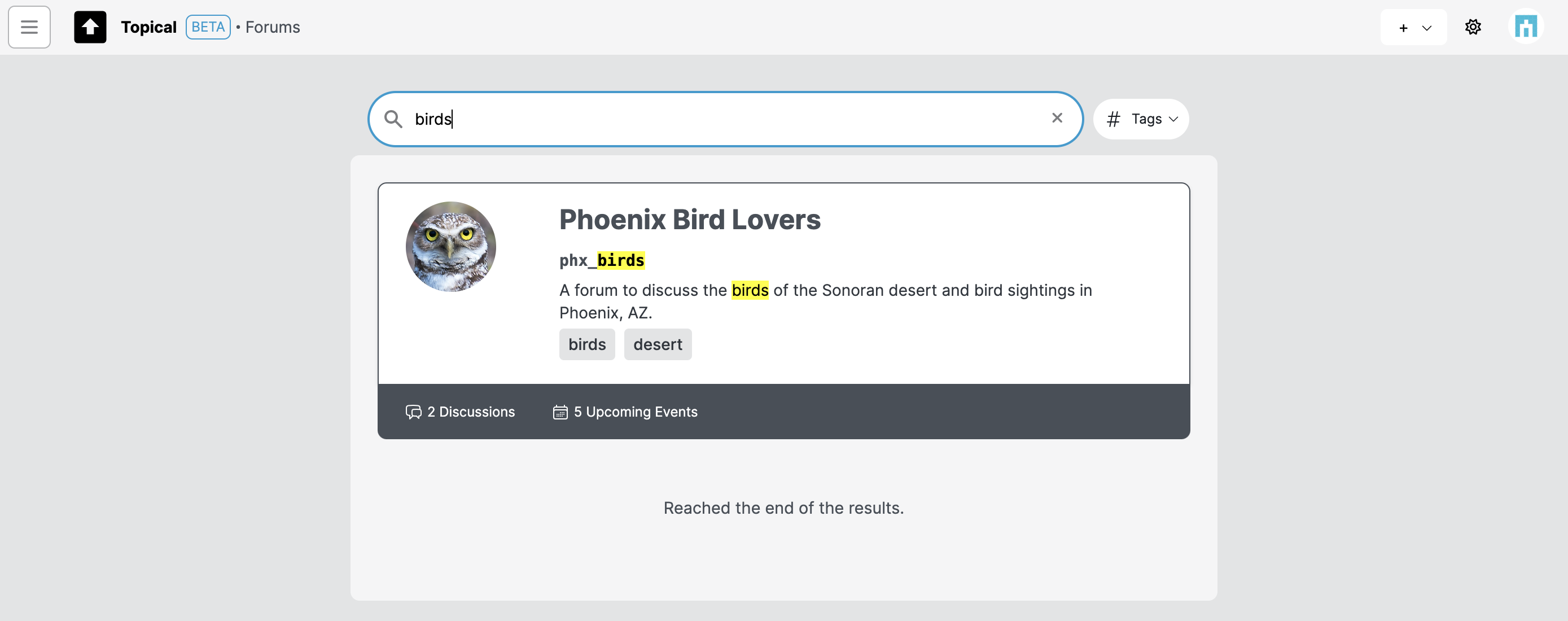
Recently visited forums
If you click the menu button on the top left of any page, it shows recently visited forums to support easy context switching.