Multiforum Demo Part 3: Event Search
June 20, 2024
Anyone can post events on the platform, with a title, description, and address. If you include an address, the event will show up on a map so you can see what's happening nearby. There are also features for filtering events by time and forum, highlighting events on the map, and viewing detailed information about each event. My goal was to make it simple and effective for everyone to find and share local events.
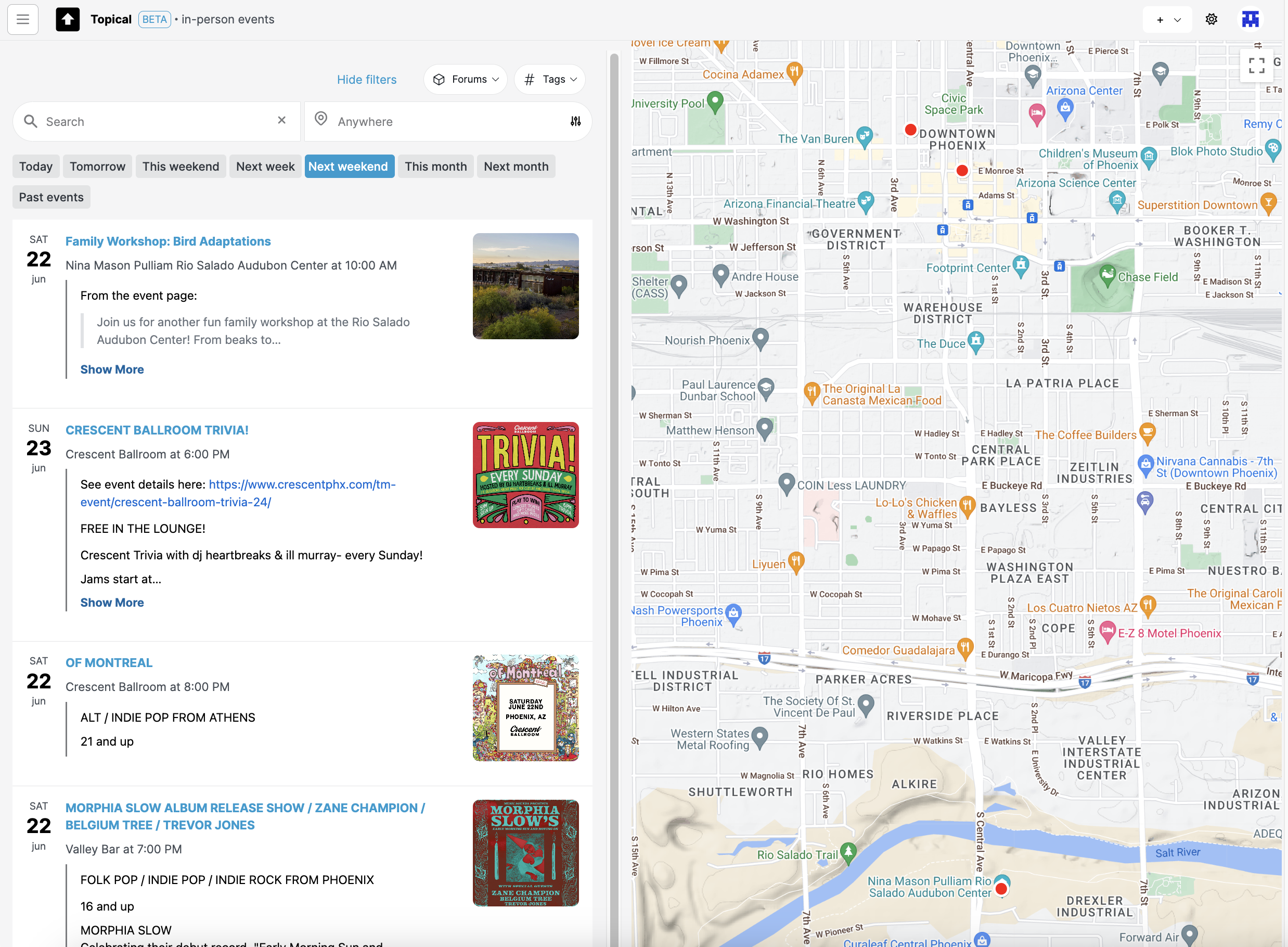
Note: The above screenshot shows how it looks if you filter all in-person events by 'next weekend.' If today is during the week of Monday, June 17, then the events are filtered to show events on Saturday the 22nd and Sunday the 23rd:
In this blog post, I'll show you the different features of the tool with some screenshots. It's still a work on progress, but I plan to host it soon. Until it's hosted, hopefully this walkthrough can give you a good idea of how my project can be used to discover and share events.
Highlighting events on the map
If you mouse over an event list item or map marker, an info window pops up on the map and the list item is also highlighted. This is supposed to make it easier to draw a connection between the two:
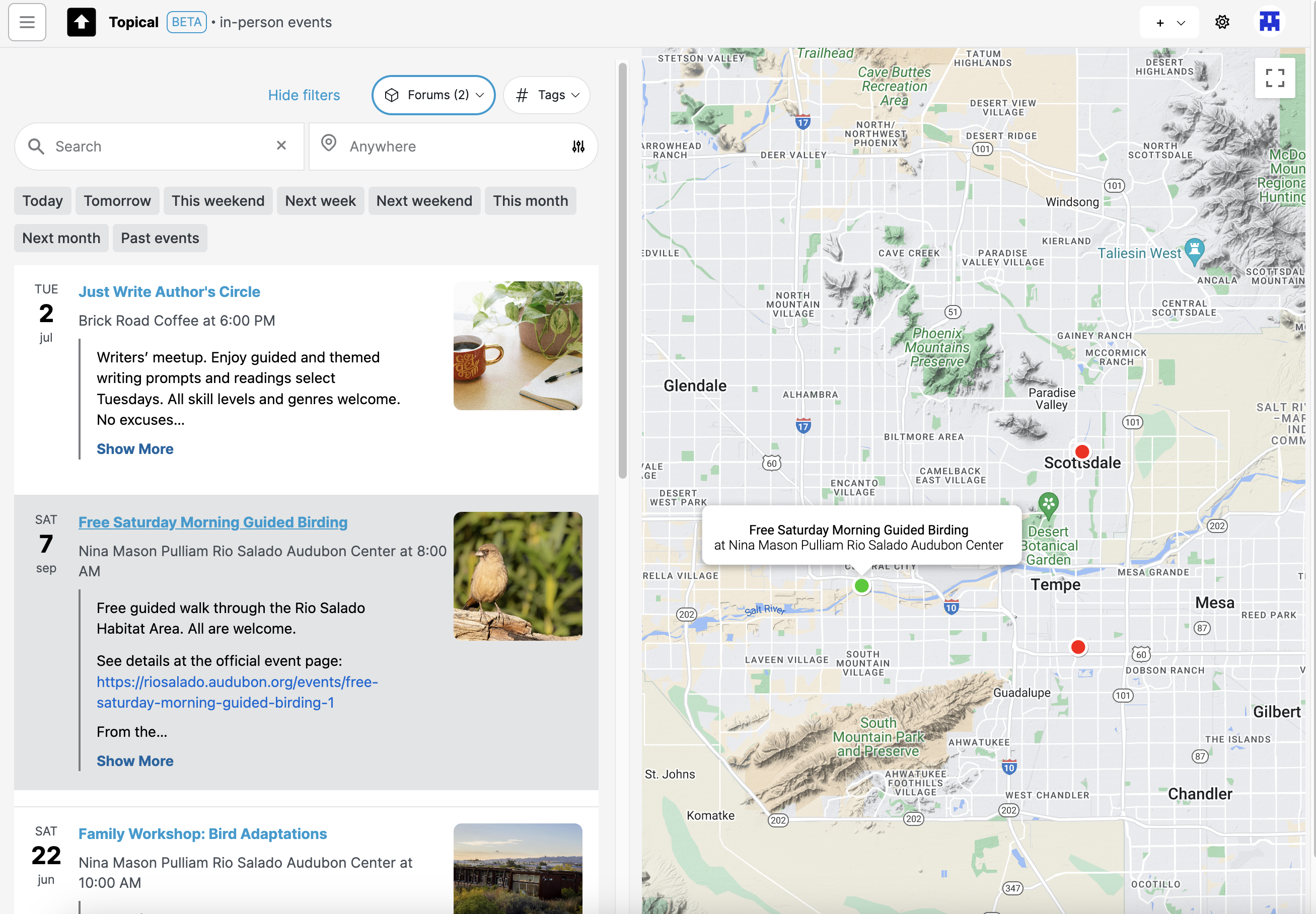
Here's another example showing what happens if you hover over an event in the map view:
Filtering the map by forums
If I'm only interested in events from a few specific forums, I filter the map by those forums:
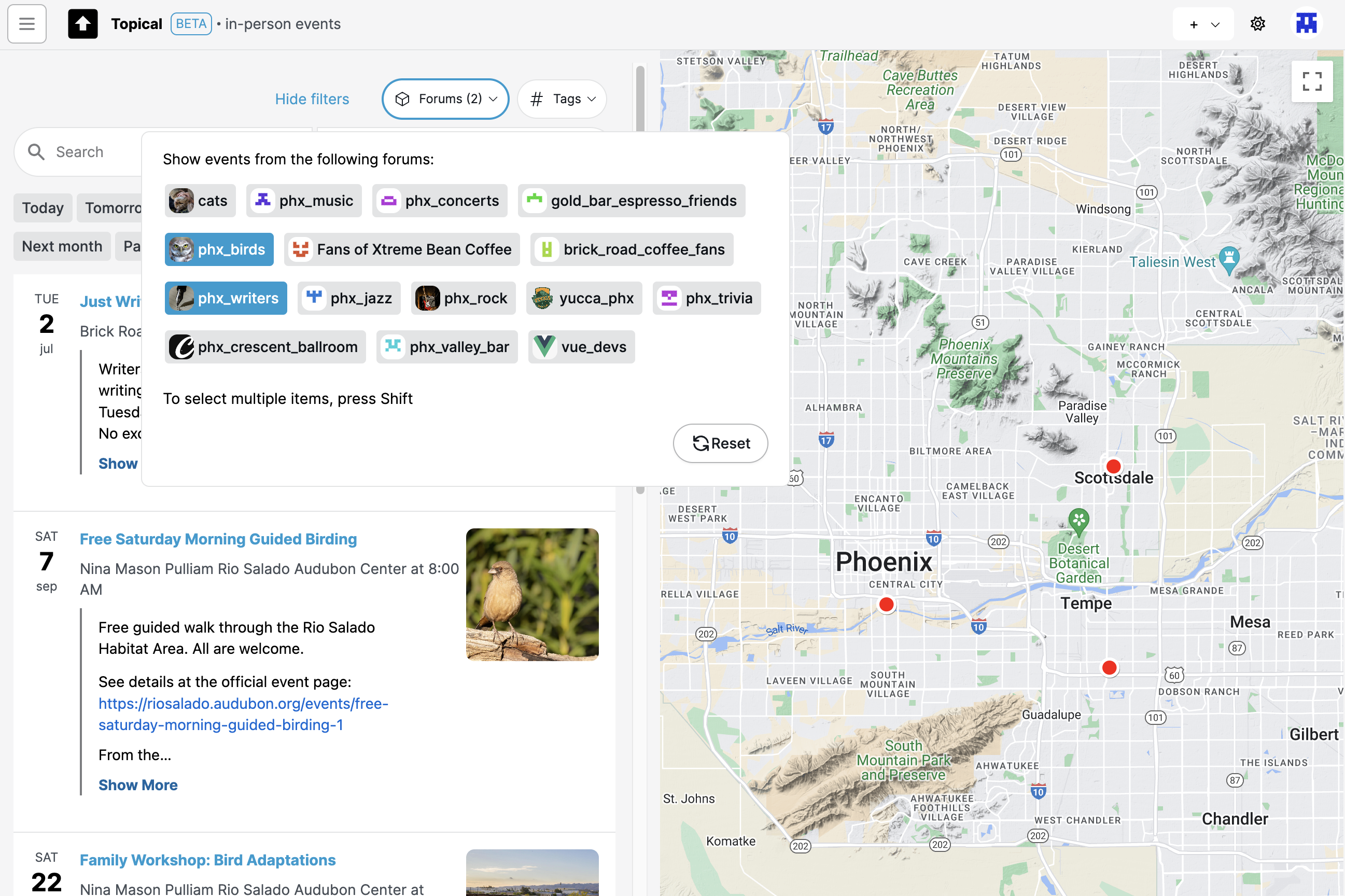
Note: The above component for selecting forums is unwieldy and I'll be replacing it with something more compact.
The resulting event list is now filtered by the two forums I selected - the writers group and the birdwatching one. All of the concerts are no longer in the list and their map markers are no longer on the map:
Clicking forum name in event drawer
If you're looking at events from the map view, and you click on one, the details will show up in a drawer:
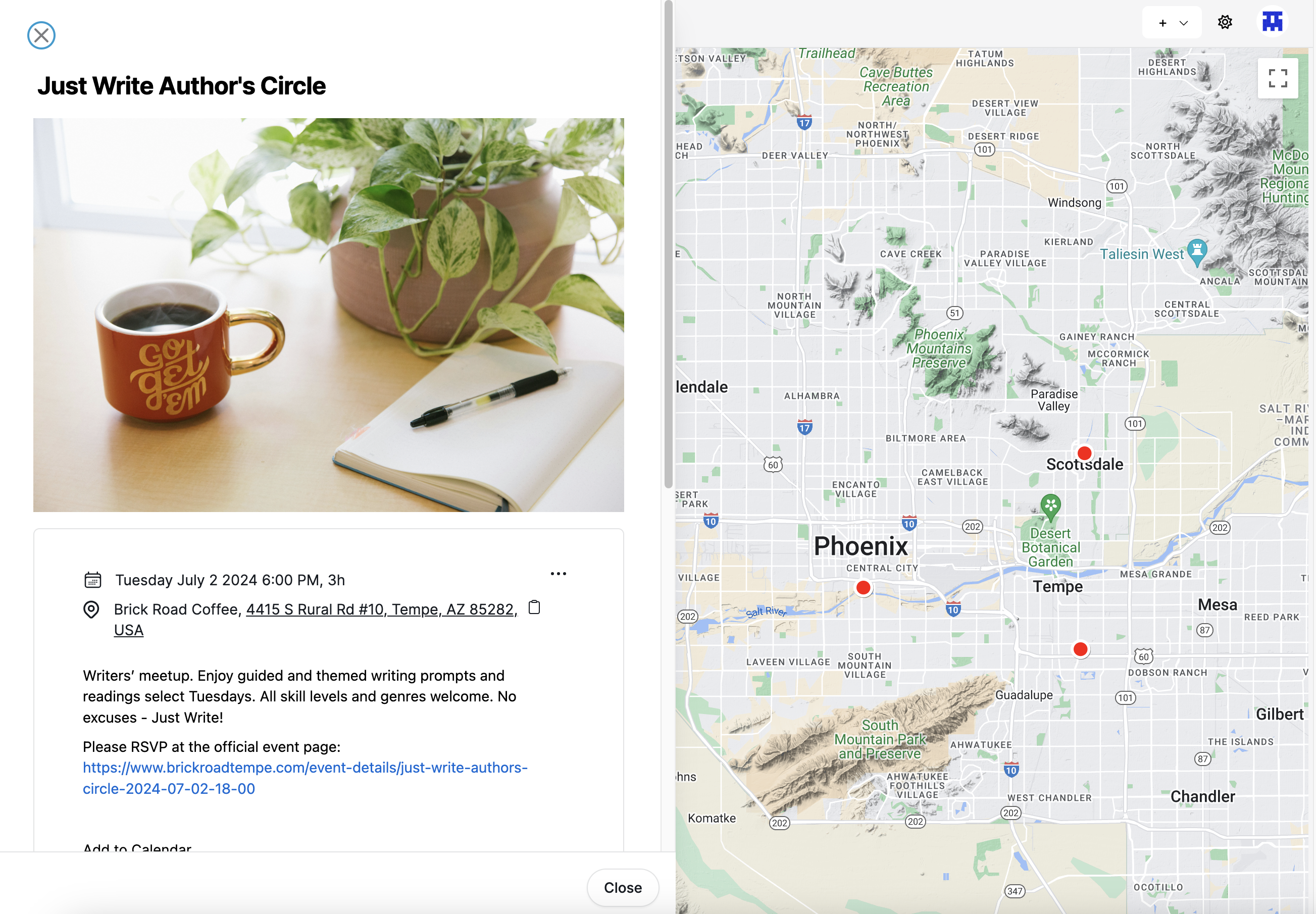
In that drawer you can see what forums that event was submitted to. If you click the forum name it will take you to the event page in the context of that forum:
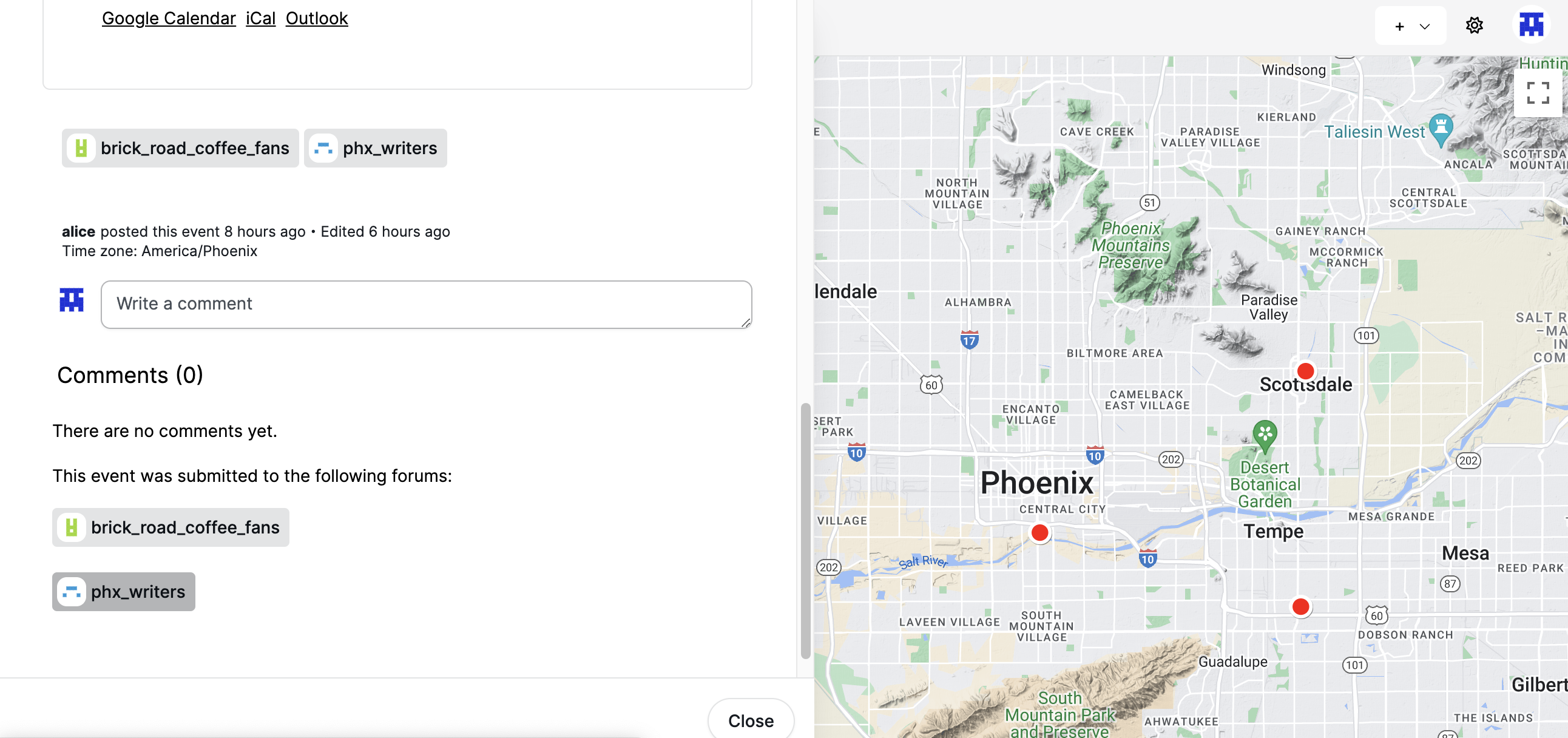
Screenshots of event detail pages within a forum are below.
Multiple events at the same location
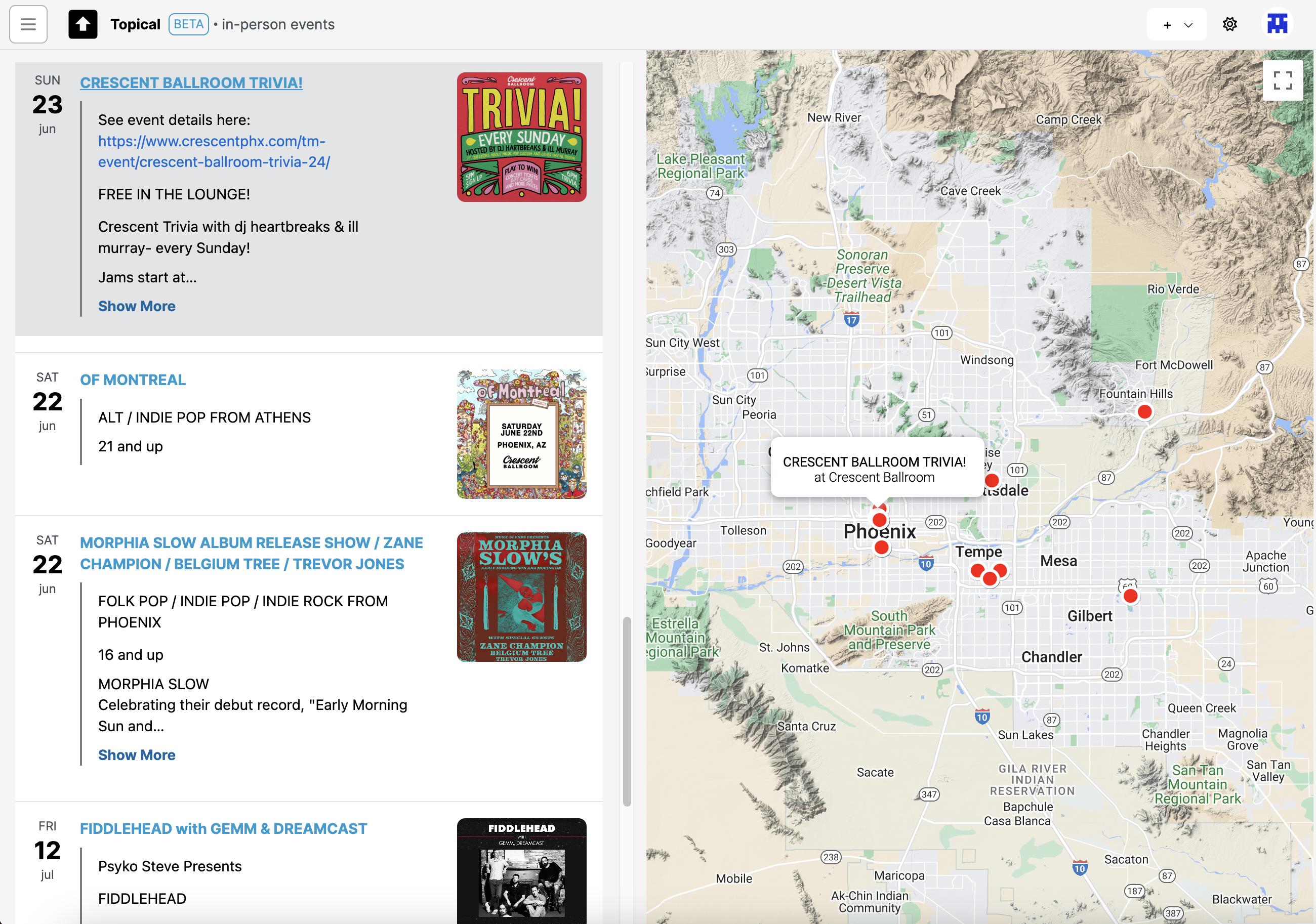
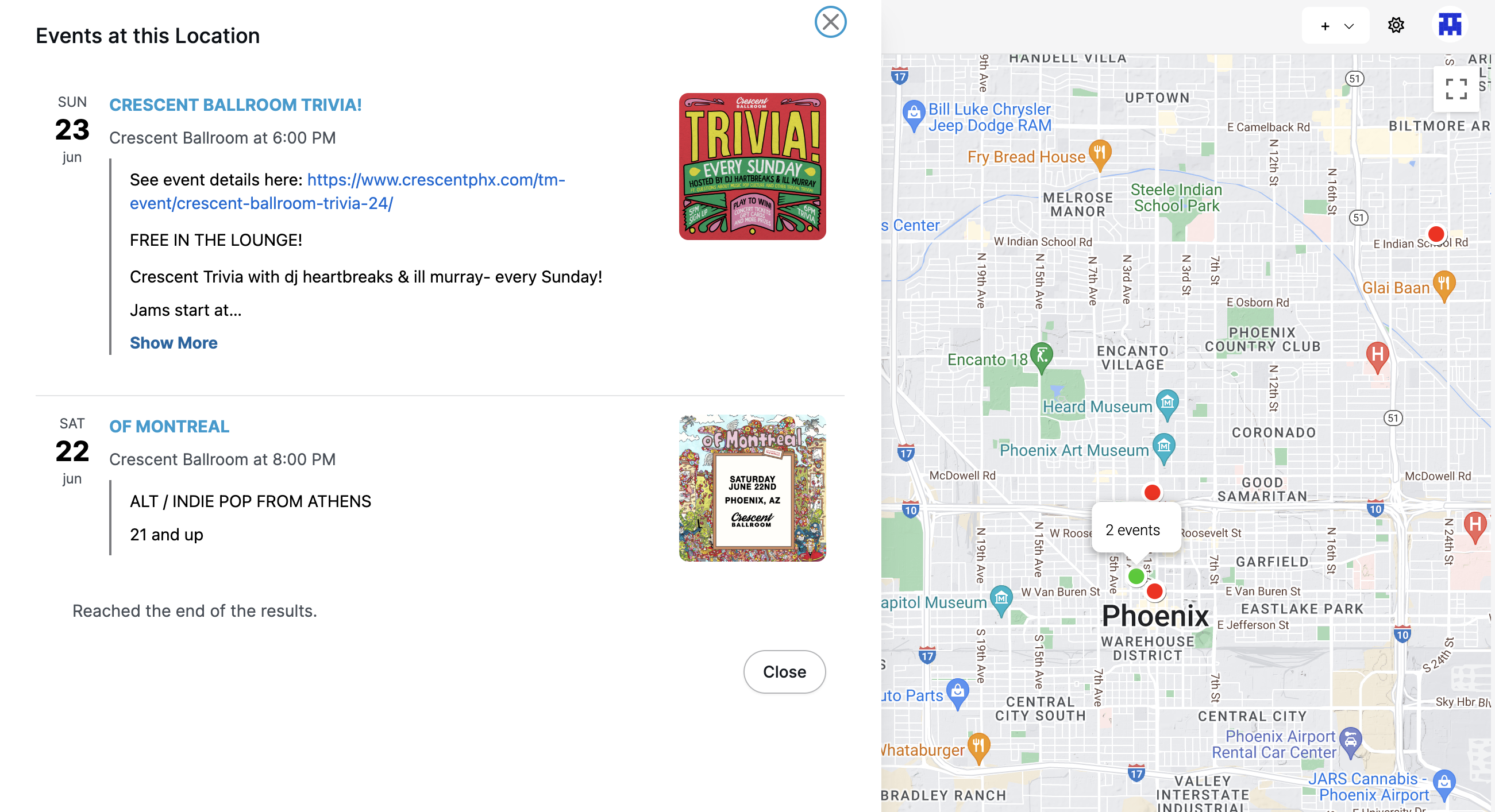
Some map markers indicate that there are multiple events at the same location. If you click that, you can see the list of events that are taking place there at different times:
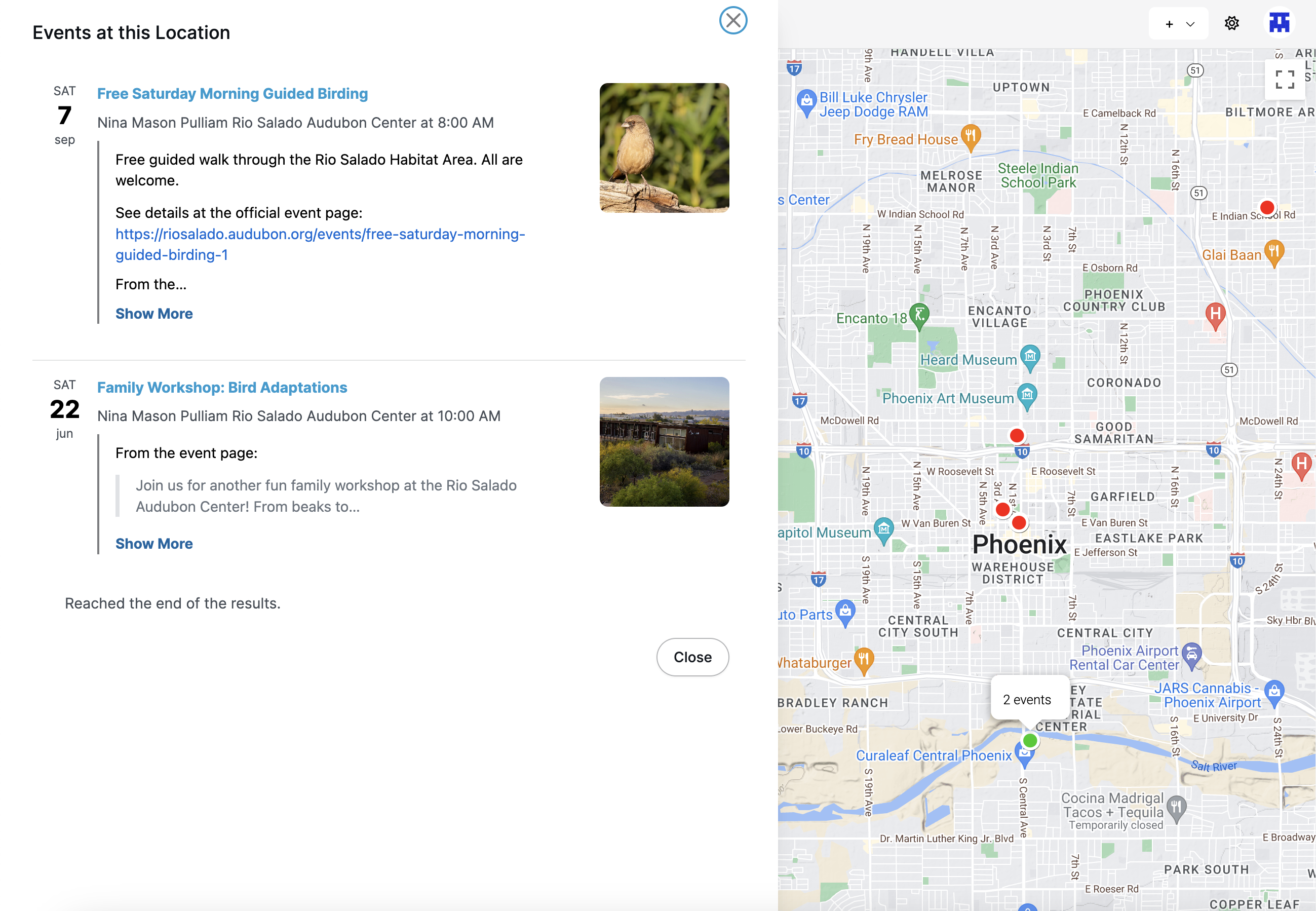
Here's another example of how it looks when you click on a location with multiple events. In this case, the events are both at the same concert venue, Crescent Ballroom:
Clicking a single event
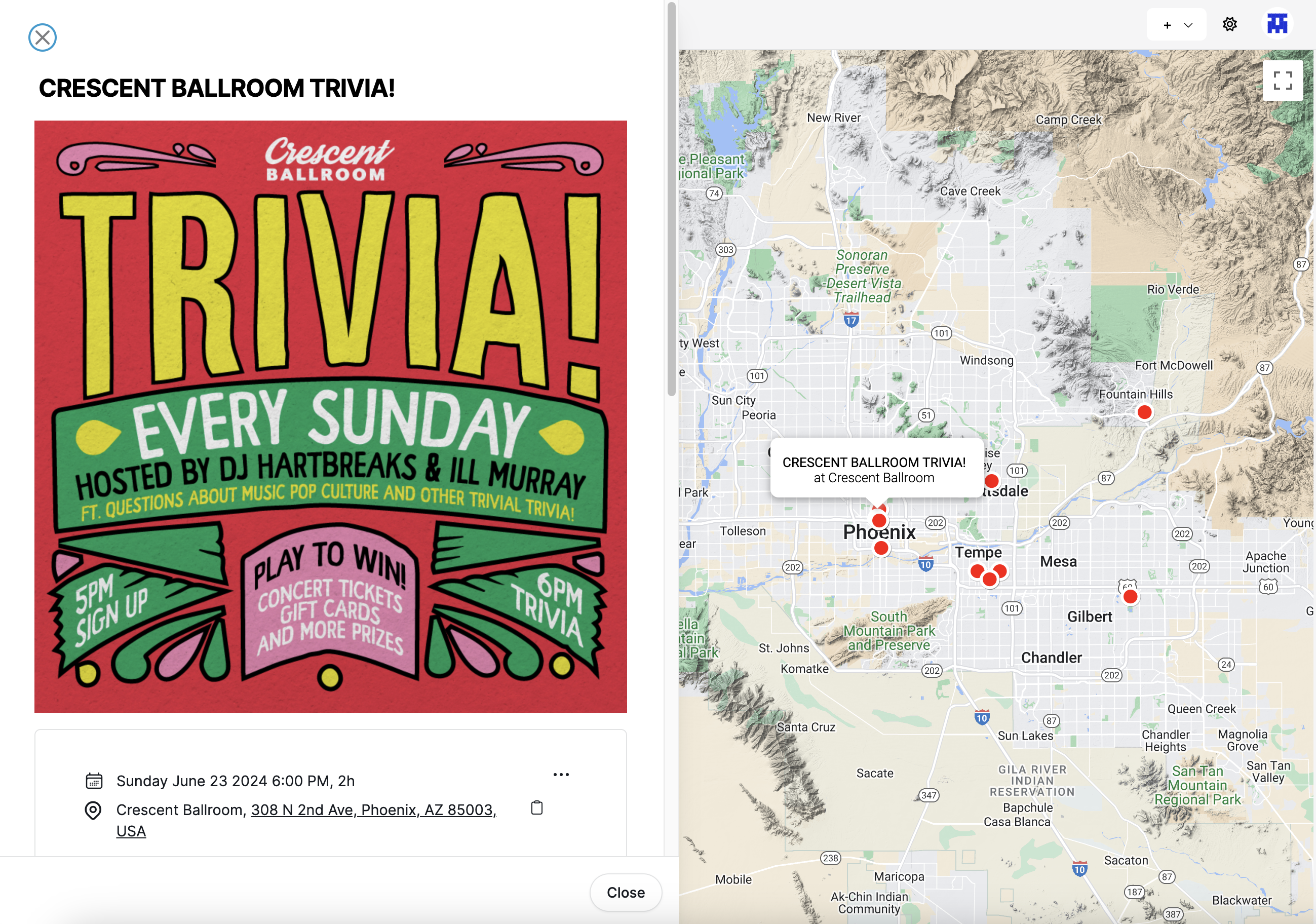
If you click on an event list item or map marker for a single event, the details of that event show in a drawer (the drawer also contains permanent links to the event's detail page, useful for sharing event details):
Event list within a forum
Each forum can have its own list of upcoming events. In this example, a forum about rock music in Phoenix is promoting events at multiple venues. Meanwhile, the forum sidebar shows the handful of events which are coming up the soonest, so that they are visible even when the Discussions tab is active:
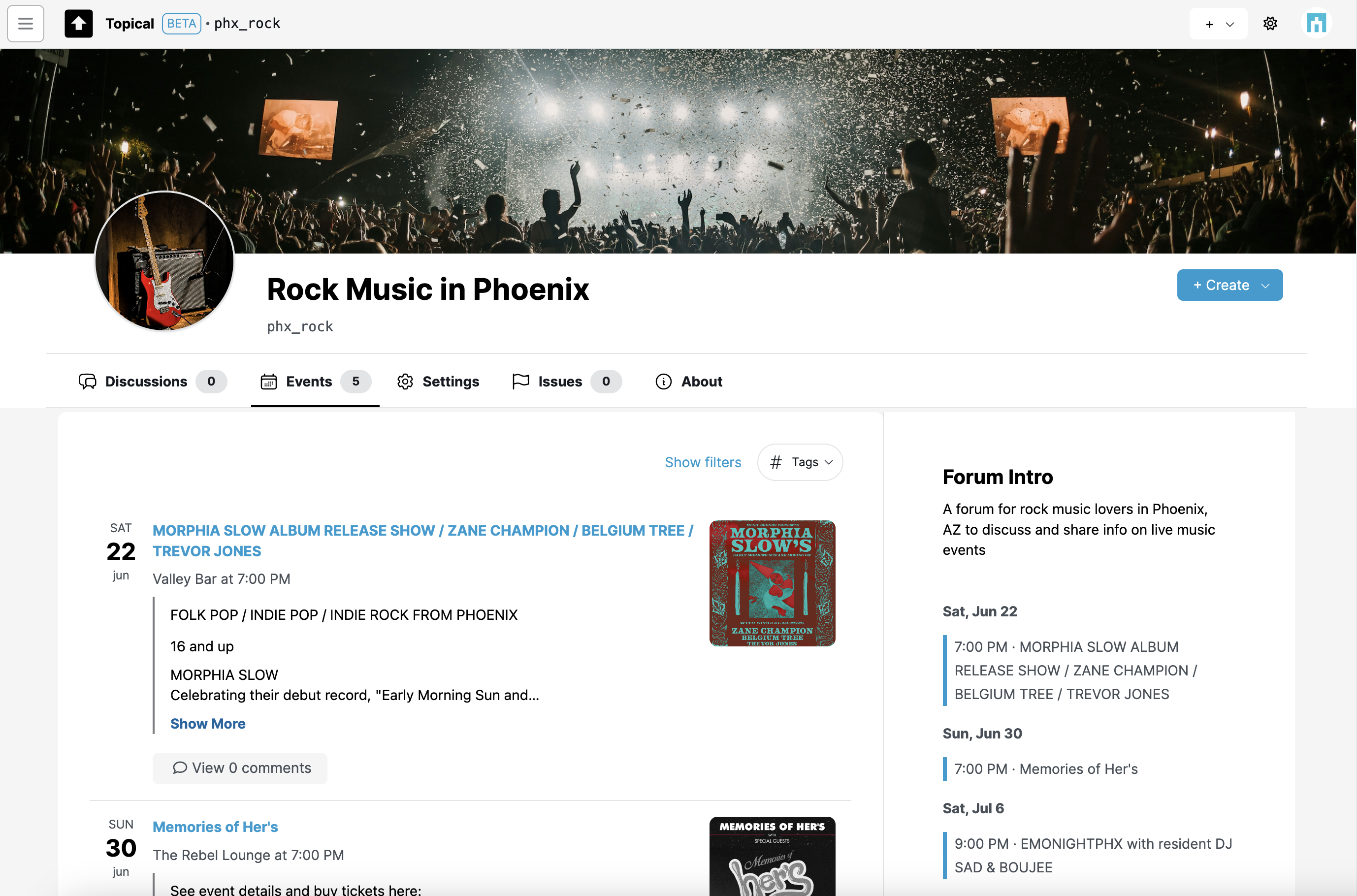
In this particular example, hypothetically, the venues may host a variety of events in multiple musical genres but these particular ones would be of interest to people who like rock music. So in that way, the forum can be used as a way to organize public information about events and promote them to the people who find them most relevant.
(The screenshots may not show the best examples. Morphia Slow categorizes herself as "Folk-Murder-Pop", but you get the idea.)
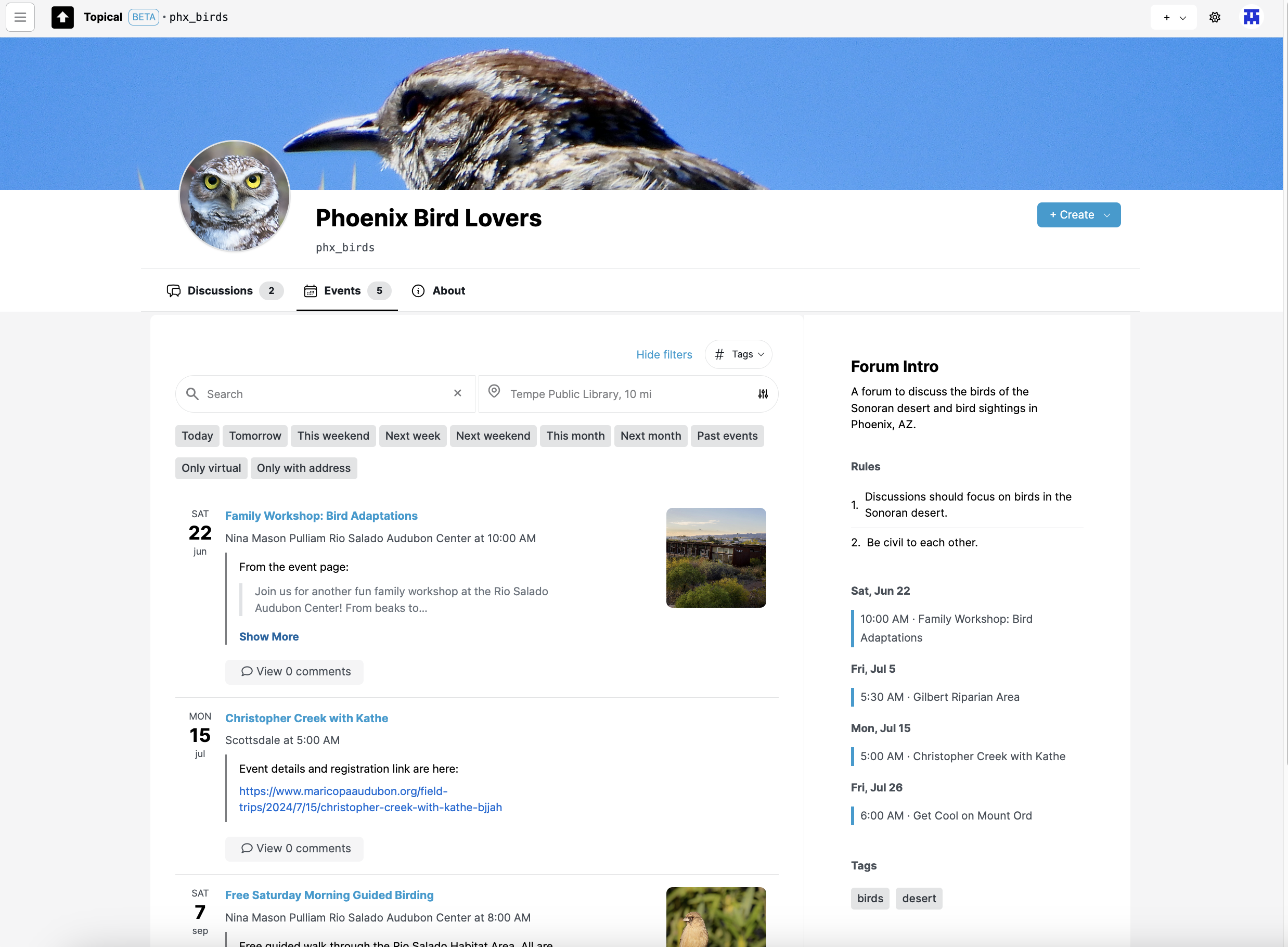
Events can be filtered within a forum. This screenshot shows how it looks when events in "Phoenix Bird Lovers" are filtered to show only events next weekend:
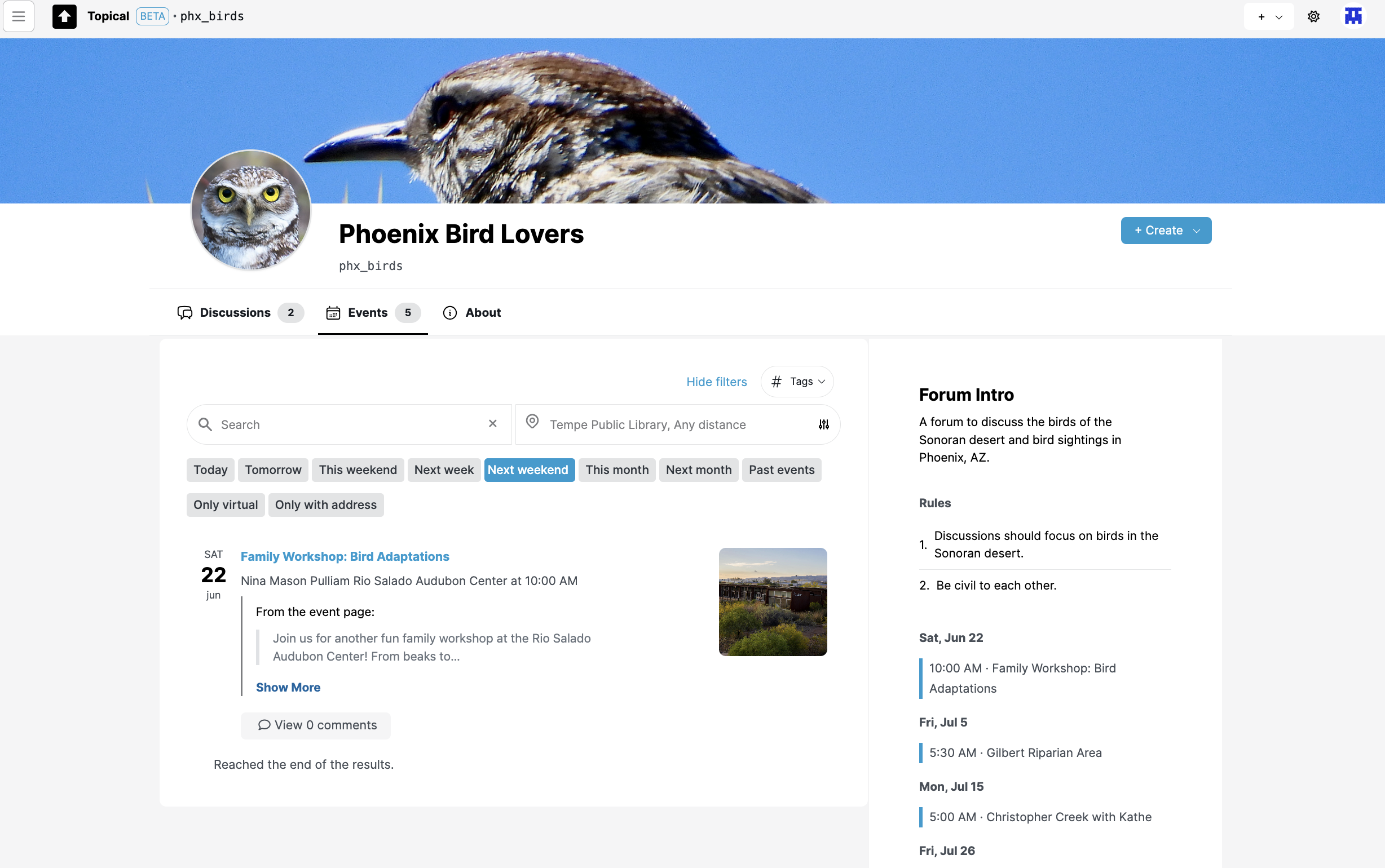
Here are the events filtered by location. In this case they are filtered to show events within 10 miles of Tempe:
Submitting an event to forums
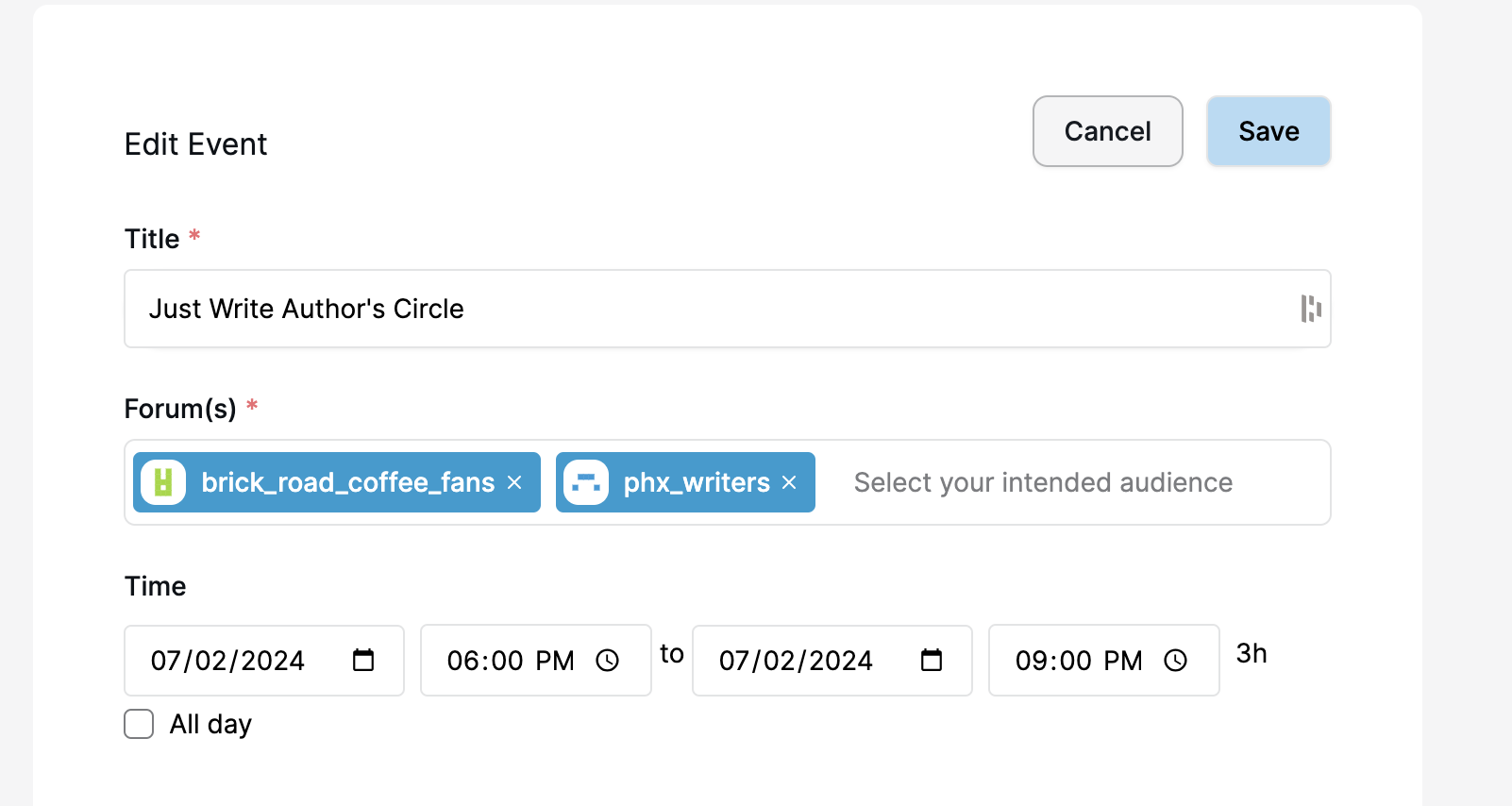
You can share an event to one or more forums. In a typical use case, you would link to an official event page with the full details and information about how to buy tickets, if applicable.
Submitting an event to multiple forums is a good way to increase the visibility of the event. This one will now be visible in the context of both of the selected forums:
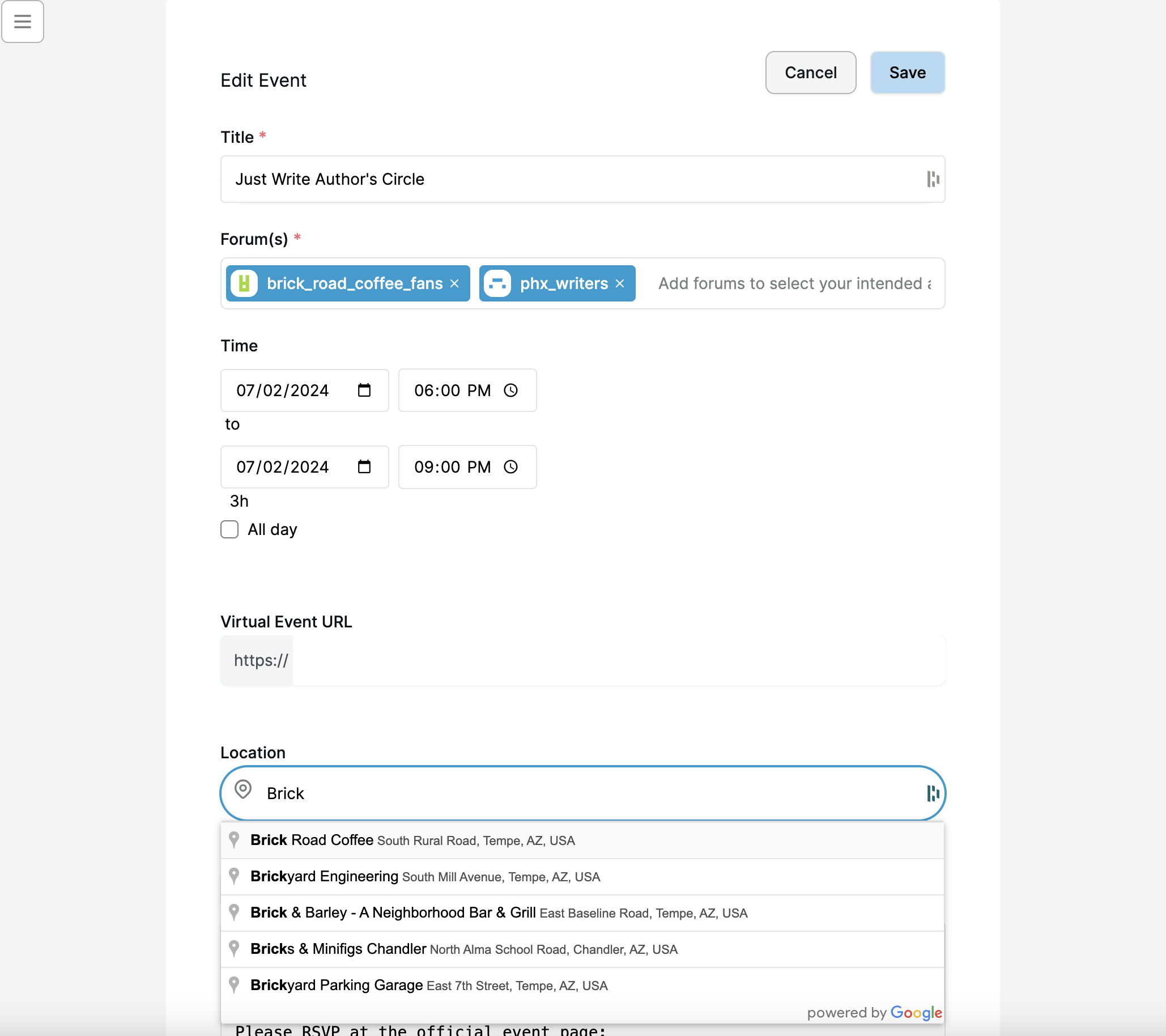
If you add an address, the event will be discoverable from the sitewide event search page (the map view):
Screenshots - Mobile width
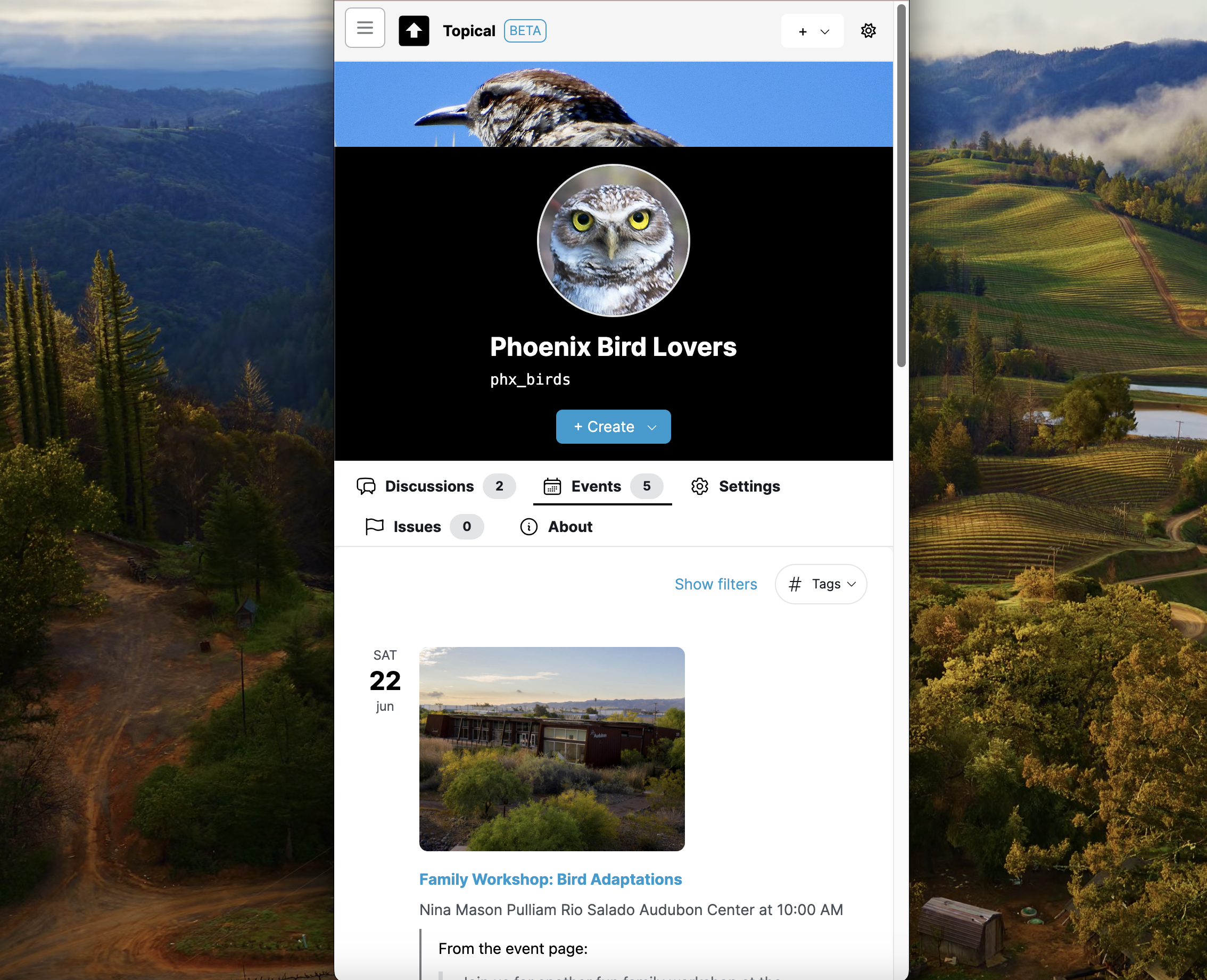
Event list view within a forum
Here's the list of events within a specific forum:
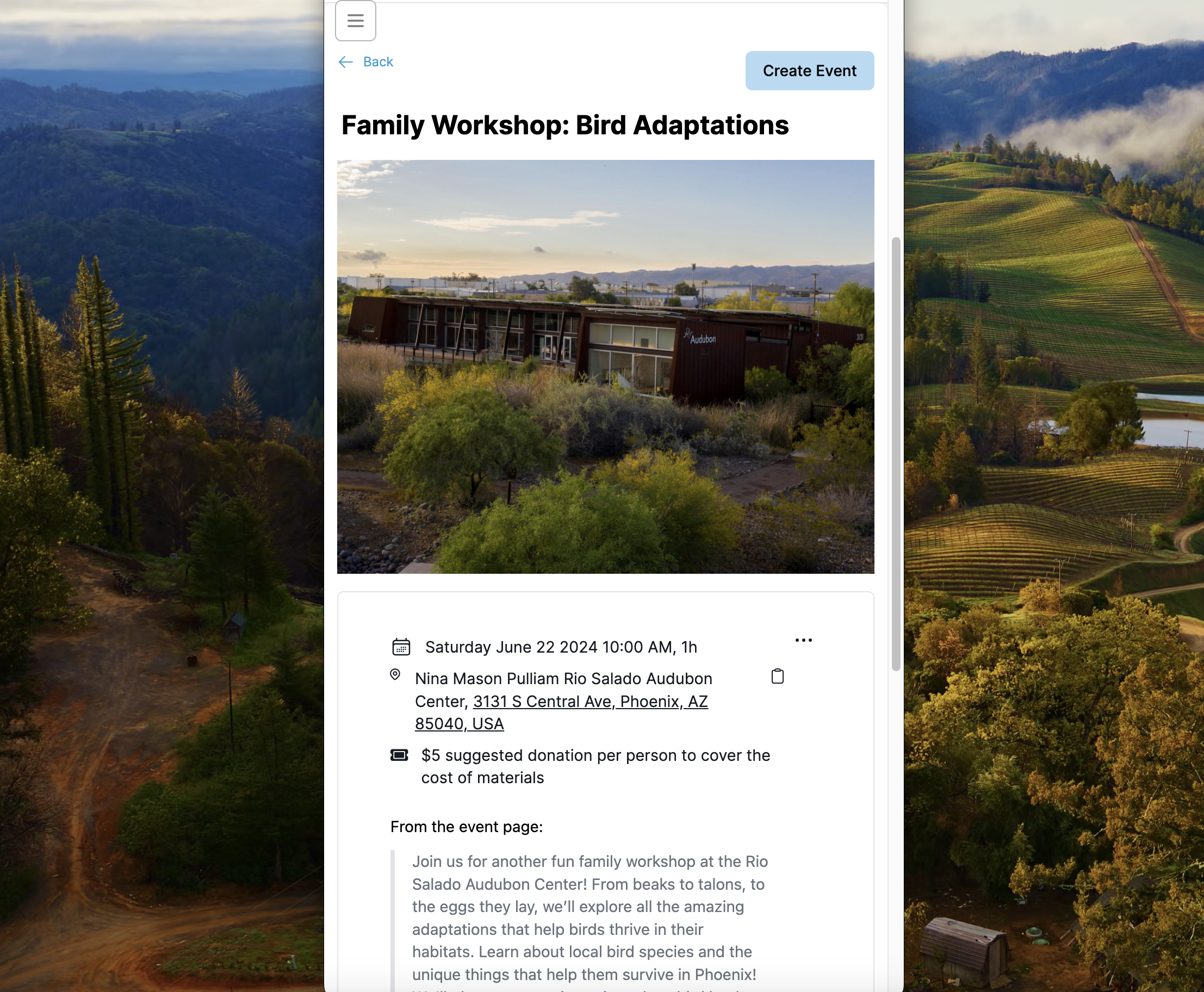
Event detail page
This screenshot shows how an event detail page looks at mobile width, if you come to it from within the context of an individual forum:
Sitewide event list
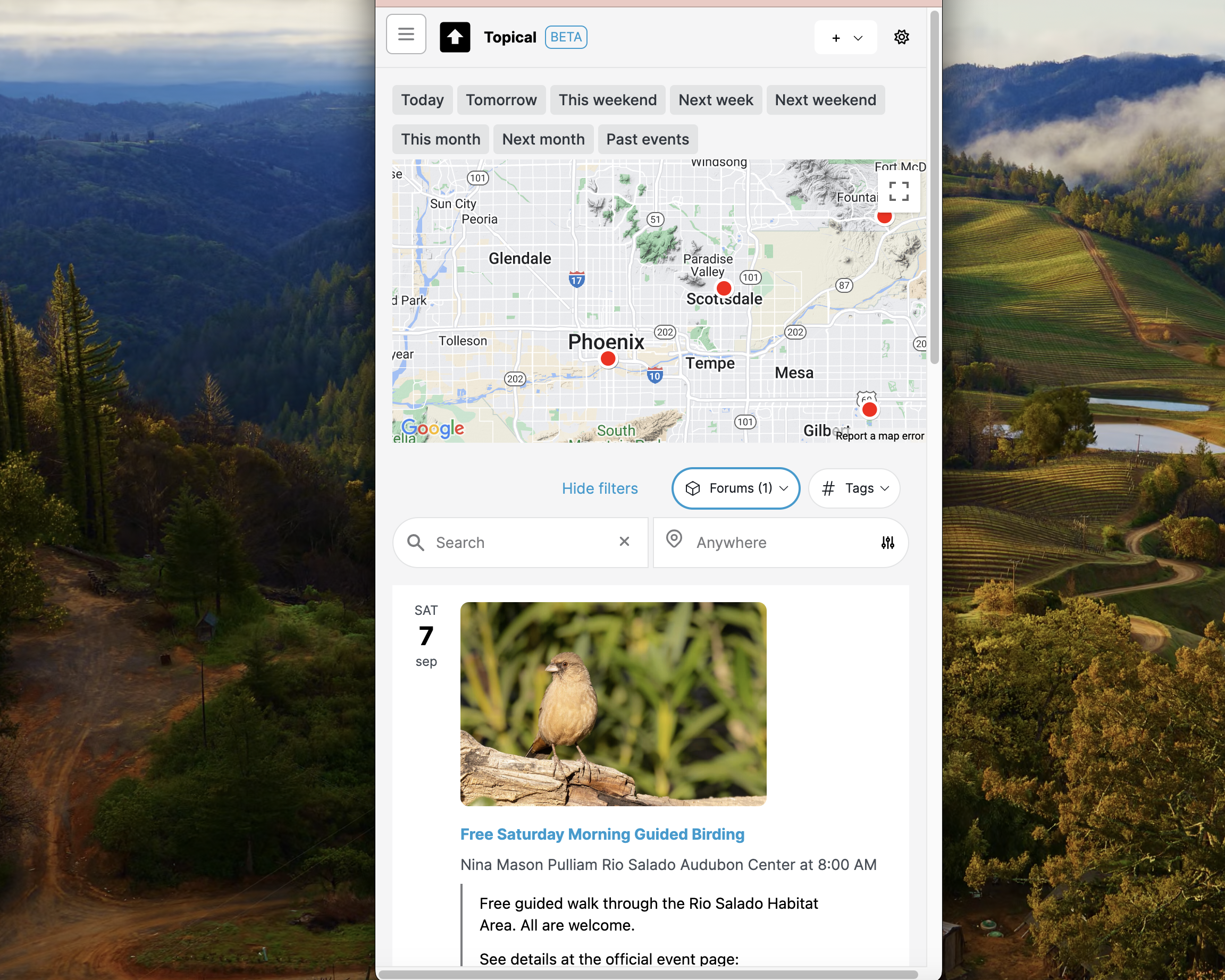
Here's the sitewide in-person event list with an active filter, shown here at mobile width. All the same filtering features work at mobile width as well. Here, the events are filtered by the birdwatching forum, so not all of the map markers are displayed.